Compatibility of CAPTCHA solving services with bot frameworks: BAS, ZennoPoster, Selenium, Puppeteer and other

CAPTCHA is a tool for protecting websites from automated actions. Bots, scraping scripts and automated testing tools regularly run into CAPTCHAs that interrupt their execution and require human input. For developers, this is a serious obstacle: a script can get stuck on a “I’m not a robot” pop-up or an image grid, waiting for input that will never come. The question “can you teach a bot to solve CAPTCHAs automatically?” has been answered by an entire industry of CAPTCHA solving services.
These services accept a CAPTCHA (an image or widget parameters) and return a ready-made solution: recognized text or a special token. With their help, automated scripts can keep running while bypassing protection mechanisms. The key is to integrate such a service correctly into your bot framework—whether that’s a visual tool like ZennoPoster or Browser Automation Studio (BAS), or code libraries like Selenium (Python, Java, etc.) and Puppeteer (Node.js). In this article, we’ll look at the current CAPTCHA solving services and how they work in combination with different automation tools.
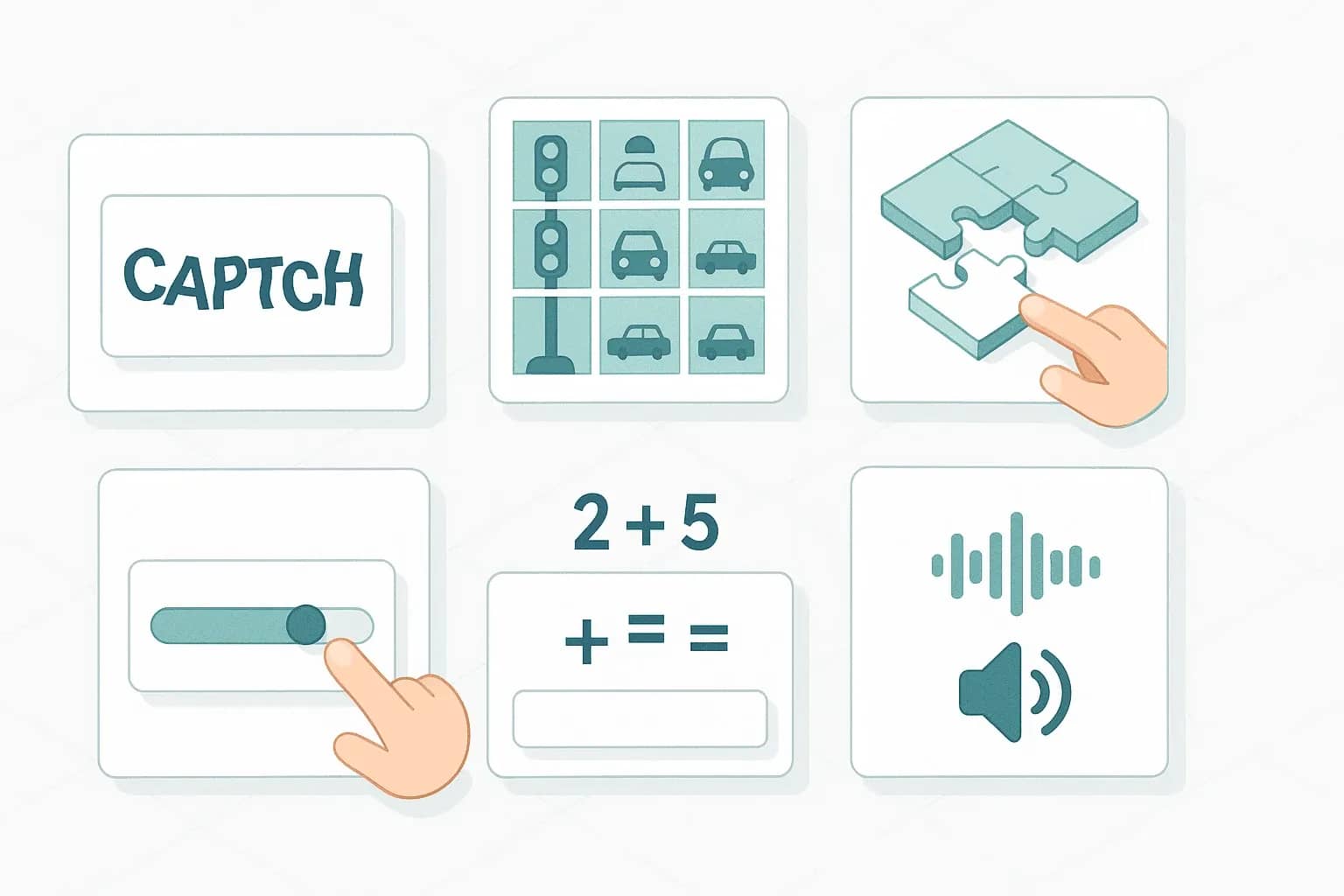
There are different types of CAPTCHA, and there is no universal method that cleanly bypasses all of them. The main ones are:
- Text CAPTCHAs (classic) — distorted text or numbers in an image that the user has to type. They can be solved with OCR algorithms, though heavy distortions make automation harder.
- Google reCAPTCHA v2 — the “I’m not a robot” checkbox plus image selection tasks (traffic lights, etc.), or an invisible variant that analyzes user behaviour.
- Google reCAPTCHA v3 — does not require any click at all; every visitor gets a hidden “bot-likeness” score. To pass, you need a token with a sufficiently high score (0.3, 0.7, etc.).
- hCaptcha and FunCaptcha (Arkose Labs) — alternatives to reCAPTCHA with their own puzzles (selecting or dragging objects, mini-games).
- GeeTest — often found on Chinese sites, known for its slider puzzles (dragging a piece of the image until it matches).
- Sliders, audio CAPTCHAs, math puzzles, text questions — other forms of challenges.
Overview of CAPTCHA solving services
Below are the main services and tools that are currently popular for automatic CAPTCHA solving. They differ by approach (manual solving vs. automatic), supported CAPTCHA types, speed and pricing. But overall, they all solve the same problem.
2Captcha
2Captcha - is one of the oldest and best-known CAPTCHA solving services. It works on a crowdsourcing model: a large number of workers around the world manually solve CAPTCHAs for a small reward. The project guarantees a solution for almost any CAPTCHA. The waiting time may vary depending on load.
It supports an extremely wide range of CAPTCHAs—from classic text-based ones to Google reCAPTCHA (v2, Invisible, v3), hCaptcha, FunCaptcha (Arkose Labs), GeeTest puzzles, as well as CAPTCHAs specific to the Russian-speaking web (Yandex, VKontakte, etc.). In practice, 2Captcha can solve anything a human can solve.
API. 2Captcha exposes a simple HTTP API. Requests are split between two endpoints: in.php for submitting a CAPTCHA and res.php for retrieving the result. For example, to solve reCAPTCHA v2 you send parameters
method=userrecaptcha, googlekey=<site_key>, and your API key to 2captcha.com/in.php. In response you immediately get a task ID; after a few seconds you poll 2captcha.com/res.php with
action=get&id=<id>. If the solution is ready, the service returns a token; otherwise you get a status like CAPCHA_NOT_READY. This protocol requires periodic polling of the result. For convenience, there are official libraries—2captcha-python and equivalents for Node.js, PHP, etc.—that encapsulate these details.
Because the core is built on human workers, 2Captcha almost always returns a correct solution without ambiguity. Speed depends on the CAPTCHA type: a simple text CAPTCHA can be solved in about 5–10 seconds, while a complex reCAPTCHA can take 20+ seconds.
Pricing. Around $1 per 1000 simple CAPTCHAs. Google reCAPTCHA and similar complex types are closer to $3 per 1000 (prices are dynamic and may change).
Integration. Thanks to its simple API, 2Captcha can be integrated with practically anything. ZennoPoster and BAS support it out of the box: you just enter your API key and the platform will automatically send CAPTCHAs for solving and receive answers. In ZennoPoster there is a standard anti-captcha module with 2Captcha integrated; BAS provides an action like “Solve captcha with 2Captcha”. In code frameworks (Selenium, Puppeteer) you can integrate it either by making HTTP requests directly or by using official SDKs. You can rely on the ready-made solutions instead of hand-rolling polling logic—this has long been implemented.
Anti-Captcha (AntiGate)
Anti-Captcha is another industry veteran and a direct competitor to 2Captcha. The model is the same: CAPTCHAs are solved by real people around the world for a small fee. Over the years, the service has built a mature infrastructure and a large worker pool, which gives it high throughput and availability.
CAPTCHA support. In practice, it covers the same types as 2Captcha (Google reCAPTCHA, hCaptcha, image CAPTCHAs, puzzles, etc.). In this regard, there is almost no difference between the largest manual solving services—both can solve any CAPTCHA that a human can solve.
API. Anti-Captcha was originally called Antigate, and the legacy API (URL-based) closely resembled 2Captcha. Today the service offers a different method: you call createTask with a JSON object describing the CAPTCHA (task type, keys, URLs, options) and receive a taskId. After a delay, you poll getTaskResult with this ID and get either the result or a status indicating progress. Anti-Captcha also preserves compatibility with the old Antigate protocol for legacy clients: you can send requests using the old scheme by simply changing the URL to antigate com.
Speed and pricing. Similar to 2Captcha—solutions typically arrive in 5–20 seconds depending on type and load. Prices are about $2–$3 per 1000. A practical advantage is that you can submit many tasks at once and not worry about delays caused by strictly sequential polling.
Integration. ZennoPoster has built-in support for Anti-Captcha (listed as “Antigate” for historical reasons): you just enter your API key and everything else is handled internally. BAS also “plays nicely” with Anti-Captcha: you can wire it in with literally a few lines of JS using fetch/axios. There are unofficial SDKs as well—for example, anticaptchaofficial for Python/Node.
Overall, 2Captcha vs Anti-Captcha is Pepsi vs Coca-Cola in the CAPTCHA solving market: very similar capabilities. Both have been tested over many years and are more reliable than purely AI-based solutions.
DeathByCaptcha
DeathByCaptcha (DBC) is a Western service that has also been around for a long time (~15 years) and uses a hybrid approach. It has its own OCR system for basic CAPTCHAs plus a team of human workers for everything more complex. Simple text CAPTCHAs are solved very quickly by DBC—the average time is about 9 seconds. Complex puzzles like reCAPTCHA or GeeTest are usually routed to human solvers, which is slower.
Supported CAPTCHAs. All major ones: Google reCAPTCHA (v2, v3, Invisible), hCaptcha, FunCaptcha (Arkose), GeeTest (v3/v4), Cloudflare Turnstile, Yandex, sliders, etc. DBC aims to cover as much as possible to compete with 2Captcha.
Integration. DeathByCaptcha supports several API protocols for compatibility. Historically, it exposed its own API with client libraries for Python, Java, C#, PHP and even scripting engines like iMacros. To make migration easier for users of other services, DBC implemented support for Anti-Captcha (Antigate) protocols. This flexibility translates into excellent compatibility: ZennoPoster and BAS can work with DBC by selecting, for example, Antigate in the settings and substituting the DBC URL/key.
CapMonster от ZennoLab (Cloud и Pro)
CapMonster is a solution by Zennolab, the company behind ZennoPoster. It comes in two formats:
- CapMonster Cloud — a cloud (SaaS) service for automatic CAPTCHA solving.
- CapMonster Pro (self-hosted) — a program you install on your own server/PC for local solving.
The core idea of CapMonster is to automate CAPTCHA solving as much as possible with machine learning, minimizing human participation. This distinguishes it from services like 2Captcha, where human labour is the primary engine.
CapMonster Cloud. Almost all CAPTCHA types are solved via machine learning, and CAPTCHAs are recognized in fractions of a second. Simple text and graphic CAPTCHAs are solved instantly; complex ones—such as reCAPTCHA—require more sophisticated methods. On simple tasks CapMonster is much faster than any manual service and scales well under high load. Another difference is that proxies are “included”: for CAPTCHAs requiring a proxy (e.g., Google reCAPTCHA), you don’t need to supply your own proxy—the service uses a suitable IP internally. This is convenient and removes the headache of managing proxy servers.
All popular CAPTCHAs are supported: Google reCAPTCHA v2/v3 (including Enterprise), hCaptcha, Cloudflare Turnstile, FunCaptcha, GeeTest, text images, math challenges, etc.—the list is similar to its competitors.
API. CapMonster Cloud uses a modern task–result pattern over JSON. The client sends a POST request to api.capmonster.cloud/createTask with JSON describing the CAPTCHA (type, keys, etc.). In response, it gets a taskId. After a short interval (usually 1–5 seconds), you poll getTaskResult with this ID. If the CAPTCHA is not yet solved, you get a processingstatus; once ready, a JSON object with a solution field is returned (for example, the recognized text or a token). Average solving time is very low: from 0.5 to 5 seconds, depending on complexity and load. For integration there are official capmonstercloud-client libraries (Python, Node.js, C#, Go), as well as third-party wrappers.
Pricing. The price depends not on server load but on CAPTCHA type. The range is roughly from ~2 ₽ to ~200 ₽ per 1000. The cheapest ones are simple text CAPTCHAs (~2 RUB, i.e. ~$0.03 per 1000, essentially negligible cost), the most expensive are complex puzzles or enterprise reCAPTCHA (200 RUB, ~$2.5 per 1000).
Integration. Since CapMonster is a “native partner” for ZennoPoster, integration there is best-in-class. ZennoPoster 7+ has built-in support for CapMonster Cloud: in the anti-captcha services list you can choose CapMonster, enter your API key, and everything will work similarly to Anti-Captcha. In addition, ZennoPoster can route tasks to a local CapMonster Pro instance: you just run CapMonster on your machine and configure ZennoPoster to send CAPTCHAs to localhost (CapMonster emulates the 2Captcha/Antigate API, so ZennoPoster thinks it’s working with Antigate, while in reality CapMonster intercepts requests at 127.0.0.1). BAS can also work with CapMonster Cloud: either via HTTP requests (like any JSON API) or by installing the capmonstercloud-client npm package. Likewise for CapMonster Pro—it can masquerade as any service, so BAS can be “tricked” by pointing it to a local API endpoint.
CapMonster Pro (offline). This is a standalone product sold as software. The advantage is that there are no per-CAPTCHA fees. You buy a licence (for example, $50–100 depending on the edition), install it on a Windows machine and get your own CAPTCHA solving service. It plugs into your bots using the same APIs (Antigate, RuCaptcha, etc.). CapMonster Pro can solve many CAPTCHAs very quickly, though not all: the most complex ones may be beyond its capabilities. Nevertheless, for bulk tasks (mailing, account registration) offline solvers are very popular. Many groups operating in grey schemes use CapMonster Pro or its alternatives to cut costs.
SolveCaptcha
SolveCaptcha is a relatively new player that offers a combined approach with a strong focus on browser technologies. What sets SolveCaptcha apart is that, in addition to a standard API, it also provides a convenient browser extension for solving CAPTCHAs directly on the client side. This is especially appreciated by testers and automation engineers who want to bypass CAPTCHAs with minimal code.
Approach. SolveCaptcha uses a hybrid of AI and human workers. In practice, it works like this: when a CAPTCHA appears, the service first tries to solve it with a neural network. For example, if it’s distorted text or a simple image, the algorithm recognizes it in 2–5 seconds. If something more complex comes up (e.g., Arkose CAPTCHA or behavioural reCAPTCHA v3), the service hands it over to a human. Unlike “purely human” services, SolveCaptcha saves time using AI wherever possible.
Supported types. SolveCaptcha aims to cover all (well, almost all) CAPTCHA flavours. The list includes: Google reCAPTCHA v2 (regular and invisible) and v3, including enterprise versions; Arkose Labs FunCaptcha; Cloudflare Turnstile; GeeTest; Amazon WAF CAPTCHA; as well as standard graphic CAPTCHAs, sliders, math challenges, text questions—practically everything you encounter in real-world usage.
Pricing. SolveCaptcha differentiates tariffs by CAPTCHA type. For simple text CAPTCHAs it’s about $0.35 per 1000 solutions (very cheap because the AI solves them almost instantly). For reCAPTCHA v2—around $2–$3 per 1000 (on par with competitors). FunCaptcha (Arkose) is the most expensive segment: about $2.99 per 1000. Turnstile (Cloudflare) is around $0.8 per 1000, with an average solving time of ~14 seconds. Overall, prices are comparable to 2Captcha and Anti-Captcha, and significantly more favourable on simple tasks.
Integration. This is where SolveCaptcha really shines. In addition to a standard HTTP API (logically compatible with Anti-Captcha’s createTask/getResult pattern), they ship a browser extension for Chrome/Firefox. The extension works as follows: it silently monitors for CAPTCHAs on the page, automatically gathers the necessary data (for example, on a page with reCAPTCHA it finds the sitekey and URL) and sends it to the server as a task. When the answer is ready, the extension injects the token or text back into the form, and the page proceeds as if the user solved the CAPTCHA. This way, the bot doesn’t even need to handle the CAPTCHA manually—the browser plugin does it for you. Naturally, the extension needs the user’s API key to access the service. Configuration is simple: install the extension, enter your key in the settings, and CAPTCHAs will be solved “on the fly”.
What is particularly convenient is that SolveCaptcha offers a special build of the extension for automation. For example, they provide an archive with the extension that you can connect via command-line options, even in CI/CD mode. That means you can run automated tests and, if a CAPTCHA appears at some step, SolveCaptcha will solve it without causing the test to fail.
Integration with popular platforms.
- In ZennoPoster, you can easily use SolveCaptcha via an HTTP request action or by embedding a C# snippet that calls the API. Since ZennoPoster supports any external HTTP requests, it’s a matter of a few lines (build JSON, send it, handle the response). You can even wrap this into your own “block” for integration.
- In BAS, you have two options: integrate via code (HTTP Client module, AJAX request) or by installing the SolveCaptcha extension into the BAS browser.
As a result, SolveCaptcha fits pretty much any scenario—from interactive browser automation to headless scripts.
Integration with bot frameworks and automation tools
Knowing what options exist on the market is only half the story—you also need to understand how to use them in your automation projects.
ZennoPoster
ZennoPoster is a commercial visual constructor for browser automation (a Windows application). It is known for its rich capabilities, especially in the grey zone (spam, account registration, etc.), but is also used for “clean” tasks. In terms of CAPTCHAs, ZennoPoster offers extensive built-in bypass options.
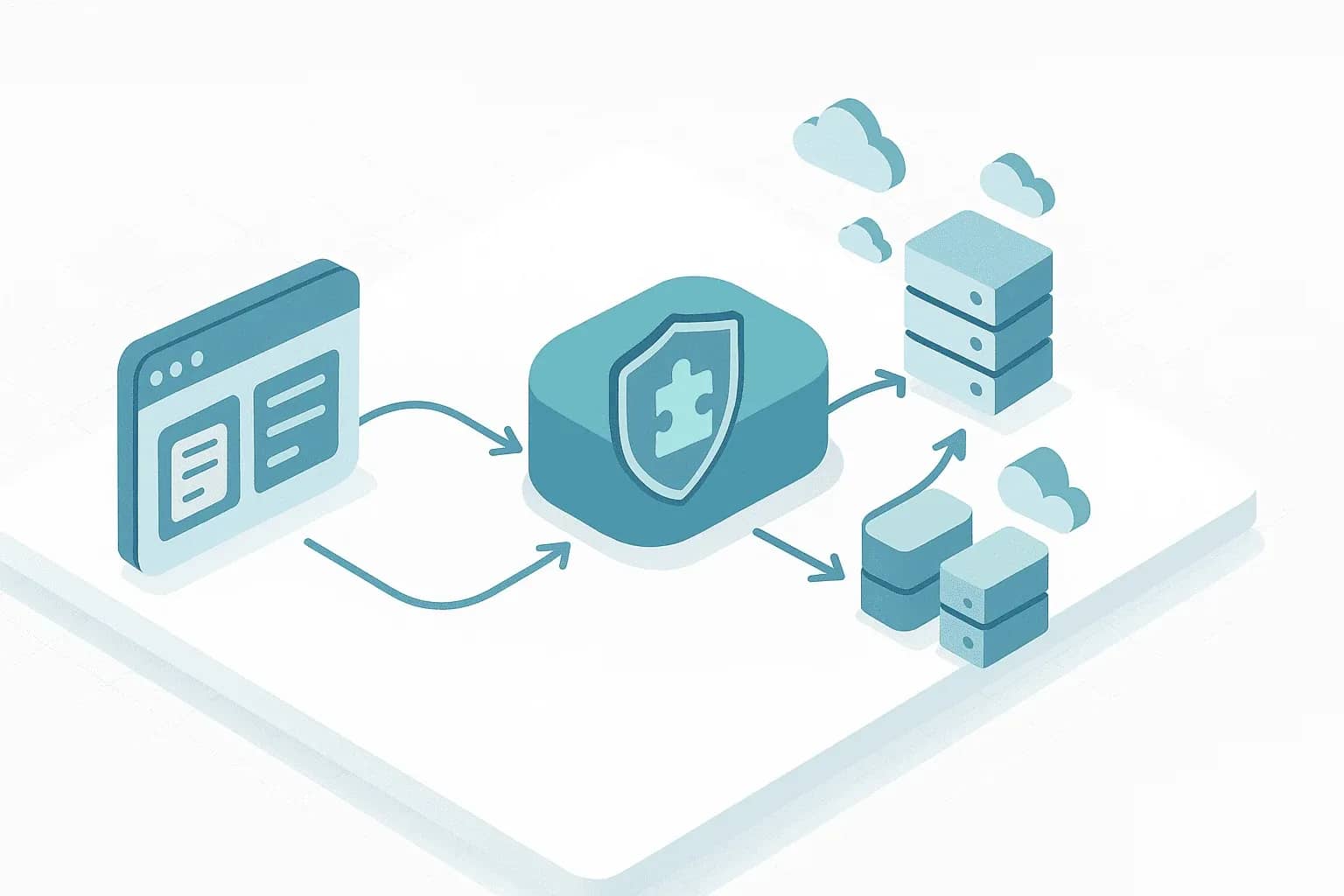
ZennoPoster has integrated support for external CAPTCHA solving services. In ProjectMaker (the Zenno scenario editor), there are ready-made action blocks such as “Recognize captcha”. In the block’s settings, you choose a provider (from a list) and enter your API key. Both Zenno and BAS integrate with popular services like Anti-Captcha, RuCaptcha, 2Captcha, DeathByCaptcha, etc., without additional plugins. You just enter the API key and the platform will send the CAPTCHA to the server, receive the response and insert it into the correct field.
If you need to use a new or non-standard service that ZennoPoster doesn’t support out of the box, you can still do it. The tool is not limited to the built-in list. You can insert a C# action anywhere in the flow and send an HTTP request to any API—for example, SolveCaptcha—and process the response. The result is then saved into a variable and can be used in further steps. Similarly, ZennoPoster can invoke external .exe/.bat programs: if you need to integrate a very specific offline solver, you can write a console tool and call it. ZennoPoster’s flexibility lets you cover almost any use case, even though the most common ones are already handled by template authors.
So, ZennoPoster’s compatibility with CAPTCHA services is effectively maximal. Popular ones are available with a single click, and any others can be wired up through code.
Browser Automation Studio (BAS)
BAS is a free platform developed by the community. It is designed for browser automation with scripting capabilities. How does BAS handle CAPTCHAs?
BAS also has built-in modules and functions for working with anti-captcha services, including ready-made “solve captcha” actions. From the outset, BAS has been integration-friendly: popular services work out of the box. In BAS, some actions may require a bit of light scripting—for example, to get a captchaId and then request the result—but often this is hidden behind a visual block. If you need a service that’s not on the list, BAS lets you use Node.js code. Unlike ZennoPoster (C#), BAS runs on Chrome V8, and you can execute arbitrary JavaScript inside a BAS script. Furthermore, BAS lets you connect any npm package directly in the studio.
There are some differences: ZennoPoster is stronger in the number of “boxed” integrations. But in terms of end result, BAS lets you accomplish the same things. For example, ZennoPoster has a dedicated block for SMS activation, while in BAS you use HTTP Client or an npm module. With CAPTCHAs it’s a similar story.
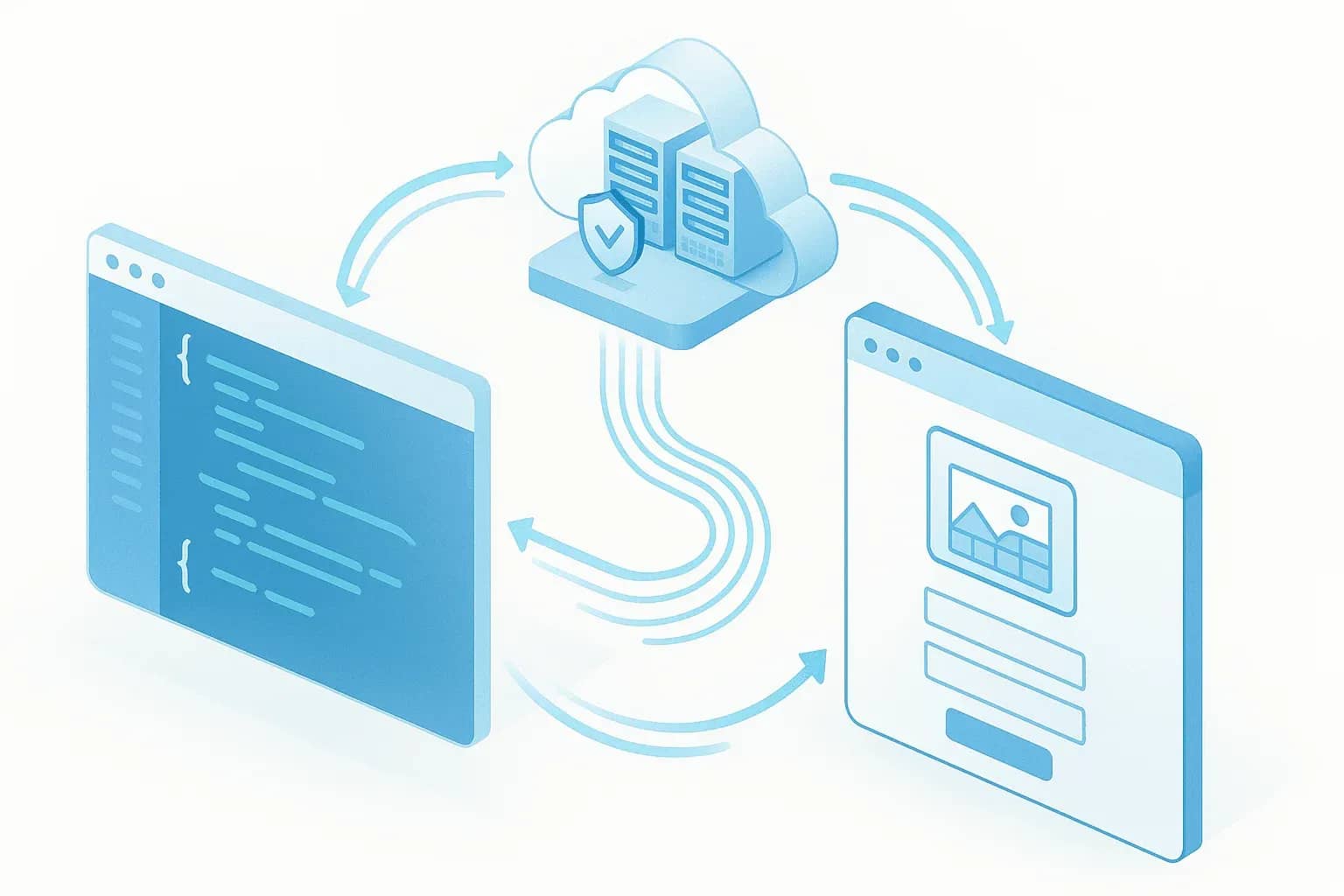
BAS comes with a module that can send CAPTCHAs to 2Captcha out of the box.
Selenium
Selenium is a popular framework for browser automation via code (it has implementations for multiple languages: Python, Java, C#, etc.). Unlike Zenno/BAS, Selenium does not provide out-of-the-box CAPTCHA solutions—the developer must implement the bypass logic. However, because Selenium gives you full control over the browser and the ability to make HTTP requests, integration with anti-captcha services is entirely achievable.
A typical CAPTCHA solving pipeline in Selenium code looks like this:
The script attempts to perform an action (for example, navigate to a page or click “Login”) and detects the presence of a CAPTCHA—this might be the presence of a CAPTCHA element in the DOM (for example,
html<div class="g-recaptcha">), a redirect to a verification page, or other signals.
- The Selenium script gathers the data needed to solve it. For a text image, it might capture the image URL or take a screenshot of the CAPTCHA. For reCAPTCHA/hCaptcha, it extracts the sitekey (public CAPTCHA key) and the current page URL.
- The script then constructs an API request to the chosen solving service. This may be an HTTP POST using the requests library in Python, urllib, or a ready-made wrapper. For example, you might call solver.recaptcha(site_key, page_url) from an SDK. Under the hood they do the same thing: submit a task and poll for a solution. Typically this is either a polling loop with a 2–5 second interval or an SDK function that blocks until the answer is ready. It’s important to handle timeouts correctly—to avoid waiting forever or racing ahead without a result.
Once a solution is received, the script injects it into the browser. For text CAPTCHAs, Selenium can locate the input field, call sendKeys, and submit the form. For reCAPTCHA v2, you may need to execute JavaScript: set
javascriptdocument.getElementById('g-recaptcha-response').value = <token>and invoke the callback, or simply simulate a submit button click after the token is present (reCAPTCHA usually automatically unlocks the submit button when the token is valid). In some cases, it’s enough to attach the token to a request instead of manipulating the page.
It’s also important that a Selenium script can work with proxies. Automation often goes through proxies (to mask IPs and bypass IP bans alongside CAPTCHAs). With reCAPTCHA there’s an extra nuance: Google checks that the CAPTCHA-solving request comes from the same IP as the browser. So for 2Captcha/Anti-Captcha, when sending a reCAPTCHA task you can specify proxy, proxytype, etc.—the worker will then solve the CAPTCHA through that proxy. Accordingly, if you’re using a proxy in Selenium, you need to pass the same proxy details to the solving service.
Selenium is compatible with all anti-captcha services, but requires a manual integration.
Puppeteer / Playwright
Puppeteer (Node.js) and its close relative Playwright are browser automation tools for JavaScript/TypeScript. The logic for working with CAPTCHAs is similar to Selenium’s, but adapted to the JS ecosystem.
A Puppeteer script can:
- Monitor for CAPTCHAs appearing on the page (for example via page.waitForSelector with the CAPTCHA widget selector).
- Retrieve data: Puppeteer can execute functions on the page (page.evaluate) to return, say, grecaptcha.getSiteKey() or locate an element containing the key. It can also pull the src of a CAPTCHA image.
- Then use a Node.js library or raw HTTP request to solve the CAPTCHA. There are official packages: 2captcha on npm for 2Captcha, anticaptchaofficialfor Anti-Captcha.
- Wait for the result with await in an async function or through a setIntervalloop.
- Insert the solution: by programmatically setting the value of the hidden textarea for reCAPTCHA, typing text into an input field, or simulating human typing character by character.
Puppeteer and Playwright have the same capabilities as Selenium for integrating with services. They don’t have direct built-in support—everything is done via APIs. But thanks to Node.js’s async nature, you can solve multiple CAPTCHAs in parallel (for example, when multiple pages are open), and services like 2Captcha are designed to handle this.
Other tools and scenarios
There are many other situations where you need CAPTCHA solving, and in almost all of them you can “bolt on” the services described above:
- Parsers and crawlers. Tools like Scrapy (Python), HttpClient (Java), Go HTTP clients and other non-browser data collectors often hit CAPTCHAs. You can solve this via the same APIs. For example, Scrapy can intercept a response with a CAPTCHA, save the image and send it to 2Captcha, then repeat the request with the answer (or pass a token via cookies).
- Specialized software. A-Parser, Xneolinks, Zennoscript—many such tools have anti-captcha settings. Typically, the UI asks for your service key and which service you want to use. For example, SEO tools tend to support all mainstream CAPTCHA solving services.
- CI/CD and automated tests. SolveCaptcha and 2Captcha extensions allow CAPTCHAs to be solved in automated tests. There are also forks that automatically integrate with these services—for instance, in a test suite you might add a “solve captcha” step that internally calls the API.
In general, integrating anti-captcha services is now possible virtually anywhere you can send a web request or run a script, and service providers are actively working to make this as easy as possible.
Every service has its strengths. What to choose depends on your tasks:
- If you need maximum reliability and coverage of all CAPTCHA types, choose manual solving services (2Captcha, Anti-Captcha). They will handle even very sophisticated challenges, though you have to accept a few extra seconds of waiting. In bot frameworks they’re easy to plug in (usually already built in).
- If speed and low cost for mass actions are your priorities, it makes sense to try automatic solvers (CapMonster, CapSolver). They are especially strong on simple and medium-complexity CAPTCHAs (standard reCAPTCHA, hCaptcha). Integration is not difficult either. They also spare you from having to manage proxies and similar details, because they handle that internally.
- Hybrid services like SolveCaptcha offer an interesting compromise: faster than purely manual solutions while still solving essentially everything. On top of that, SolveCaptcha can be extremely convenient for test automation—CAPTCHAs are solved completely transparently to the test scenario.
- If you use ZennoPoster/BAS, start with the built-in features: these platforms support many services out of the box.
- For Selenium/Puppeteer and similar tools, make sure you pick a service with a convenient API/SDK for your stack. 2Captcha, Anti-Captcha and CapMonster have official libraries, which will save you time. SolveCaptcha and CapSolver also provide simple clients. There shouldn’t be any serious difficulties—in the worst case, you can always implement a couple of HTTP requests manually.

Why Google Blocks Accounts and What Your Antidetect Has to Do With It
Google has once again complicated the mechanisms of digital identification by deploying a new, more sophisticated layer of protection based on proprietary HTTP headers. This quiet change caught most of the market off guard, triggering a wave of rushed updates. While others hastily released superficial 'fixes', we realized that we were dealing not with a minor issue but with a fundamental shift that required deep and comprehensive analysis.

SOCKS vs HTTP Proxy: What’s the Real Difference and Which One to Choose?
There are times when you don’t want a website to link the request back to your device. That’s where a proxy comes in, it acts like a middle layer and sends the request for you. The site sees the proxy’s info instead of yours. It’s a go-to trick when you’re trying to see a page that’s not available in your region, pull content that’s restricted by location, or avoid hitting a wall when sending lots of requests.

The Best Alternative to OBS Studio
Working with a webcam on many online platforms can turn into a real challenge. A strict oval or rectangular frame appears on the screen, but your image doesn’t align perfectly with it. As a result, the system blocks further progress, demanding perfect alignment, and your workflow is disrupted before it even begins.