Payment for Linken Sphere license by credit card
The antidetect browser Linken Sphere has received a long-awaited update, introducing the ability to pay for subscriptions or proxy packages with bank cards. You no longer need to buy cryptocurrency to pay for your favorite browser subscription.
To take advantage of these new features in Linken Sphere, you need to update your browser to the latest version. After that, you’ll be able to pay with a bank card:
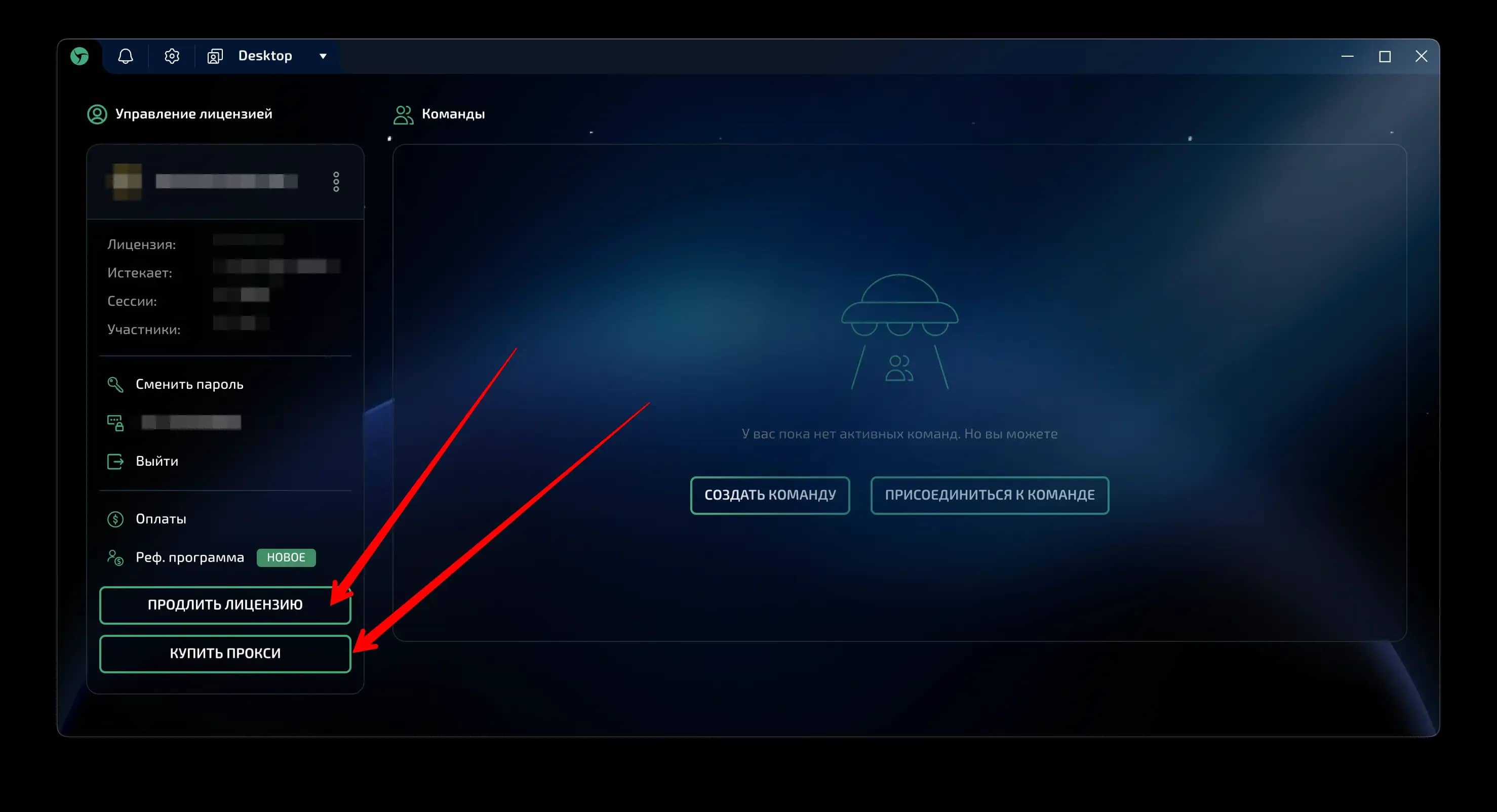
Let's look at paying by credit card using the example of purchasing a proxy package directly in the browser:
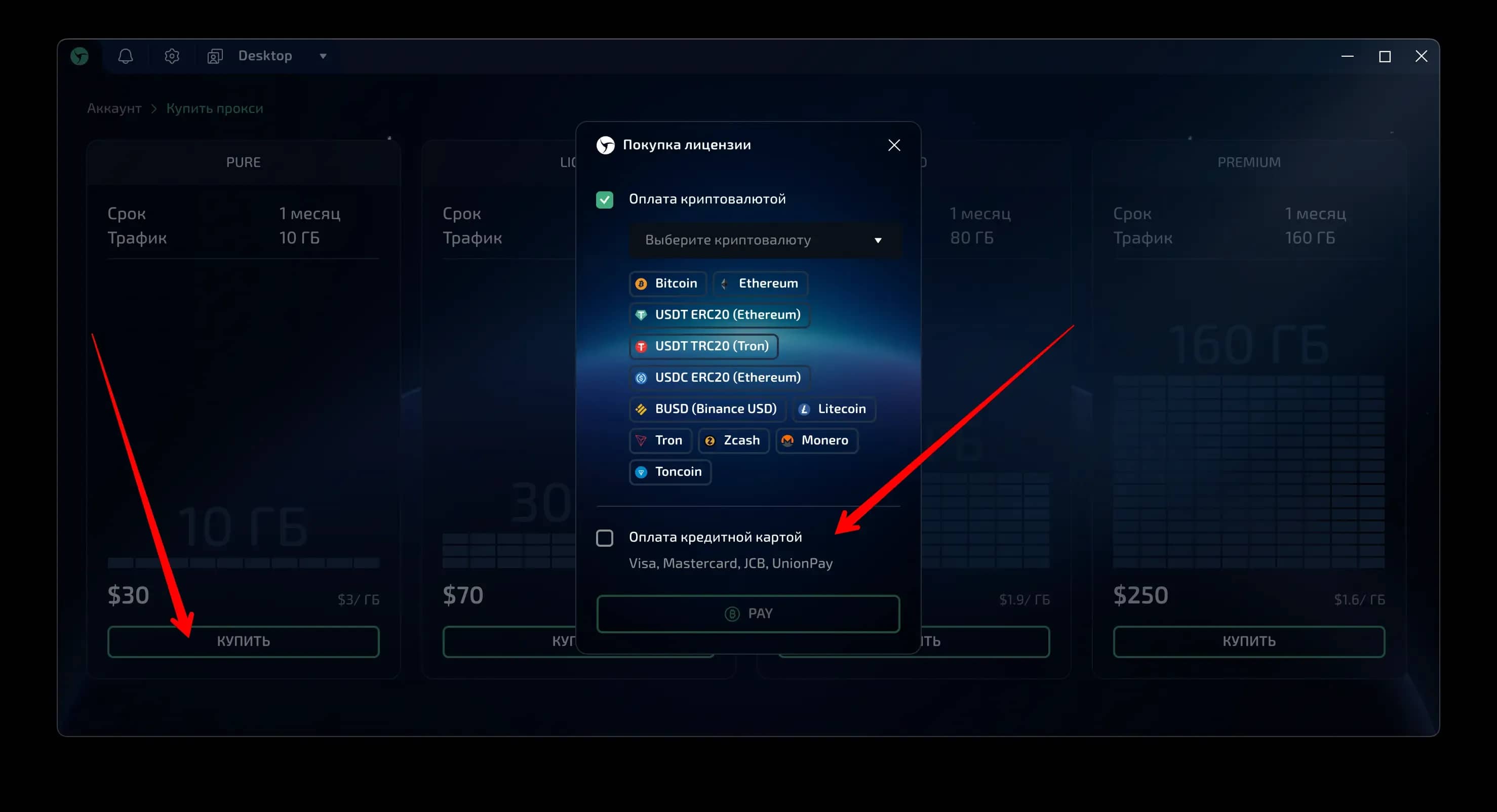
Check the box next to "Pay by credit card" and click the button. After that, the payment form will open:
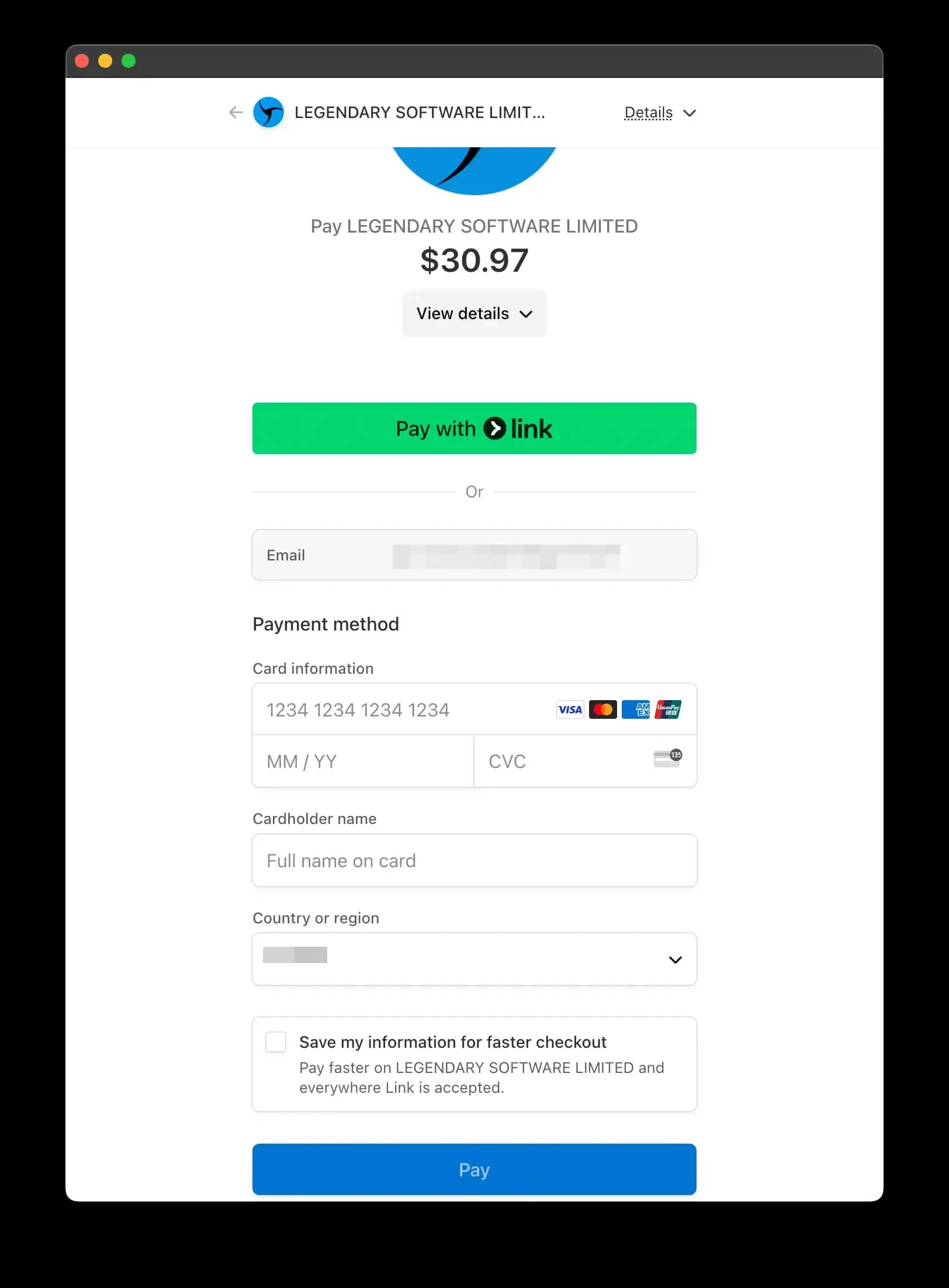
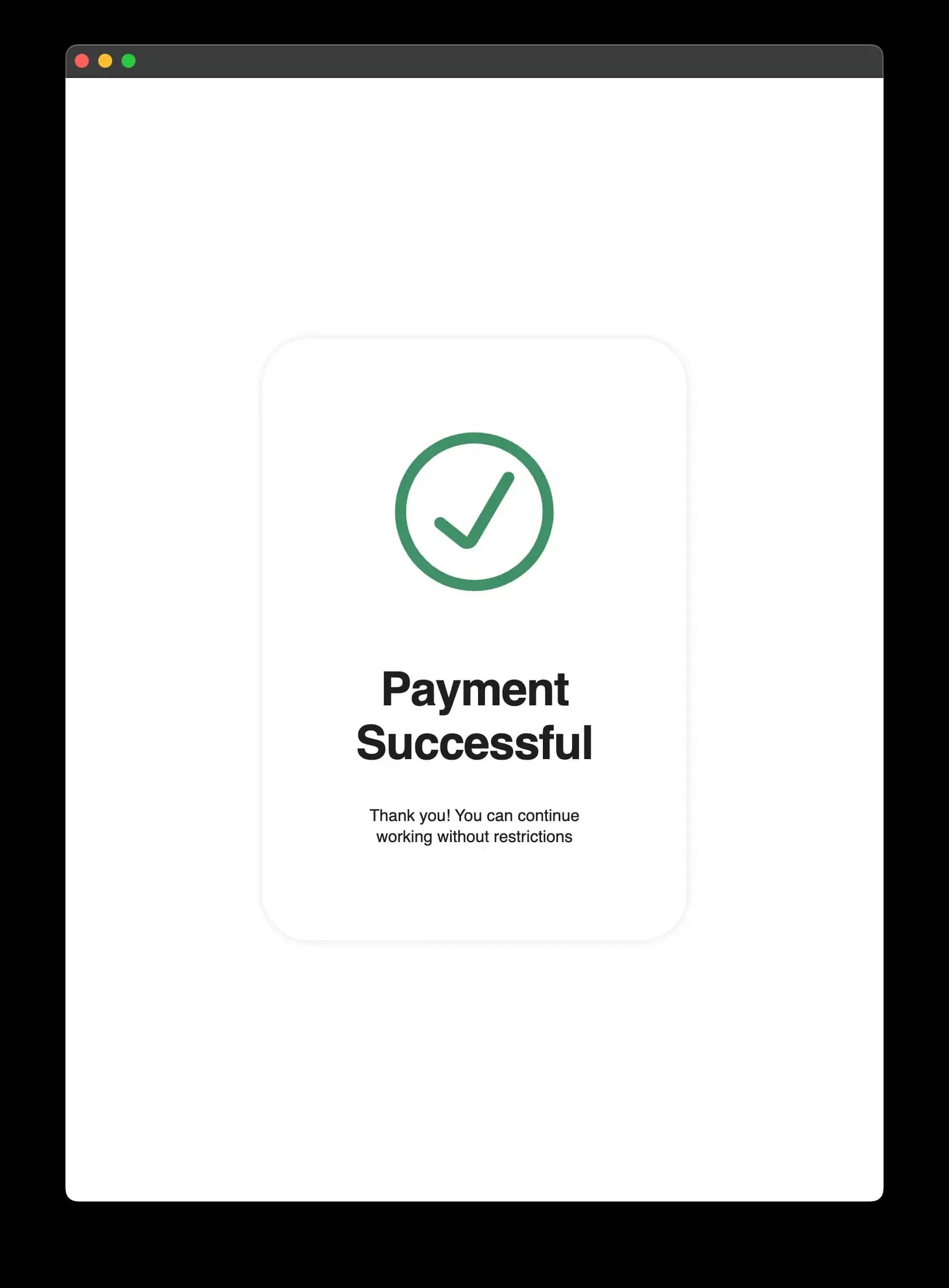
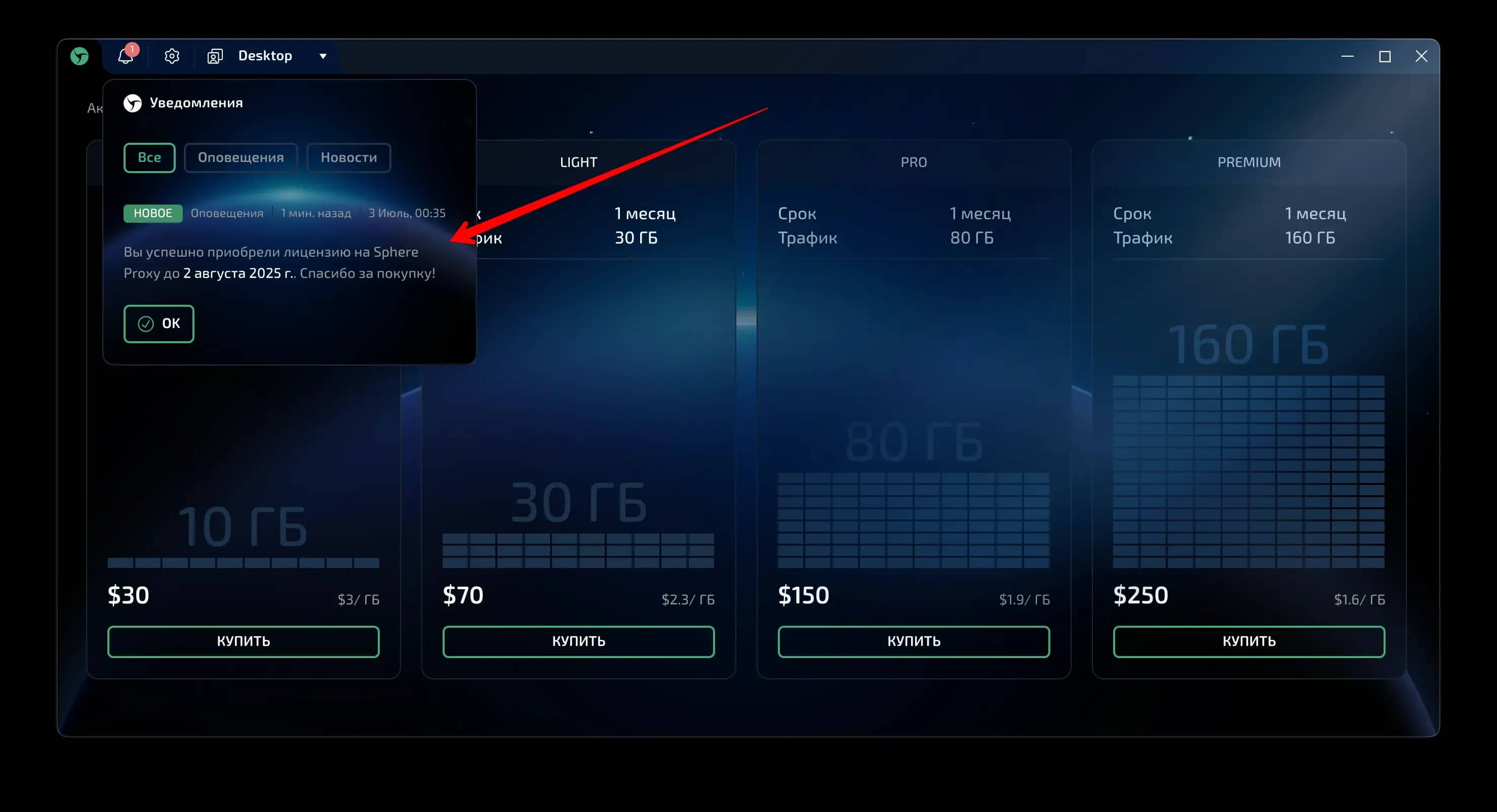
After successful payment, you will receive a notification:
PLEASE NOTE:
Payment is only available with bank cards issued in countries not under Western sanctions. This means that if you have a bank card from countries like Russia or Belarus, the payment will not go through. If you’re using a virtual card but paying from one of these countries, try using a VPN/Proxy when making the payment, as the Stripe payment system may block the transaction. This happens rarely but is possible. Use a VPN if your payment is declined.
Using virtual cards is also justified if you value your anonymity or do not want to link your subscription to your personal identity via a bank card.
We recommend the partner service Pirate Cards, where you can purchase an anonymous card for paying for any online services, including Linken Sphere. Pirate Cards offers a special type of virtual card that works with Linken Sphere:
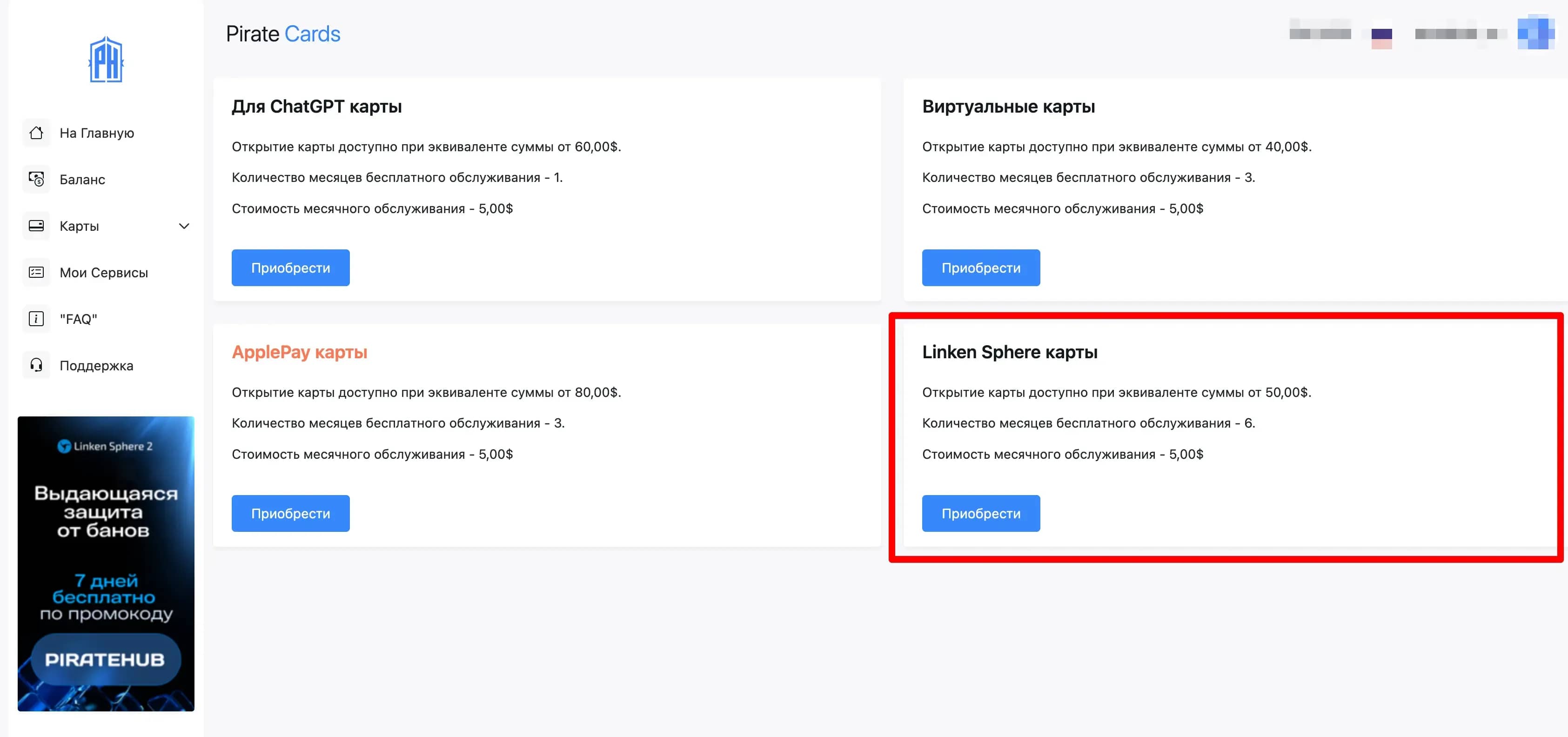
Card issuance cost: 50 USD, of which 35 USD will be available on the balance. This amount is enough to pay for the minimum license or the smallest Proxy package. If you need to pay for a subscription that costs more, you can top up the card balance and make the payment. You can top up the balance on the service in cryptocurrency or with bank cards from the CIS countries. The virtual card is not one-time-use; you can replenish it and use it for personal purposes. Be sure to read the service rules. See below for how to use the service.
A cashback program for paying for the browser via bank cards from the Pirate Cards service will be launched in the near future. If you encounter any issues while using the service, do not hesitate to contact support — they will help you.
How to use the Pirate Cards service. Step-by-step guide:
- Go to the Pirate_Cards website and read the information about the service
- Complete a simple registration using this link
- Read_the_service_rules to understand what you can pay for and what you cannot
- Top up the service balance with the required amount:
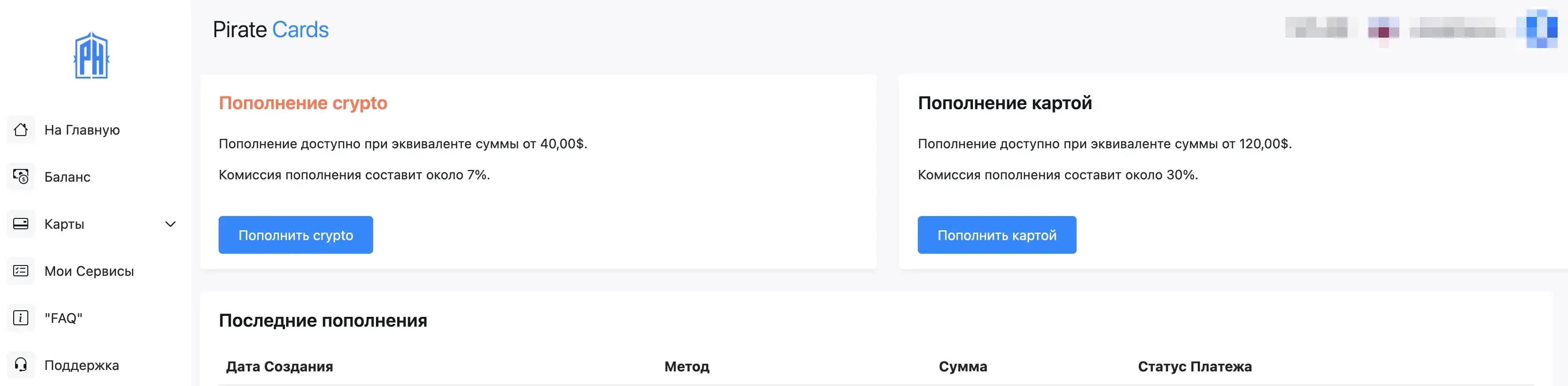
Please note that when paying by bank card, a commission is charged by the payment system. - Choose the type of card to open on the pricing page
For paying for Linken Sphere, there’s a separate category of cards with higher limits and a starting balance of $35. This card can also be used to pay for other services (except prohibited ones).
Within a minute, the issued card will appear on the page with your cards - You need to click on the card name and you’ll be taken to the card management section:
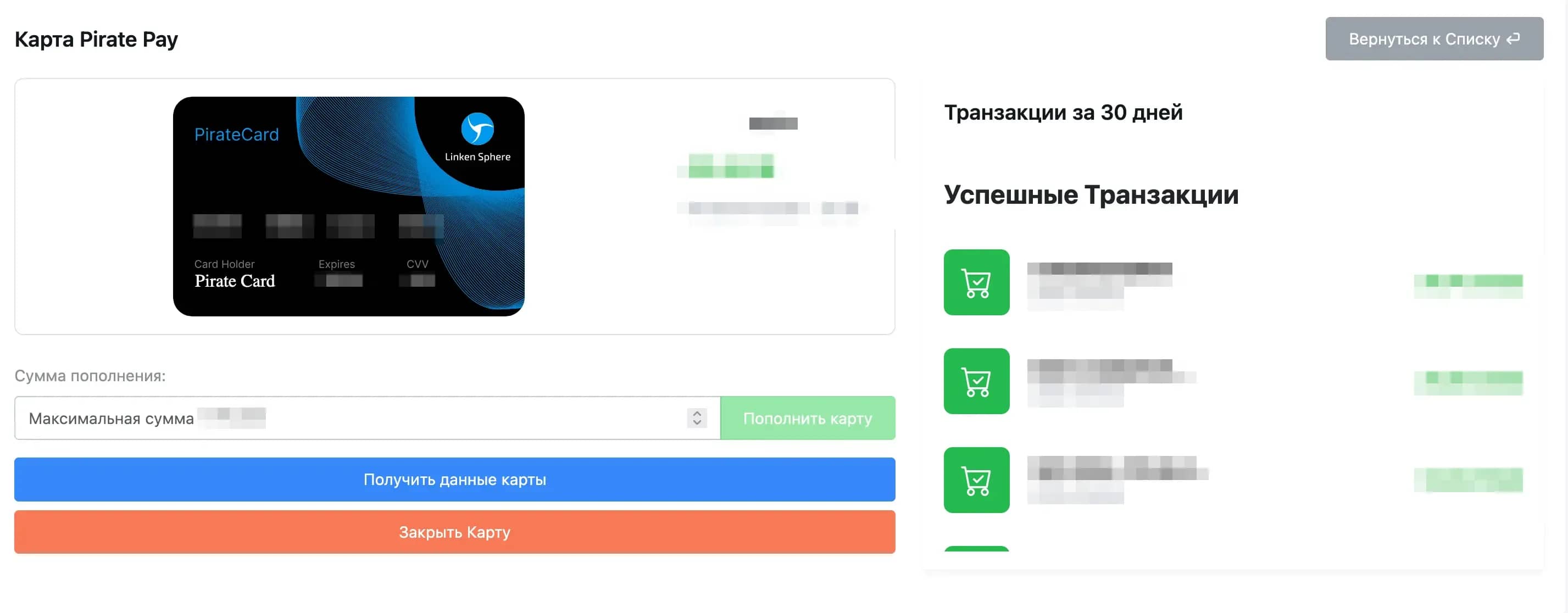
Here you can view the details of your virtual bank card. To copy them, click the "Get Card Details" button. On this page, you can also top up your card balance from the service’s main balance and check your transaction history.
For instant notifications about card spending, we recommend linking your website profile with the service’s Telegram bot. Instructions on how to do this can be found on the main page of your profile. Don’t forget to read the service rules before you start using it.
If you have any questions about using the service or encounter issues with topping up your balance or making payments, please contact the service’s support team. Current contact details are always available on this page.
You asked for it — we delivered. Now you have even more convenient options for paying for your favorite product. We’re always here if you have any questions about using our services or our partner services. Thank you for your attention!
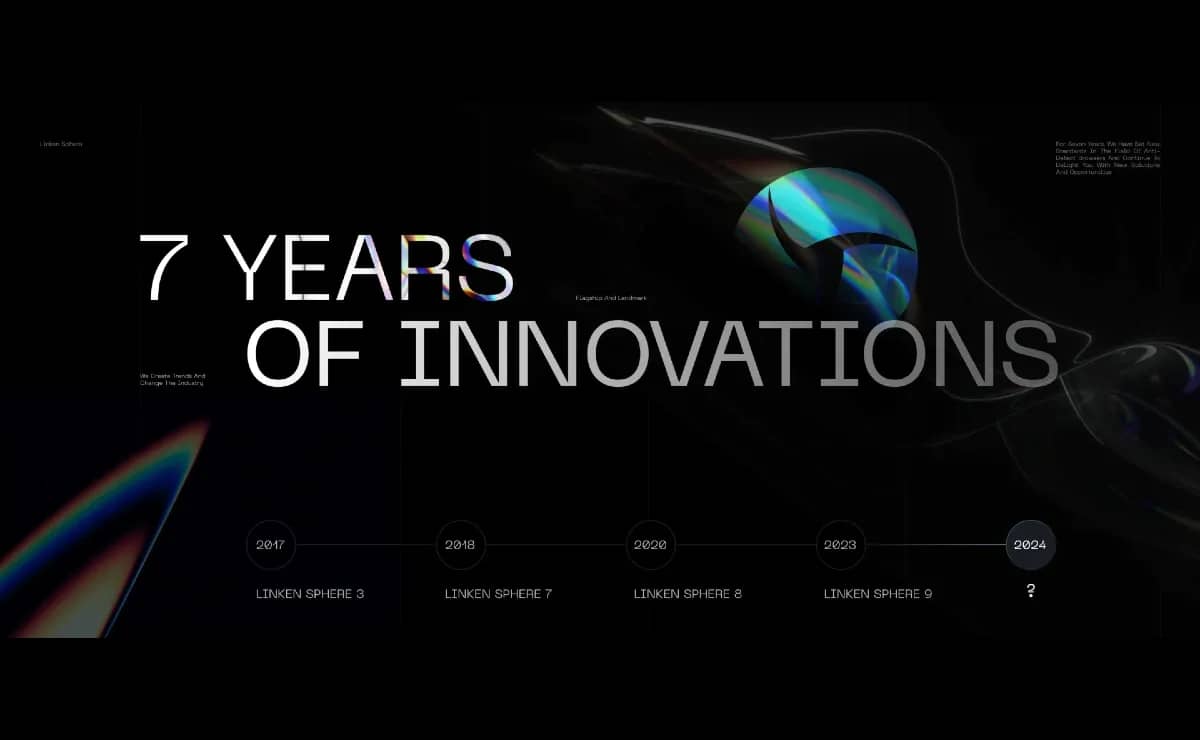
Linken Sphere 7th anniversary
Exactly 7 years ago, we turned a new page in the industry by releasing the first public version of Linken Sphere. All these years people have looked up to us, but we have inspired our colleagues and to this day we do not follow trends, but create them.

8 Years of Linken Sphere — From Experiment to Industry Standard
Greetings, friends! Today Linken Sphere turns 8 years old — since its launch in July 2017, we have grown from an experimental project into one of the most recognizable and respected anti-detect browsers in the world.
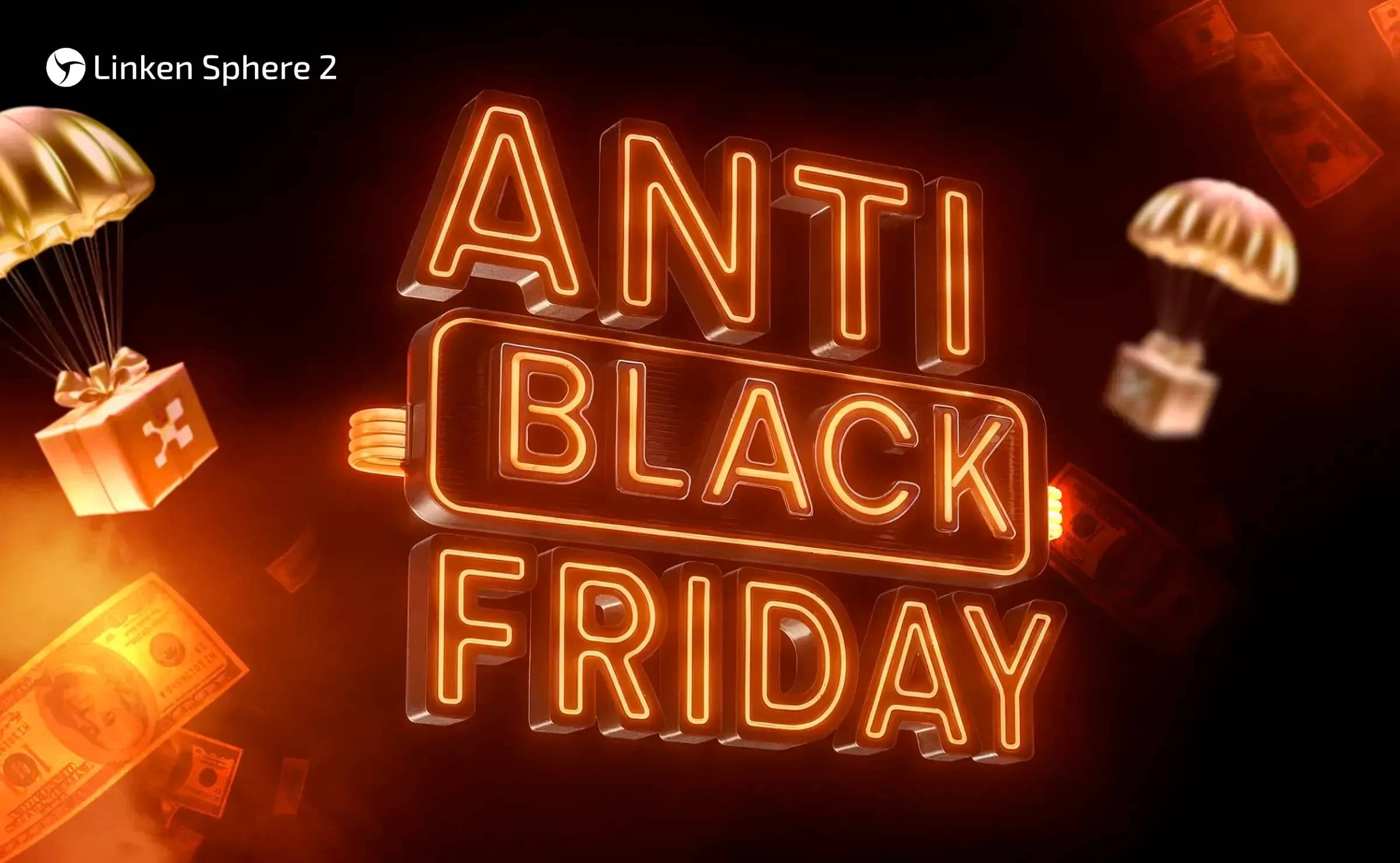
Anti Black Friday 2025: Pay less – get more productivity
Every November turns into a race for the best discounts. People buy up gadgets, clothes, games - but the most far-sighted invest in what really matters - tools for security and anonymity. This year, Linken Sphere is launching Anti Black Friday, a campaign that helps you not only save money, but also gain access to the most technologically advanced anti-detection browser on the market. From November 17 to December 3, 2025, you can take your privacy to the next level by saving up to 30% and receiving bonuses that will not be available again this year.