Reference and training materials
Once you have configured your desktop, you can access reference information and training materials directly from the Linken Sphere interface.
Where to find reference materials:
Go to the lower right corner of the program.
Click on the question mark icon (?) to open a menu with useful sections:

Sections:
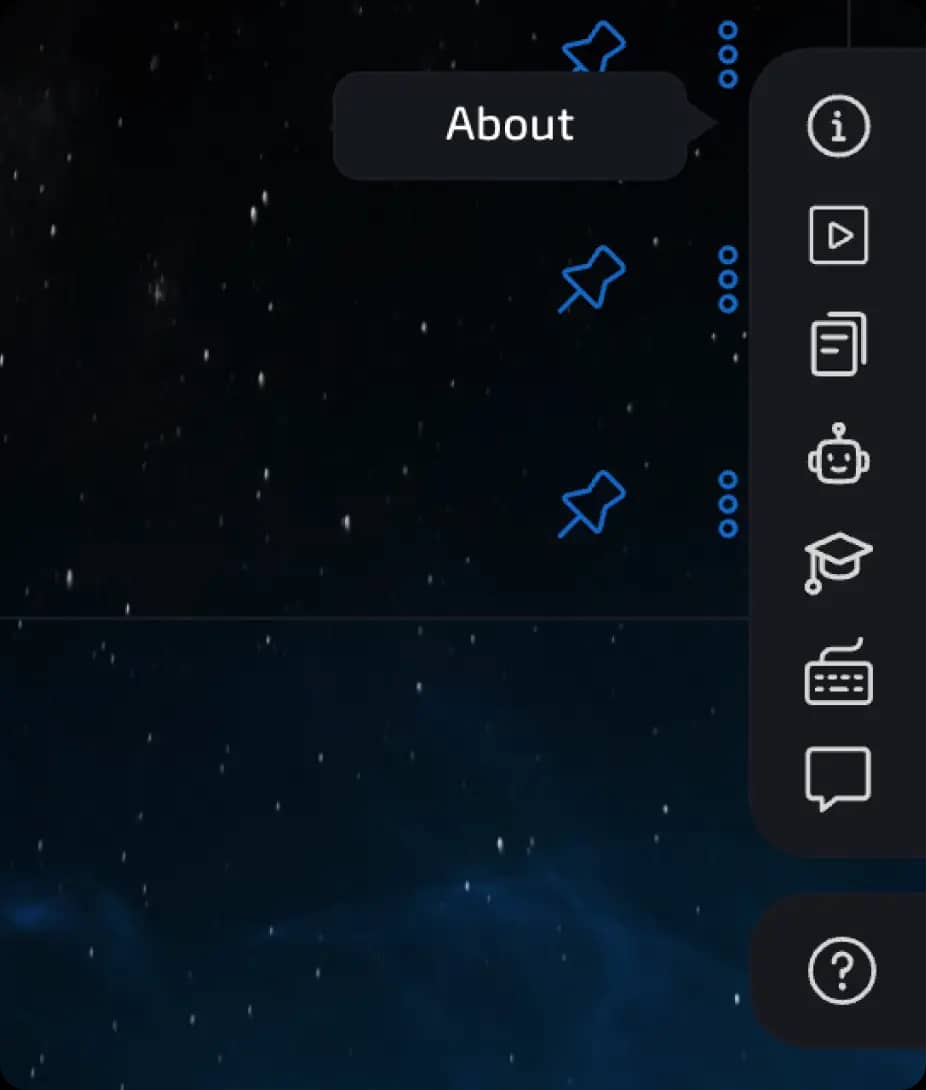
1. About the program
This section displays a description of the current version of Linken Sphere installed on your device.
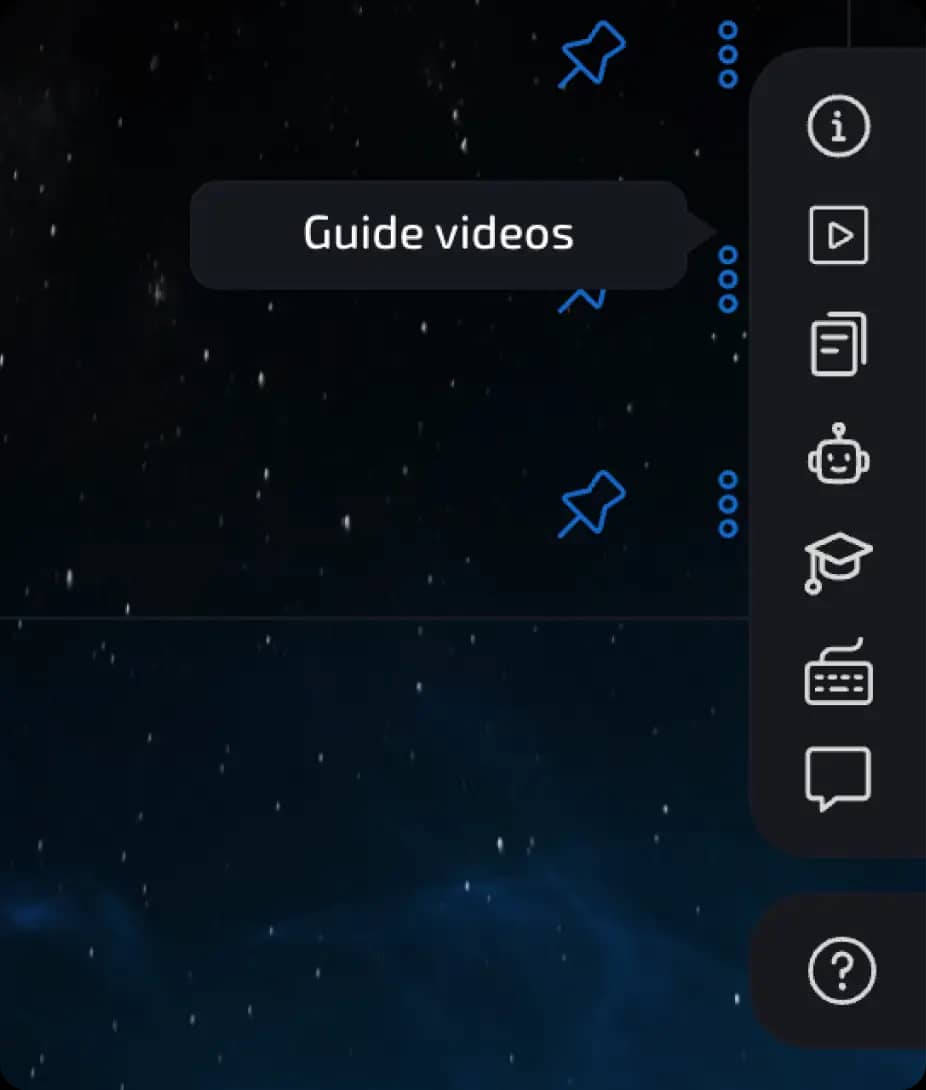
2. Training videos
Clicking on this icon will take you to a website with training videos.
These videos will help you quickly learn the basic functions and capabilities of the product.
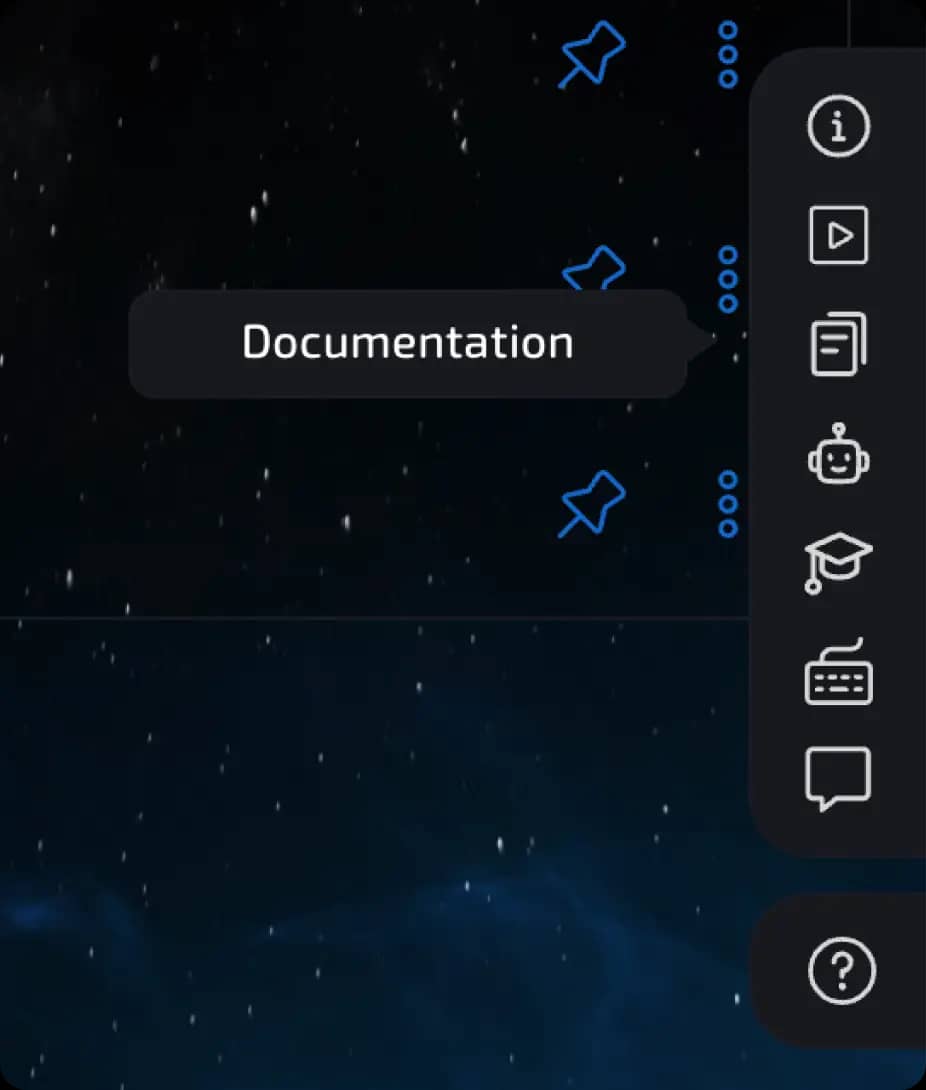
3. Documentation
Clicking on this link will open the complete text documentation for Linken Sphere.
Here you will find descriptions of all functions, instructions, and examples.
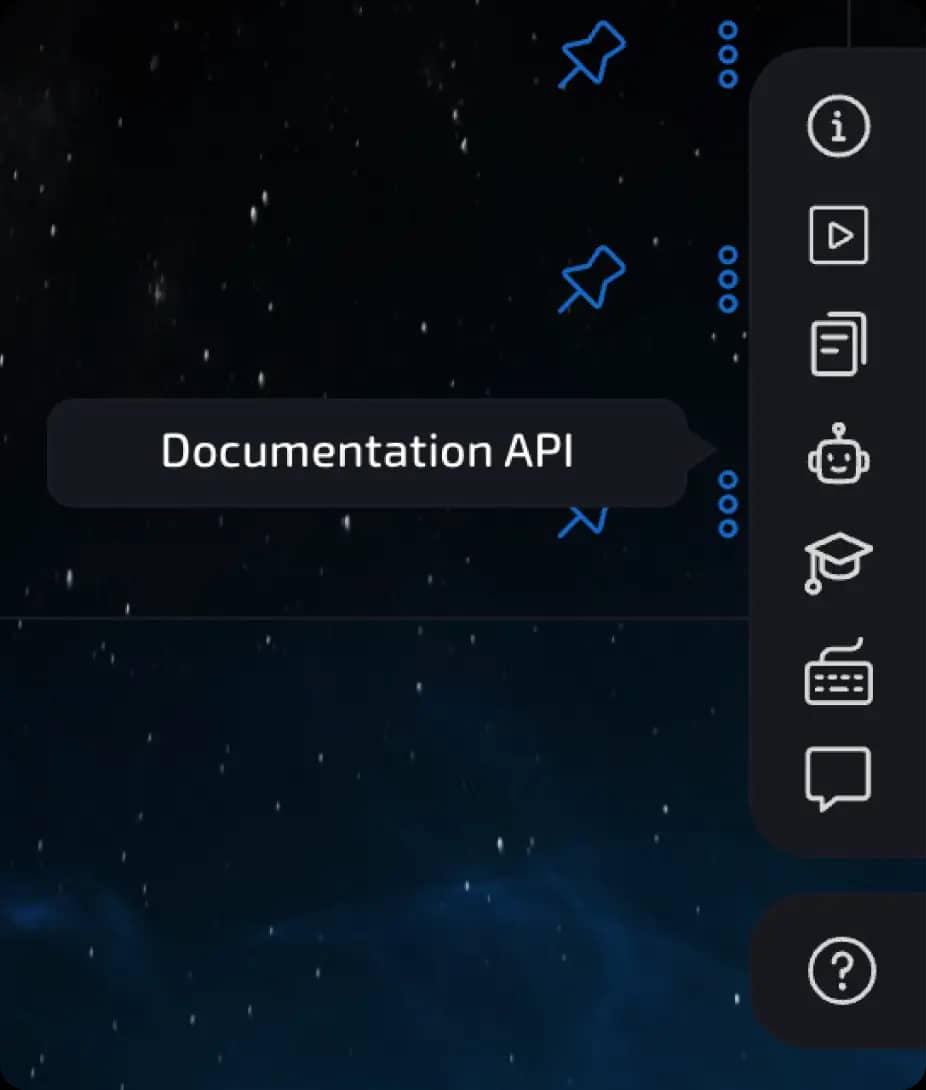
4. API documentation
Contains information about working with the Linken Sphere API.
Useful if you want to automate processes or integrate Sphere into other systems.
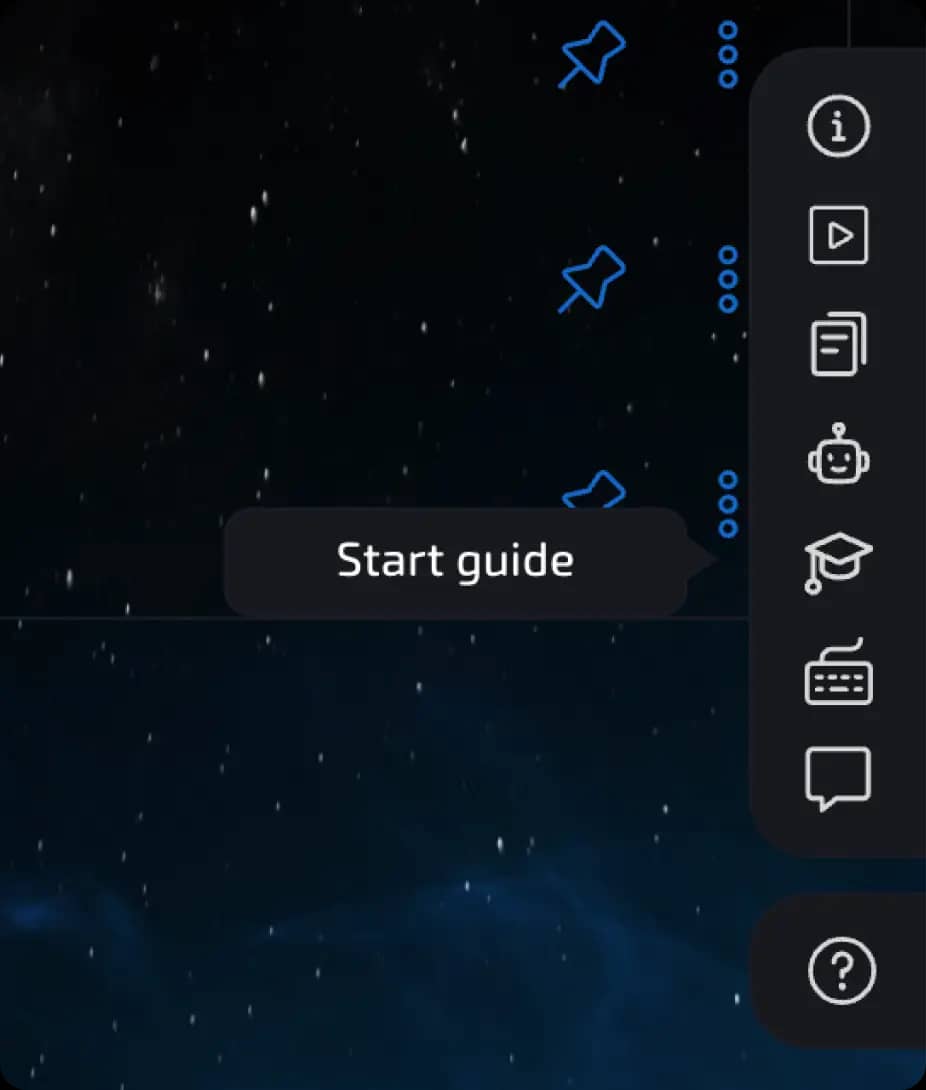
5. Launch the guide
A feature for beginners.
Launch the step-by-step video guide to quickly understand how the product works.
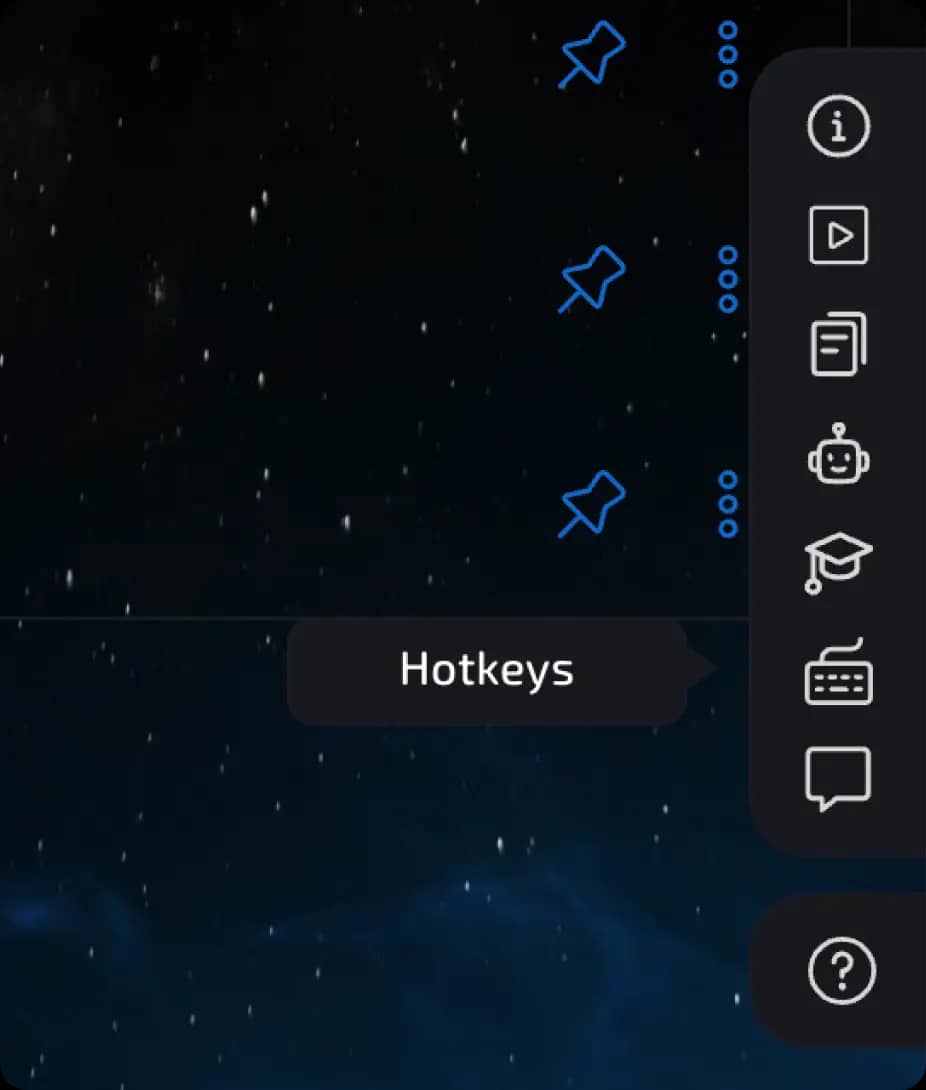
6. Hotkeys
A list of all key combinations that speed up work with the program interface.
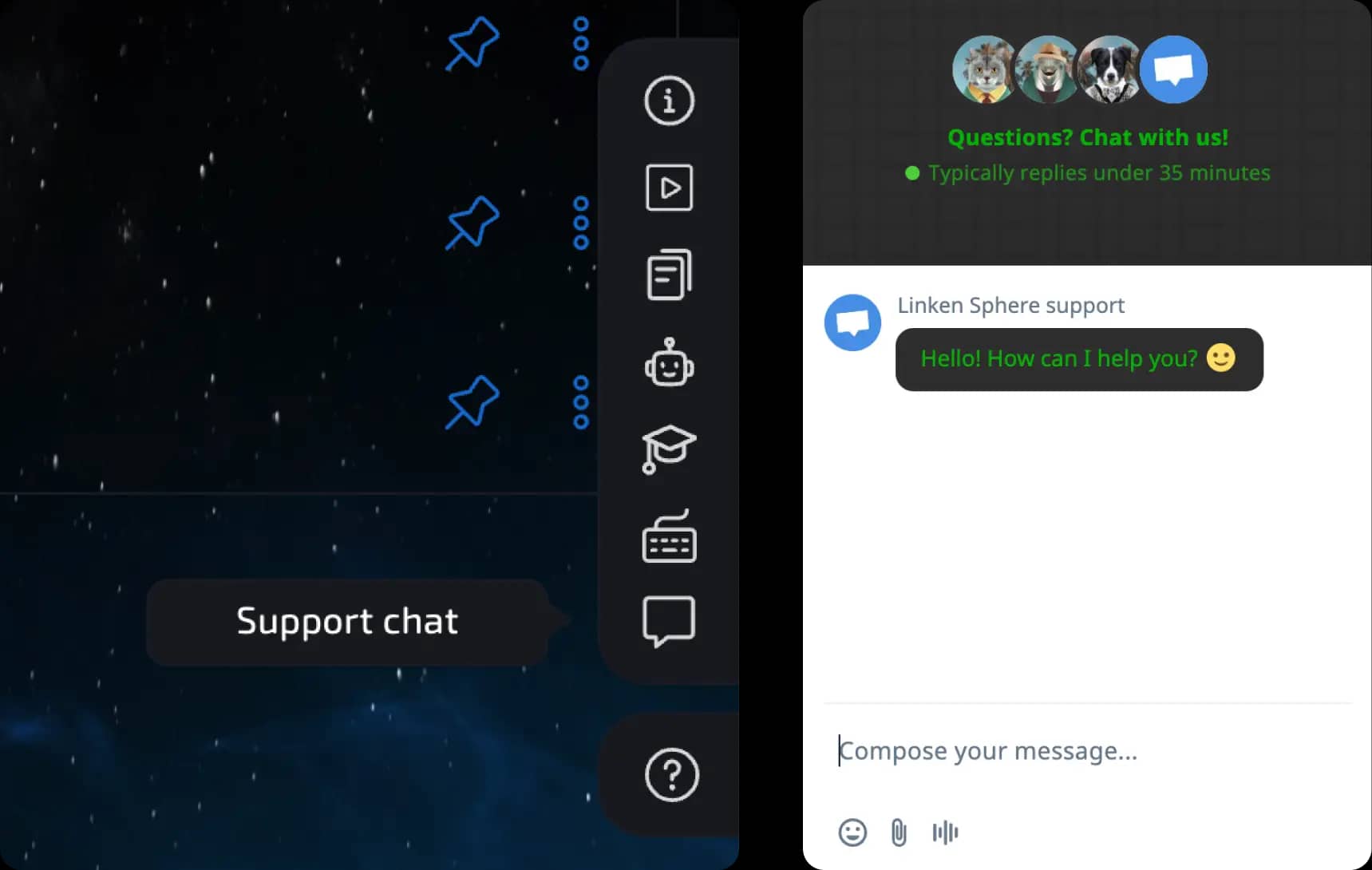
7. Support chat
If you encounter any difficulties, you can immediately write to the support service and get help.
Previous page
Next page