Sphere proxy
Sphere Proxy is a dynamic residential proxy with the ability to select geolocation (country, city/region). Available to all Linken Sphere users, including those with a free license.
Key advantages
Stable performance
Wide selection of countries and cities
Large pool of “clean” IP addresses
One of the best prices on the market
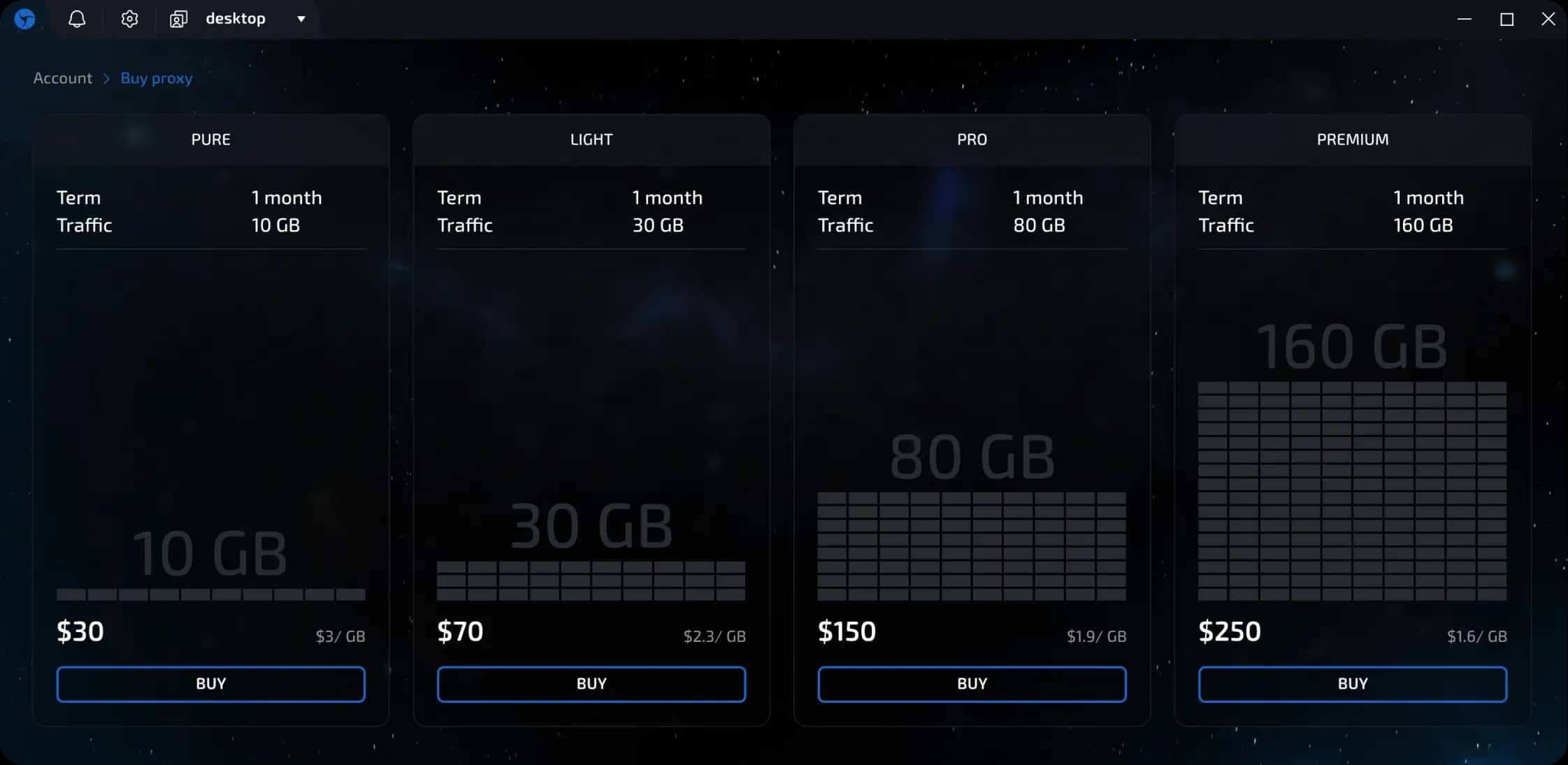
Rates
Proxy features
Basic
Works on the “Sticky IP” principle - as long as the IP is available, it does not change.
Shared access - one IP can be used by several users.
Flexible geo selection - country, region, or city.
IP purity according to IPQS - average score of 20-30 (depending on geo, sometimes even 0).
IP change - available via a button in the session settings or in Session Manager.
Teamwork - if the subscription is purchased by the team owner, proxies are available to all members within the team workspace
Restrictions
Some payment systems and websites may be blocked - for example, PayPal, Stripe, Adyen, and Apple. The full list of blocked domains is available at the link
Sending sessions using Sphere Proxy to other users and to the Nooklz auto-fill service is not available.
UDP/QUIC protocol is not supported.
Billing and payment
Proxies are paid for separately and are not included in the Linken Sphere subscription.
Payment is based on traffic (GB).
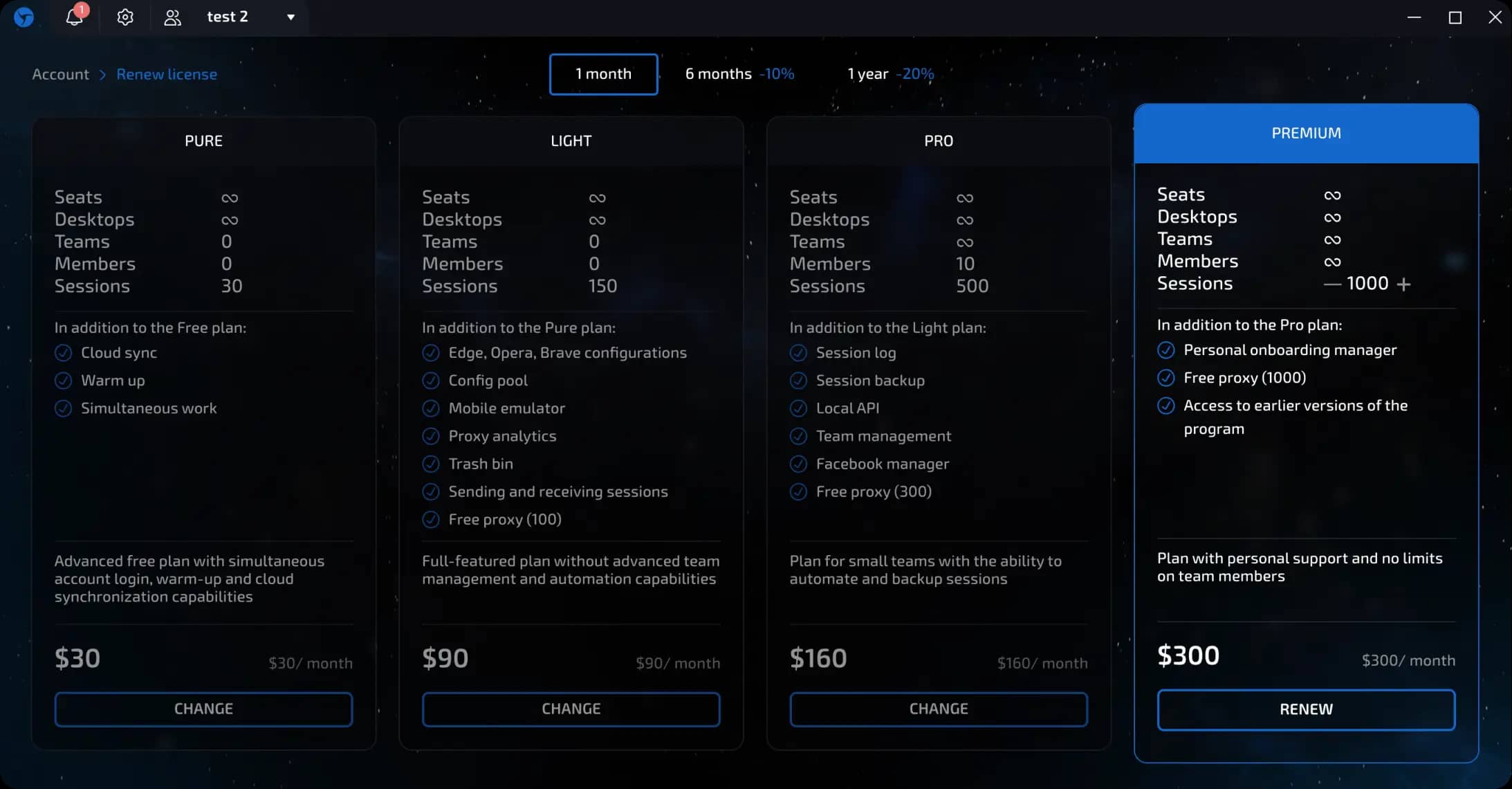
The remaining traffic is not transferred when changing the tariff (for example, from Pure to Light).
When renewing the current tariff, the traffic is added up.
After changing the tariff, you must manually reassign the proxy in old sessions.
There are no tests, bonuses, or subscription pauses.
The traffic counter is available in the license management section and is updated when you enter this section.
How to buy Sphere Proxy
Step-by-step instructions:
Go to the license management section by clicking on the LS logo.
In the Account License block, click “Buy Proxy.”
Select a tariff
→click “Buy.”Select a convenient payment method.
Pay using the details provided.
After two transaction confirmations, the proxies are activated automatically.
How to use Sphere Proxy
Click “Create Session.”
Select the connection type — Sphere Proxy.
Specify the desired country and region.
Click “Check connection”, then create a session.
Use in presets
You can configure presets with the desired parameters and proxies in advance to quickly create dozens of sessions with the desired settings without manual input.
Previous page
Next page