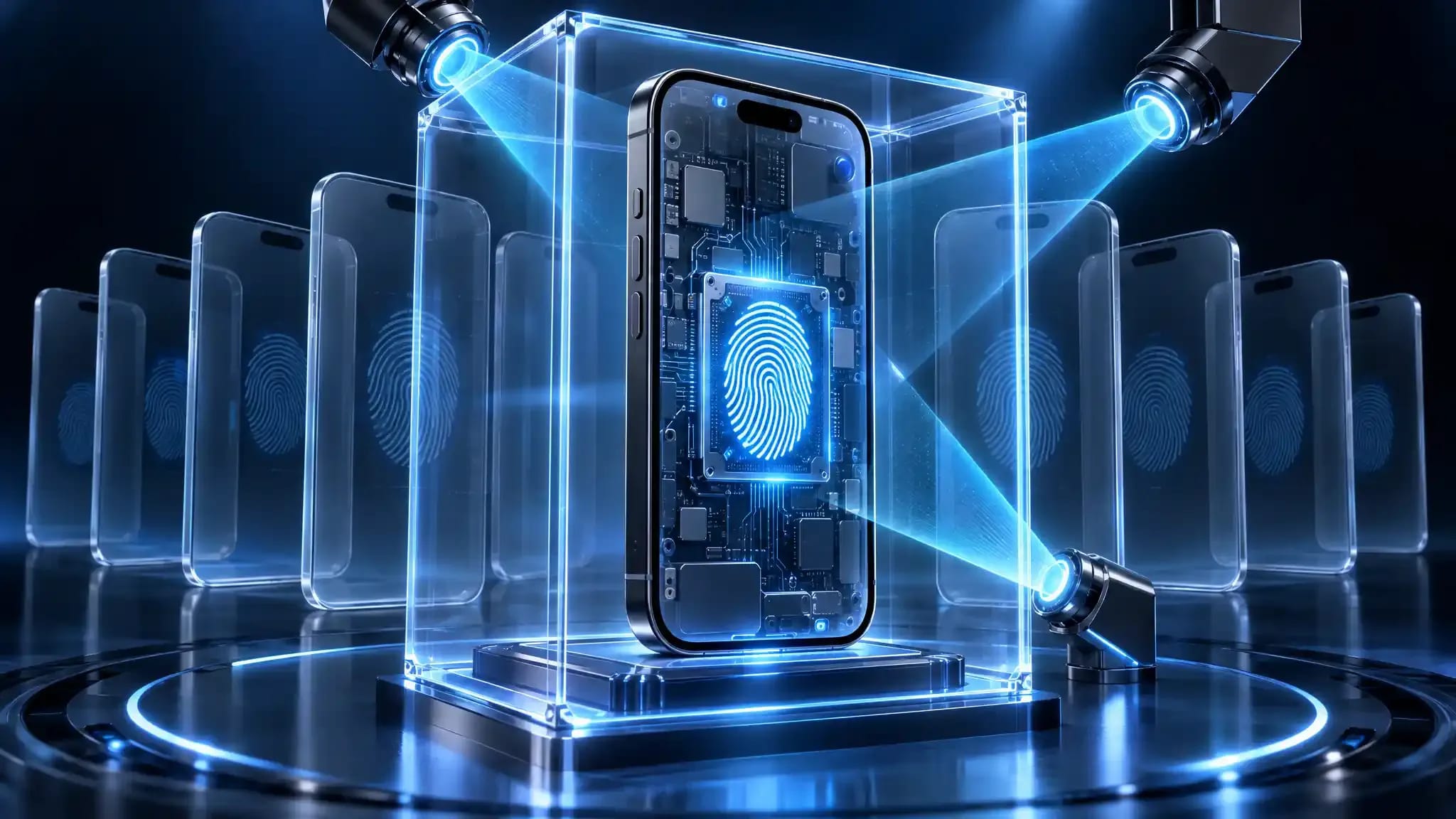
Is an anti-detect browser for iPhone just a marketing gimmick?
Updated: November 2026
A full-fledged antidetect browser that you can simply download from the App Store onto a regular iPhone to safely manage dozens of ad network, crypto exchange, or sportsbook accounts does not exist. Any app in the official Apple store named "Antidetect Browser" promising complete digital fingerprint spoofing is a marketing gimmick. In reality, such apps turn out to be ordinary browsers with a built-in proxy client and separate cookie storage.
If you try to log into 10 Facebook, Google, TikTok, or bank accounts through such an App Store app, the antifraud system will link all your profiles into a single network and ban them based on the device's hardware fingerprint.
What you need to know if you are looking for an antidetect on iPhone:
- Apps from the App Store do not work as an antidetect — the closed iOS architecture prohibits apps from interfering with the system kernel and forces every single browser to run on the unified Apple WebKit system engine, which directly exposes the real parameters of your iPhone's processor, screen, and graphics chip to websites.
- Mobile "multi-account browsers" only isolate cookies and local cache and allow you to bind different proxies to tabs, while key hardware fingerprints like Canvas, WebGL, AudioContext, and system fonts remain identical across all created profiles.
- To work with iOS traffic and multi-accounting, professionals use mobile fingerprint emulation in desktop antidetect browsers (or connect to them from an iPhone screen via remote desktop), while for working inside mobile apps, they use hardware system jailbreaking with deep container isolation.
Let's break down in detail what technical Apple restrictions make it impossible to build an antidetect for iPhone, what is actually sold to users under the guise of such solutions, and how to safely work with dozens of accounts on iOS.
Why an antidetect browser cannot be built for iPhone
On Windows and macOS computers, antidetect browser developers take the open-source Chromium engine, rewrite it at the C++ level, and embed parameter spoofing directly into the browser core. On a standard iPhone without jailbreaking the system, pulling this off is impossible.
Strict monopoly of the WebKit engine
In the iOS operating system, Apple enforces a strict security rule: no third-party developer in the standard security contour is allowed to upload a browser to the App Store running on its own modified engine with system call spoofing. No matter which icon you tap on your iPhone screen — Chrome, Firefox, Brave, Opera, or a paid "antidetect" from the App Store — the exact same Safari WebKit system engine runs inside all of these apps. A developer is only allowed to change button designs, bookmark menus, and proxy settings, while the actual mechanism for rendering web pages and reporting hardware information is controlled directly by the iOS operating system.
App isolation in the "sandbox"
Every app downloaded from the App Store runs inside an isolated container — a sandbox. The program simply lacks the system permissions required to intercept a website's direct query to the Apple GPU graphics accelerator or alter system display metrics. When an antifraud script on a website requests the rendering of a hidden graphic element to generate a unique Canvas fingerprint, the iOS system processes this request bypassing the browser settings and returns your smartphone's real factory fingerprint to the website.
Standardization of Apple devices
In the world of desktop PCs and laptops, there are millions of combinations of processors, graphics cards, motherboards, and monitors. In Apple's world, the device lineup is strictly fixed. A specific iPhone always has a strictly defined graphics chip, exact physical screen resolution, fixed pixel density, and an unchanging set of system fonts.
All a browser can do is spoof the text string of the User-Agent header — for instance, tell a website that you are not using an iPhone 15 Pro on iOS 18, but an older iPhone 12 on iOS 16. However, for modern antifraud systems, such crude spoofing is an instant red flag. The security script sees that the text header says iPhone 12, while the real screen aspect ratio, rendering speed, and GPU signature belong to an iPhone 15 Pro. Because of this technical contradiction, the account gets banned even faster than when logging in without any masking at all.
What is actually sold as an antidetect in the App Store
If you search the App Store or search engines for "antidetect for iPhone," you will be offered dozens of apps that roughly fall into three categories. None of them solve the task of full-scale multi-accounting.
Private browsers (Brave, DuckDuckGo, Aloha, Onion Browser)
Out of ignorance, many authors of online review articles classify these browsers as free phone antidetects. In reality, these programs are designed to protect regular users from intrusive targeted ads. They can strip out ad banners, block external analytics trackers, and automatically delete browsing history when a tab is closed.
However, for the antifraud systems of major websites, blocking trackers changes nothing at all: your hardware device fingerprint remains identical across all tabs. If you register three accounts on the same platform via Brave on an iPhone, the system will instantly recognize the exact same physical device.
Multi-session browsers and tab managers with proxies
In the App Store, there are paid apps with subscriptions ranging from $5 to $25 per month that explicitly call themselves multi-accounting browsers. Inside, the user is offered to create separate "folders" or "profiles," bind a dedicated proxy server to each one, and change the User-Agent string.
How this actually works: the developers simply created several isolated cookie storage containers inside a single app. This allows you to simultaneously keep five different accounts open on simple websites where the security system only checks cookies and IP addresses — for example, on regional classifieds boards, old forums, or web versions of basic services. But the moment you open an ad account, payment system, crypto exchange, marketplace, or sportsbook in such an app, the verification script will read your iPhone's real fingerprint and block the entire network of profiles.
Mobile clients from well-known desktop antidetects
Sometimes users see mentions of mobile versions of well-known desktop browsers in the app store or on official websites. It is important to understand that such apps on iOS perform one of two auxiliary functions:
- either it is an admin panel where you can simply renew a subscription, assign permissions to team members, or check a list of purchased proxies from your phone;
- or it is a remote access client that streams the video feed of a browser running on a cloud server onto your smartphone screen. Meanwhile, no local fingerprint spoofing takes place on the iPhone chip itself.
What to replace an iPhone antidetect with
Choosing the right working tool depends directly on why you need an antidetect in the first place: so websites see you as a mobile iOS user, to physically manage accounts from your smartphone screen on the go, or to work inside mobile apps that have no browser version.
Method 1. Emulating mobile iOS profiles via a desktop antidetect browser
In 90% of cases, webmasters, bonus hunters, and traffic specialists look for an antidetect on iPhone because ad platforms, banks, and sportsbooks trust mobile iOS users significantly more than regular desktop users. Mobile traffic from iPhones enjoys higher trust scores, triggers fewer additional security checks, and processes payments more smoothly.
For this task, you do not need a physical iPhone in your hands at all. Modern professional antidetect browsers for Windows and macOS — such as Linken Sphere — allow you to create profiles on your computer with real fingerprints of iOS and Android mobile devices in just a couple of clicks.
Why this works more reliably than any mobile app:
- the core of a desktop antidetect feeds the website a fully consistent snapshot of a real smartphone — mobile screen resolution and aspect ratio, proper pixel density, fonts, and accurate graphics accelerator parameters;
- the browser emulates touchscreen behavior — to the website's security scripts, your mouse clicks look like genuine finger taps on a phone screen;
- paired with mobile proxies, you can open 50 or 100 independent "iPhones" on a single computer monitor, and to any website they will appear as a hundred completely different physical smartphones located in different cities and countries.
Method 2. Working via a remote server
If your goal is not to sit at a desktop computer, but to physically manage dozens of your accounts from your personal iPhone screen while traveling, at a cafe, or from home, a remote desktop setup is used.
How to set this up:
- You rent a Windows-based cloud server with 8–16 GB of RAM for $12–25 per month.
- You install a full-fledged desktop antidetect browser on that server and configure all your working profiles with proxies inside it.
- On your iPhone, you download a free remote access client from the official App Store — for example, the official Windows App, AnyDesk, or VNC Viewer.
- You connect from your iPhone to your server and control the full desktop antidetect browser with your finger on your phone screen.
With this setup, your personal iPhone simply acts as a wireless monitor and touchpad. Websites will never see your real phone or your mobile internet connection, and if your smartphone is lost or the battery dies, all your open sessions will continue running safely in the cloud.
Method 3. Hardware system jailbreak or factory reset
There are tasks that cannot be solved through a browser — for instance, when you need to register and warm up accounts strictly inside the mobile apps of TikTok, Instagram, Snapchat, dating services, or mobile games. Since an antidetect browser only opens websites, two approaches are used to work with native App Store apps themselves.
Jailbroken iPhone with a container manager
For this, specialists buy dedicated work iPhone models running supported iOS versions where Apple's factory file system restrictions can be removed. After jailbreaking, a stack of three tools is installed on the smartphone:
- The Crane tweak or its equivalents — allows you to create dozens of fully isolated data containers inside a single installed App Store app. For each container, the app believes it has just been downloaded onto a clean phone for the very first time.
- System ID spoofer (IGSpoof and private closed-source equivalents) — a tweak that spoofs internal Apple device numbers at the system kernel level for each container: advertising identifier, vendor identifier, device name, OS version, and network MAC addresses.
- Shadowrocket proxifier — routes all smartphone traffic at the system level through private mobile SOCKS5 proxies with UDP support, cutting off any leaks of the real IP address and ISP DNS.
Factory reset method without jailbreak
If the system cannot be jailbroken (for example, when the newest iPhone model is required), affiliates working with free organic traffic in TikTok and Reels use a physical reset:
- The physical SIM card is completely removed from the phone, since apps read the mobile carrier's country code directly from the SIM chip even when connected via Wi-Fi.
- In iOS settings, the user selects "Reset" — "Erase All Content and Settings," which completely resets internal app-binding identifiers.
- The smartphone is activated as a new device without restoring from a backup, connected via Wi-Fi to a router pre-configured with a proxy or tunnel of the target country, and the corresponding region, language, and time zone are set in the phone's settings.
Method 4. Cloud farms of real smartphones
In 2026, rental services for cloud mobile motherboards have become widespread. In the provider's data centers, thousands of real smartphone motherboards without screens or batteries are mounted in specialized server racks.
You open the control panel via a browser or app on your iPhone, rent the required number of physical boards on an hourly or monthly basis, and control a real mobile device remotely. The main advantage of such services is a button for a complete hardware reset and factory parameter change in a single click without the need to buy dozens of phones.
What to choose for your task
Do not waste money on paid subscriptions to pseudo-antidetects from the App Store — due to Apple's restrictions, they are physically incapable of protecting your accounts from hardware bans.
If your goal is working with websites, ad accounts, crypto projects, sportsbooks, or marketplaces, use a professional desktop antidetect browser on a computer with mobile iOS profile generation enabled. And to manage those profiles from your iPhone screen away from home — connect to your computer or cloud server via a free remote desktop app.
If you need multi-accounting strictly inside native App Store mobile apps that do not open in a browser, the only working solution remains buying a dedicated work smartphone for hardware system jailbreaking with container isolation via Crane and traffic routing via Shadowrocket.
Why Google Blocks Accounts and What Your Antidetect Has to Do With It
Google has once again complicated the mechanisms of digital identification by deploying a new, more sophisticated layer of protection based on proprietary HTTP headers. This quiet change caught most of the market off guard, triggering a wave of rushed updates. While others hastily released superficial 'fixes', we realized that we were dealing not with a minor issue but with a fundamental shift that required deep and comprehensive analysis.
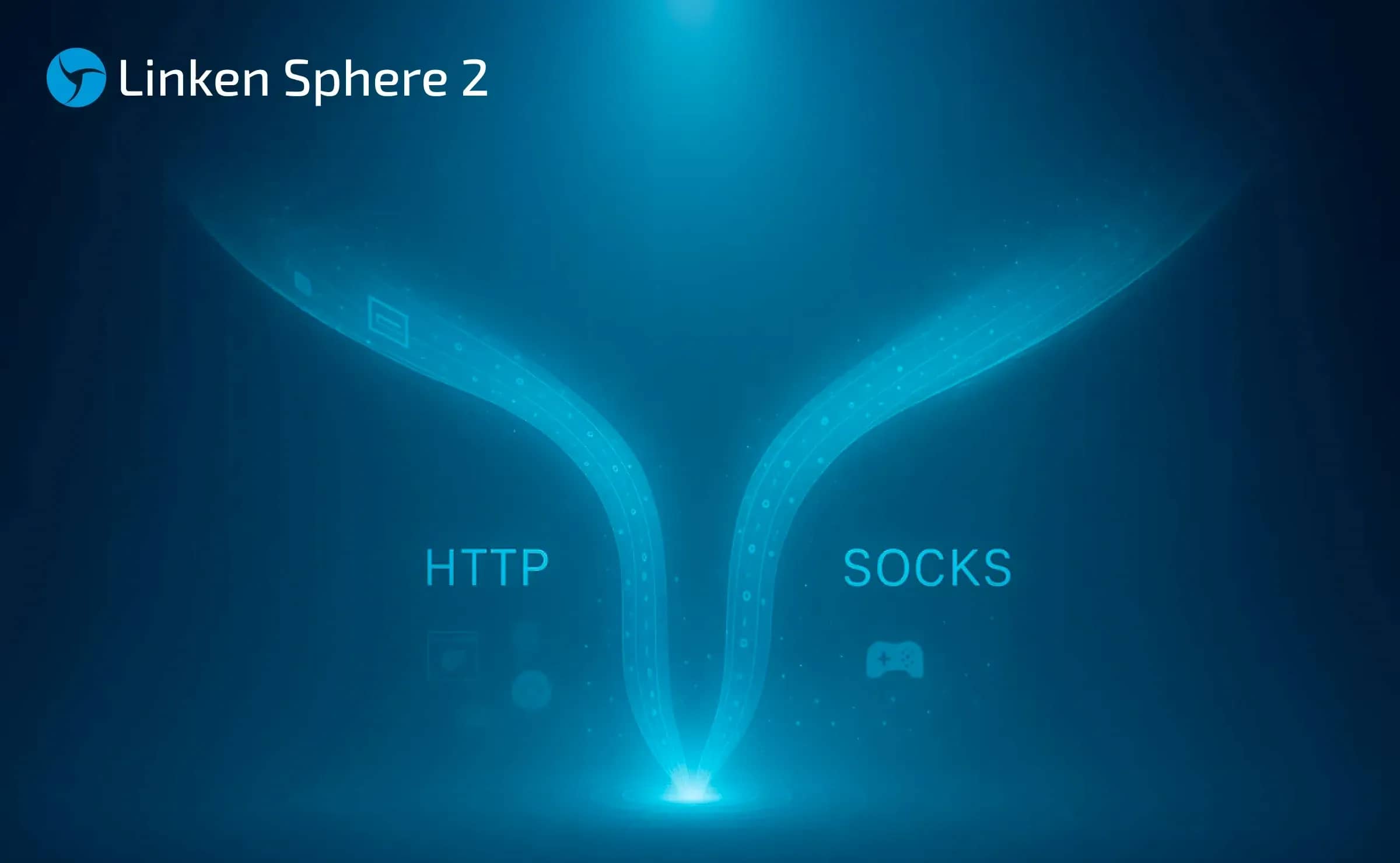
SOCKS vs HTTP Proxy: What’s the Real Difference and Which One to Choose?
There are times when you don’t want a website to link the request back to your device. That’s where a proxy comes in, it acts like a middle layer and sends the request for you. The site sees the proxy’s info instead of yours. It’s a go-to trick when you’re trying to see a page that’s not available in your region, pull content that’s restricted by location, or avoid hitting a wall when sending lots of requests.

The Best Alternative to OBS Studio
Working with a webcam on many online platforms can turn into a real challenge. A strict oval or rectangular frame appears on the screen, but your image doesn’t align perfectly with it. As a result, the system blocks further progress, demanding perfect alignment, and your workflow is disrupted before it even begins.