
Best Browsers with Built-in VPN for PC and Android
When popular platforms restrict access by GEO, some resources are slowed down, and many applications refuse to work with VPN, simple surfing quickly turns into an annoying quest. In such cases, it is more convenient to use a browser with built-in VPN that is simple in terms of functionality. You open the program, enable protection in a couple of clicks, and use the necessary resources without any extra headache.
In this article, we will find out which browsers already have a built-in VPN feature, and share a selection of such programs for PC and Android.
How browsers with VPN work
A VPN built into a browser essentially works as a secure proxy: it routes traffic through an intermediate server and encrypts the connection between the user and the node itself. Due to this, the website sees the address of the server through which the connection is made, rather than the real IP address of the device.
Such a VPN usually works only inside the browser. It protects traffic from open tabs, but does not extend to other applications: messengers, torrent clients, games, background updates, and system processes continue to access the internet through a regular connection.
It works simply: when a user opens a website, the browser sends a request through a secure server in the selected country. This server accesses the required resource on its own behalf, receives the page, image, or other content, and then transfers the data back to the browser via an encrypted connection. As a result, the website sees the IP address of the intermediate server.
But it is important not to confuse a built-in VPN with tools for professional multi-accounting. A browser VPN mostly changes the IP address, but does not isolate the full digital fingerprint of the device: WebGL, Canvas, fonts, time zone, system language, hardware parameters, and other signals may remain linked between sessions. Therefore, such browsers are not suitable for working with a large number of accounts or on platforms with powerful anti-fraud systems. To bypass complex anti-bot systems, anti-detects of the Linken Sphere level are used, where each profile is assembled as a separate device with its own environment, proxy, and set of parameters.
Top browsers with VPN for PC
Setting up third-party applications for the sake of a couple of blocked websites takes a long time, so it is easier to take a ready-made solution. Let's look at five desktop programs that will help bypass regional and other platform restrictions.
Opera
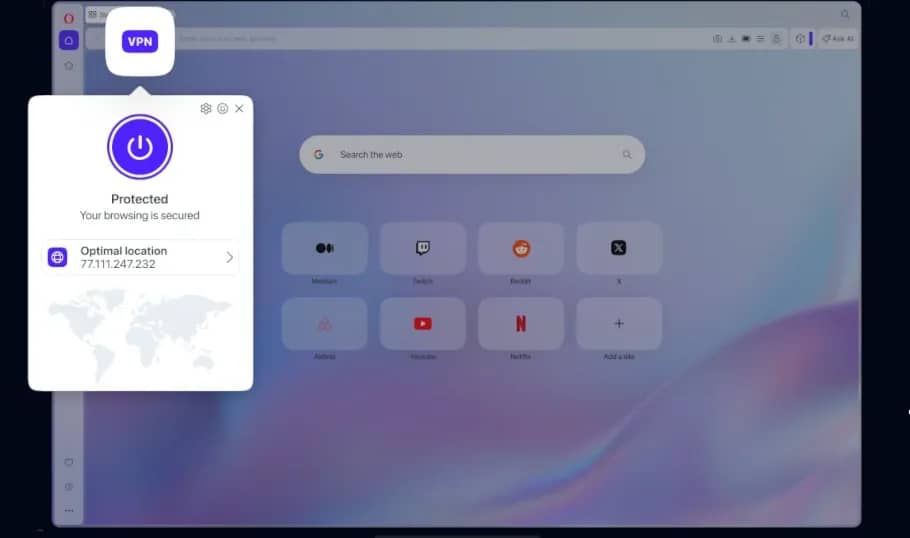
Opera is a solution for everyday web surfing with a built-in bypass tool. The program does not require registration and does not impose limits on the volume of consumed traffic. The user can choose from three general virtual locations. There is also a blocker for ads and analytical scripts to save PC resources and speed up page loading.
Epic Privacy Browser
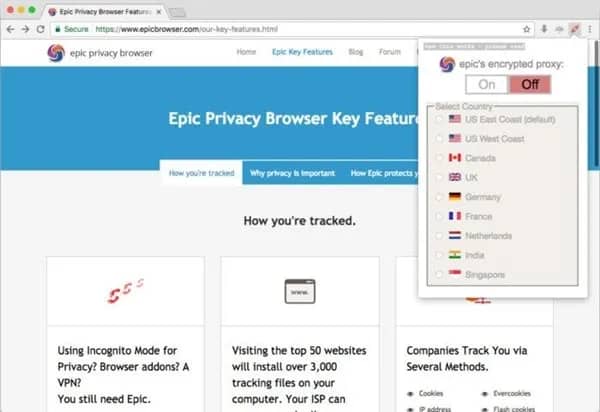
Epic Privacy Browser is a project on the Chromium engine focused on blocking tracking attempts. The built-in encrypted proxy is activated with a single click: it routes traffic through servers in eight countries. The browser works in incognito mode by default, where algorithms automatically delete browsing history and cookies immediately after closing the session.
Tor Browser
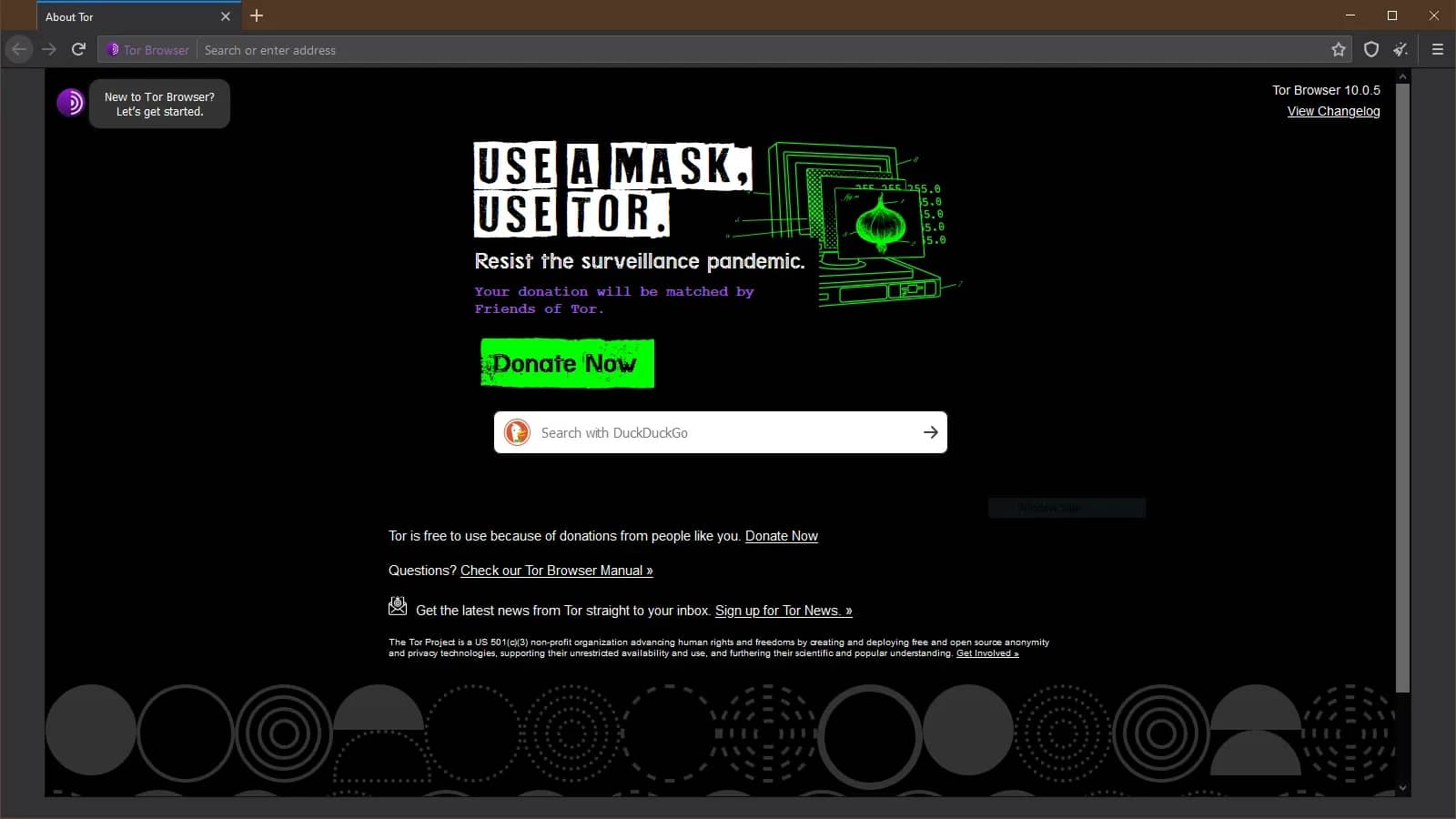
Tor Browser is a tool for bypassing strict network restrictions, operating on the basis of onion routing technology. Traffic inside the program is encrypted multiple times and passes through three random nodes in different parts of the world. Strict tab isolation is implemented, which prevents analytical trackers from linking user actions across different resources.
Aloha Browser
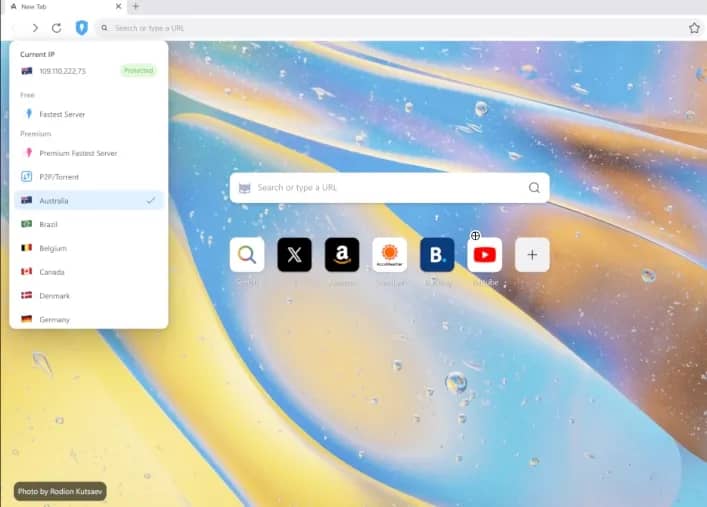
Aloha Browser is a desktop version of the browser that was originally developed for mobile devices. The basic secure tunnel is provided for free and is activated by a button near the address bar. The developers have not introduced limits on the volume of transferred data. The browser also has a private file vault, access to which is protected by a password.
Brave Browser
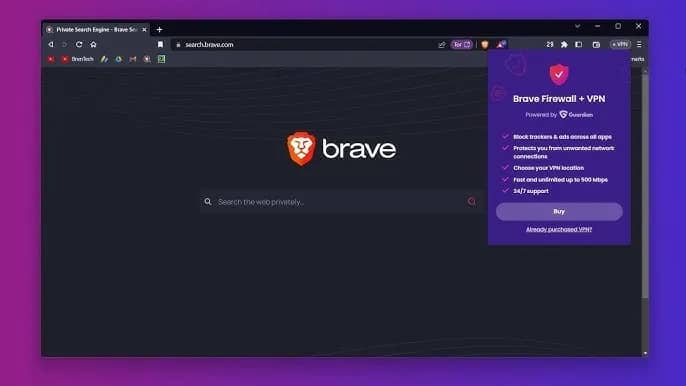
Brave Browser is a browser with native ad blocking through its own protection system. The built-in VPN works by paid subscription, while it is claimed to support traffic routing at the level of the entire operating system of the computer. The program is optimized to reduce the load on the device's RAM.
Top browsers with VPN for Android
On smartphones, a browser VPN is especially convenient: you do not need to install a client separately, deal with protocols, and enable protection for the entire system. You open the application, activate the secure connection, and use it only for sites inside the browser.
Opera
Opera for Android is one of the simplest and most understandable options for an ordinary user. In the mobile version, just like on PC, there is a free built-in VPN that encrypts the connection inside the browser and helps hide the real IP when using it. Additionally, the application has an ad blocker, private tabs, and basic anti-tracking tools.
Aloha Browser
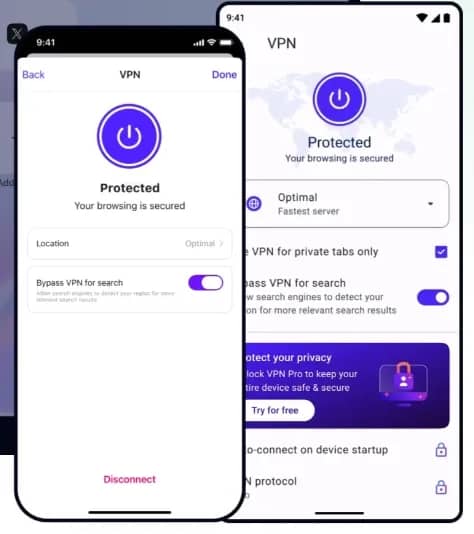
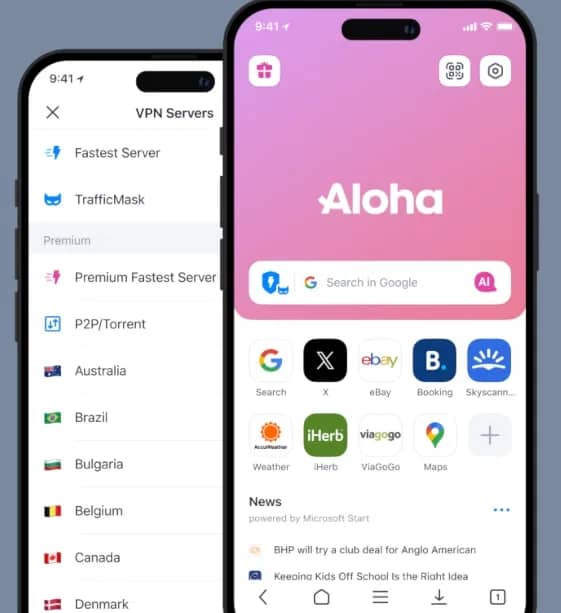
Aloha Browser originally developed as a mobile private browser with a built-in VPN. The browser helps hide online activity from outsiders, protect data transfer, and bypass GEO restrictions. In terms of convenience, it is in no way inferior to Opera.
Avast Secure Browser
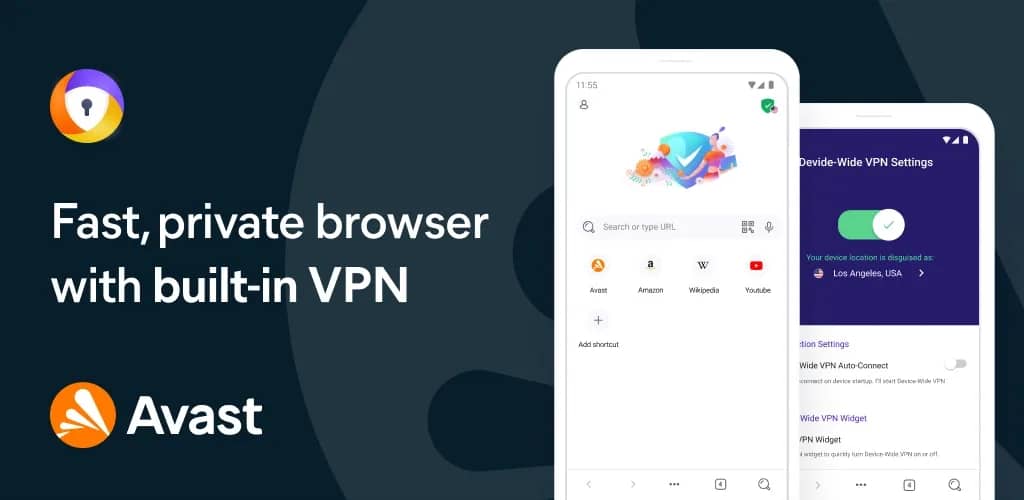
Avast Secure Browser for Android is a browser from a company that has long been active in the antivirus and network security niche. Its features include built-in VPN, AdBlock, anti-tracking, data encryption, and PIN protection.
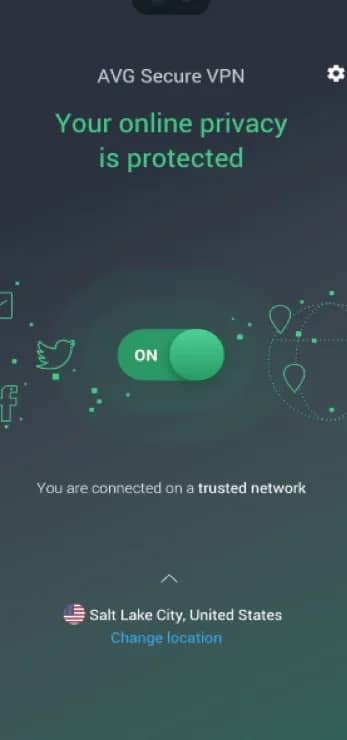
AVG Secure Browser
AVG Secure Browser is another private browser for Android. The built-in VPN works in the same ecosystem with a native ad blocker and anti-tracking algorithms. Among the main features, a phishing site scanner stands out, which increases surfing safety.
Conclusion
Browsers with built-in VPN are well-suited for everyday surfing: opening a blocked website, hiding the real IP, securing yourself when using public Wi-Fi. If the task is limited to bypassing restrictions and basic anonymity, a built-in VPN will be sufficient. If we are talking about multi-accounting, advertising accounts, and bypassing complex anti-fraud systems, it is better to use tools like Linken Sphere with separate profiles, proxies, and full digital fingerprint customization.
Frequently asked questions
- The easiest way is to open any IP check service before enabling the VPN, remember the country and address, then enable protection and refresh the page. If the VPN is working, the website should show a different IP and a different geolocation.
- The website can orient itself not only by IP. Geolocation is often leaked by cookies, account, browser language, time zone, payment data, SIM card on the smartphone, or permission to access GPS. Therefore, after changing the location, you sometimes need to open the website in private mode, clear cookies, or disable the permission to determine location.
- It depends on the browser. For example, in Opera, you can select a virtual region, while the server inside it is assigned automatically.
- Traffic does not go directly, but through an intermediate server, so an additional delay appears. The speed is affected by the remoteness of the selected location, server load, network quality, and the browser itself. The further the server is from you and the higher the load, the more noticeable the drops during the loading of pages, videos, and heavy websites can be.
- Yes, but stable access cannot be guaranteed. Streaming platforms often block datacenter IPs, VPN networks, and suspicious routes.

Why Google Blocks Accounts and What Your Antidetect Has to Do With It
Google has once again complicated the mechanisms of digital identification by deploying a new, more sophisticated layer of protection based on proprietary HTTP headers. This quiet change caught most of the market off guard, triggering a wave of rushed updates. While others hastily released superficial 'fixes', we realized that we were dealing not with a minor issue but with a fundamental shift that required deep and comprehensive analysis.

SOCKS vs HTTP Proxy: What’s the Real Difference and Which One to Choose?
There are times when you don’t want a website to link the request back to your device. That’s where a proxy comes in, it acts like a middle layer and sends the request for you. The site sees the proxy’s info instead of yours. It’s a go-to trick when you’re trying to see a page that’s not available in your region, pull content that’s restricted by location, or avoid hitting a wall when sending lots of requests.

The Best Alternative to OBS Studio
Working with a webcam on many online platforms can turn into a real challenge. A strict oval or rectangular frame appears on the screen, but your image doesn’t align perfectly with it. As a result, the system blocks further progress, demanding perfect alignment, and your workflow is disrupted before it even begins.