
Can you trust free anti-detect browsers?
When using a large number of accounts on a single device, you cannot do without anti-detect browsers. The market offers a huge variety of both free and paid solutions. In this article, we will analyze how they work and why the use of free anti-detects often leads to blockings.
Why anti-detects are needed
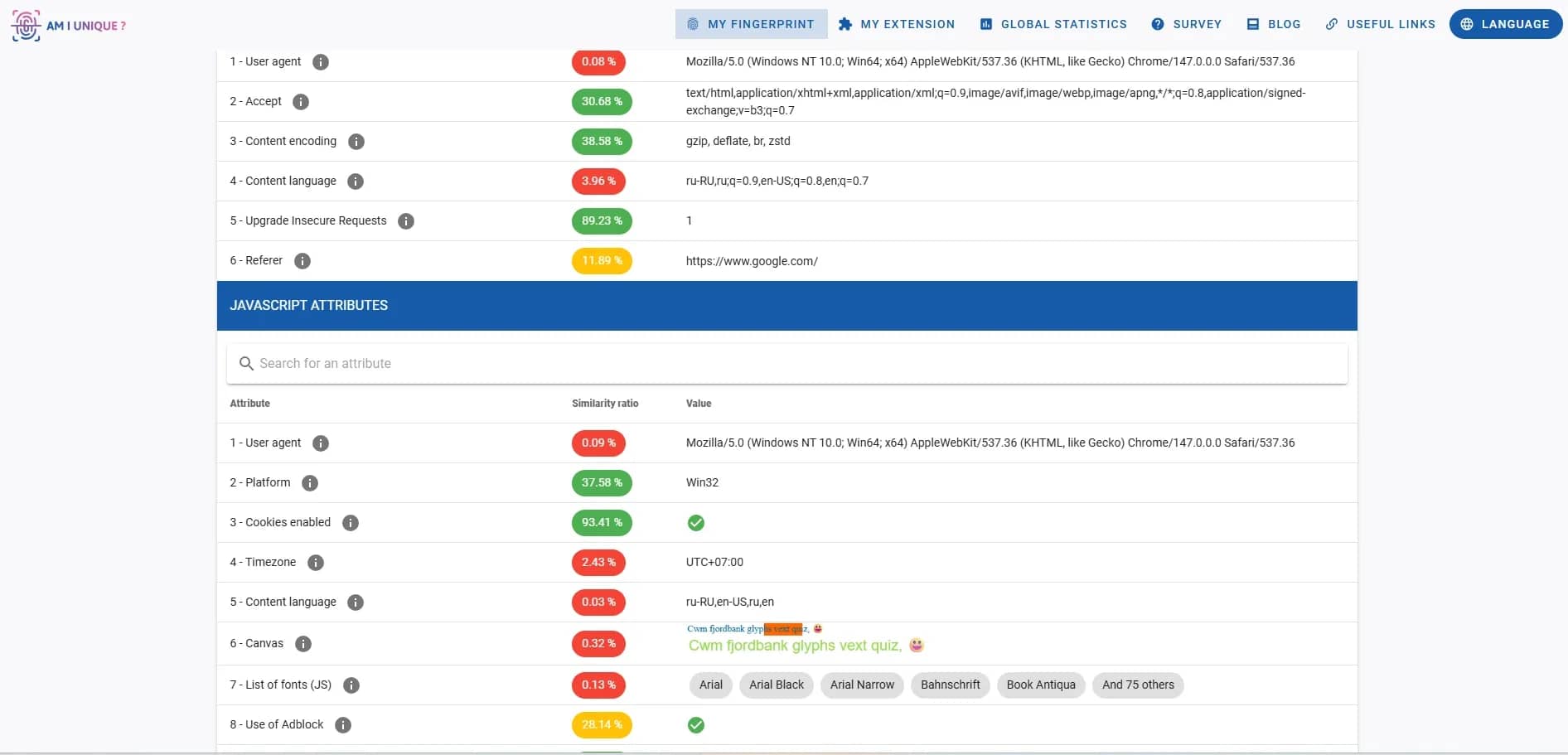
Websites track users by the data transmitted by the browser and the network. When opening a page, the server receives information about the device and the connection. A digital footprint of the browser, i.e., a fingerprint, is formed from these parameters.
It includes:
- IP address — shows geo and provider;
- network parameters — IP type (mobile, residential, server), ASN, proxy/VPN, history;
- User-Agent — browser version and operating system;
- screen resolution and color depth;
- time zone and system language;
- hardware parameters Canvas, WebGL, AudioContext;
- installed fonts and plugins;
- leaks via WebRTC — can reveal the real IP even with a VPN or proxy turned on.
An anti-detect browser doesn't disable data transmission, since the lack of data looks suspicious. Instead, it spoofs them. Each profile works as a separate browser with its own set of parameters: device, system, language, and other characteristics.
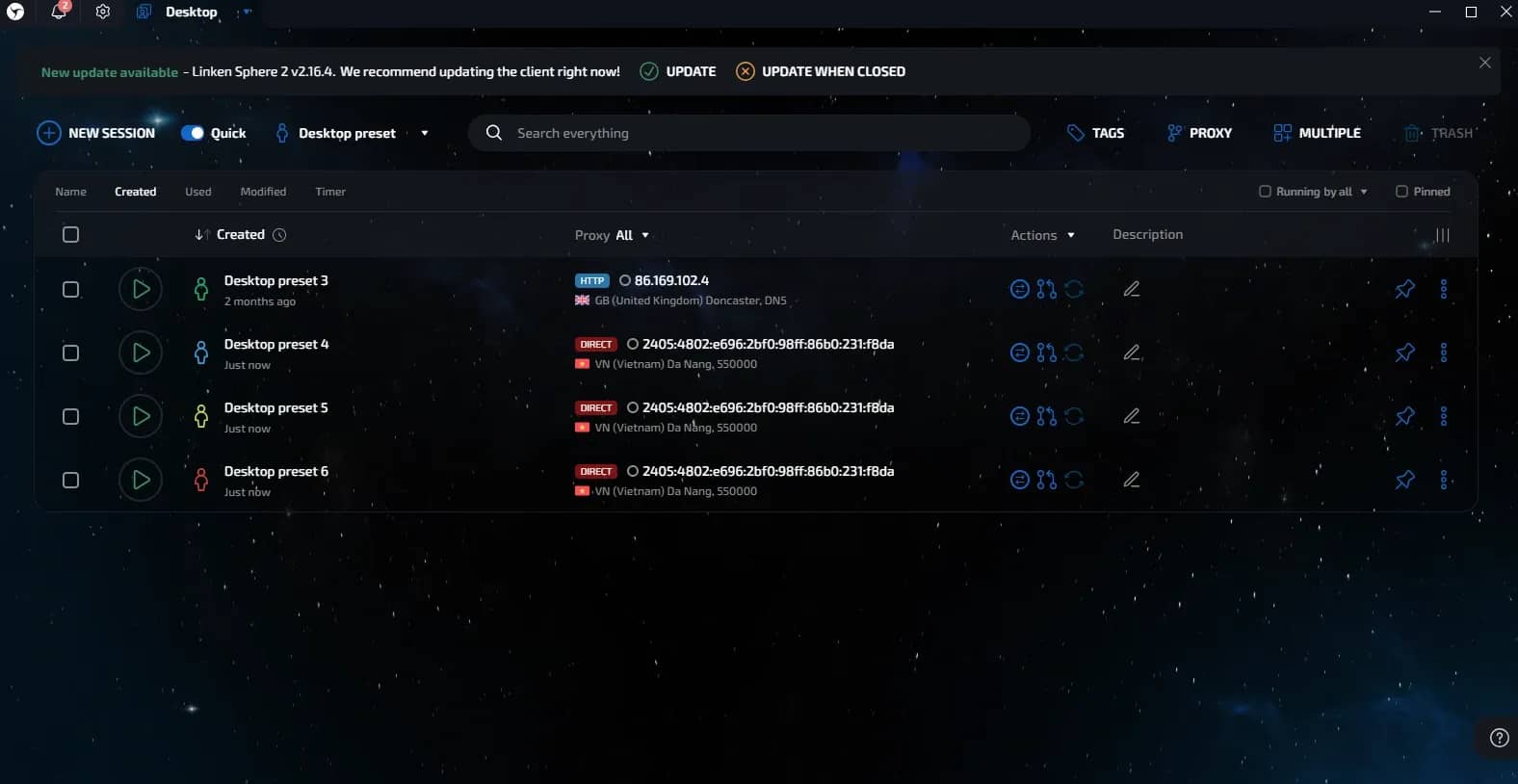
As a result, for Facebook or Google, these are different users with different devices, not a single person with multiple accounts.
Main functions of an anti-detect:
- Deep spoofing at the browser core level.
- Isolated cookies, cache, and local storage for each profile.
- Integration with proxy servers.
- Protection against DNS and WebRTC leaks.
What free anti-detect tools are on the market
Beginners often try to save money and look for free consumables, including anti-detect browsers. There are few options on the market, which can be divided into four groups.
Completely free anti-detects
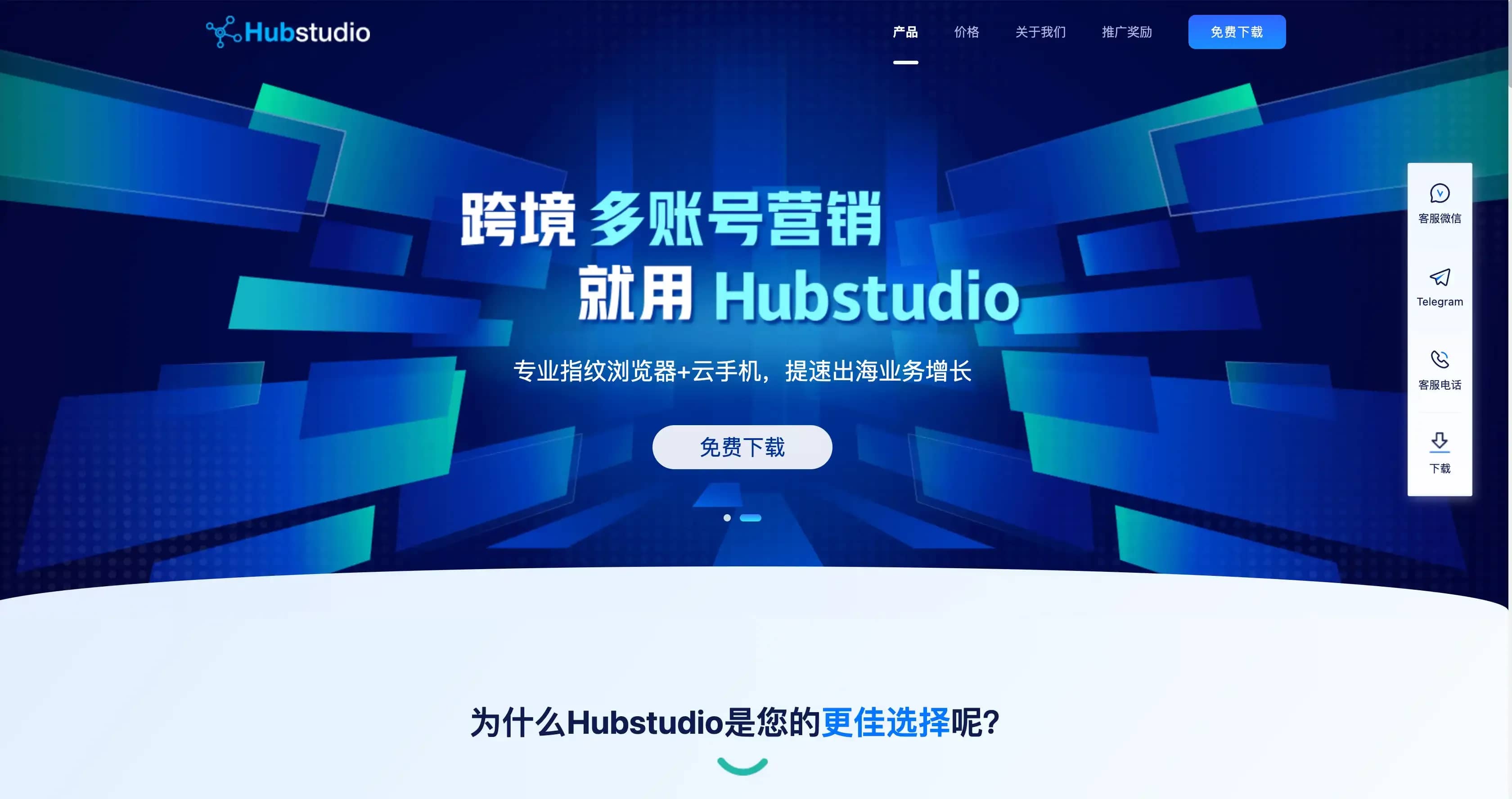
There are solutions that are initially distributed for free and do not limit the number of profiles. Fingerprint spoofing in such solutions is weak, updates are rare, and there is no stability. As a result, accounts lose trust faster and get blocked. One example is Hubstudio, a Chinese browser with free access, but with localization issues and the quality of spoofing for Western anti-fraud systems.
Cracks of older versions
You can find cracked versions of old anti-detects on the web. This is outdated software with no updates, which operates unstably and carries the risks of data leaks and blocks.
The problem is that such versions are based on an old core and do not meet the current requirements of anti-fraud systems. Furthermore, malicious code is often found inside the archives.
Extensions for regular browsers
Extensions for Google Chrome can change individual parameters: User-Agent, Canvas, time zone. But these are pinpoint edits without full profile isolation.
Commonly used:
- Canvas Defender — adds noise to the graphical footprint;
- User-Agent Switcher — changes the browser and operating system;
- WebRTC Control — limits leaks of the real IP address.
Such a set does not make the profile fully functional and does not solve the task completely. Security systems will quickly notice anomalies and mark the profile as suspicious.
Open-source and custom-written solutions
Some people build their own solutions based on Chromium or write scripts. Usually, they take Ungoogled Chromium and add the necessary settings manually. Libraries like Puppeteer or Selenium are used for automation.
This approach requires experience and time, and the result most often falls short of ready-made tools. It is suitable for tests, but not for stable work.
Why free solutions do not save from bans
Saving $50–100 a month on a subscription often turns into much bigger losses: account blockings, frozen budgets, and wasted time. Let's consider the main reasons why free anti-detects cannot cope with modern anti-fraud systems.
Outdated browser core
Google Chrome and Mozilla Firefox are updated regularly. Commercial anti-detect browsers usually adapt to these changes and update their cores.
In free solutions, this does not always happen or happens with a huge delay. As a result, the browser version may not match the other system parameters. For example, a new macOS is claimed, but the browser core is outdated — such inconsistencies look suspicious to anti-fraud systems.
Inconsistency of fingerprints
Anti-fraud does not check the spoofing fact itself, but how logical the parameters look together. For example:
- You spoofed User-Agent to macOS but forgot to hide Windows system fonts.
- The screen resolution in the footprint is specified as 1920x1080, but the size of the browser window's available area is greater than this value (which is physically impossible).
- The WebGL hardware footprint shows a mobile graphics card, while the User-Agent shows a desktop PC.
In cheap and free solutions, parameters often do not match each other and look unnatural. The result is a set of unrelated characteristics that is easily detected.
In paid anti-detect browsers, parameters are selected consistently, meaning in a way that makes the profile look like a real device.
Risk of data leaks and malware
Downloading cracked versions is always associated with risks. Malicious code, such as stealers or trojans, may be embedded in such builds. In this case, browser data, including accounts, wallets, or linked cards, can be compromised.
Limited spoofing of parameters
Regular extensions change data only at the JavaScript level. This is not enough: websites can check parameters directly or compare them with each other. As a result, such spoofings are easily detected.
Why trials of paid anti-detects are better than free analogs
If you really want to save money, instead of free solutions, you can use trial versions of popular anti-detect browsers. Some services open access to the full functionality of a premium product for a limited time, sometimes with minor restrictions. In return, you get:
- High-quality parameter spoofing. Profile parameters are selected consistently and do not conflict with each other, so the profile looks like a real device. If necessary, some parameters can be set manually.
- Fresh browser core. Up-to-date engine versions are used, matching the requirements of platforms like Google or Facebook.
- Regular updates. During the trial, you use the up-to-date version of the product, not an outdated build.
- Convenient work with proxies. Different types of proxies are supported, there are basic checks and proper integration without failures.
- Technical support. In case of problems with proxies or settings, you can contact support even during the trial.
A selection of reliable anti-detect browsers with a free trial
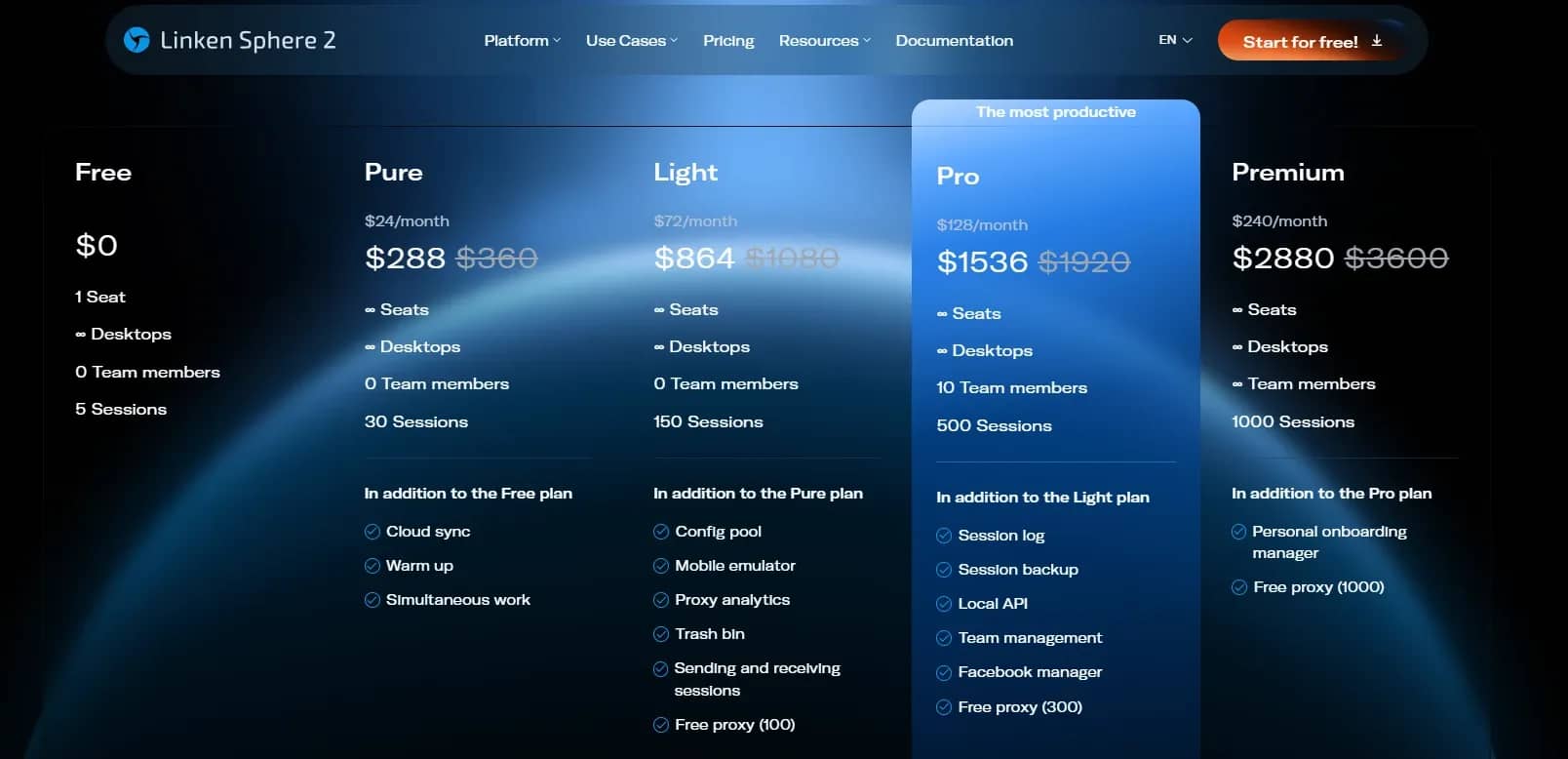
Linken Sphere is a professional tool for bypassing complex anti-fraud systems. The main advantage is the core update speed and the quality of fingerprint spoofing. The Free plan is available for free and without time limits, which includes 1 workplace, an unlimited number of desktops, and a limit of 5 active sessions. Adding other team members is not supported on this plan.
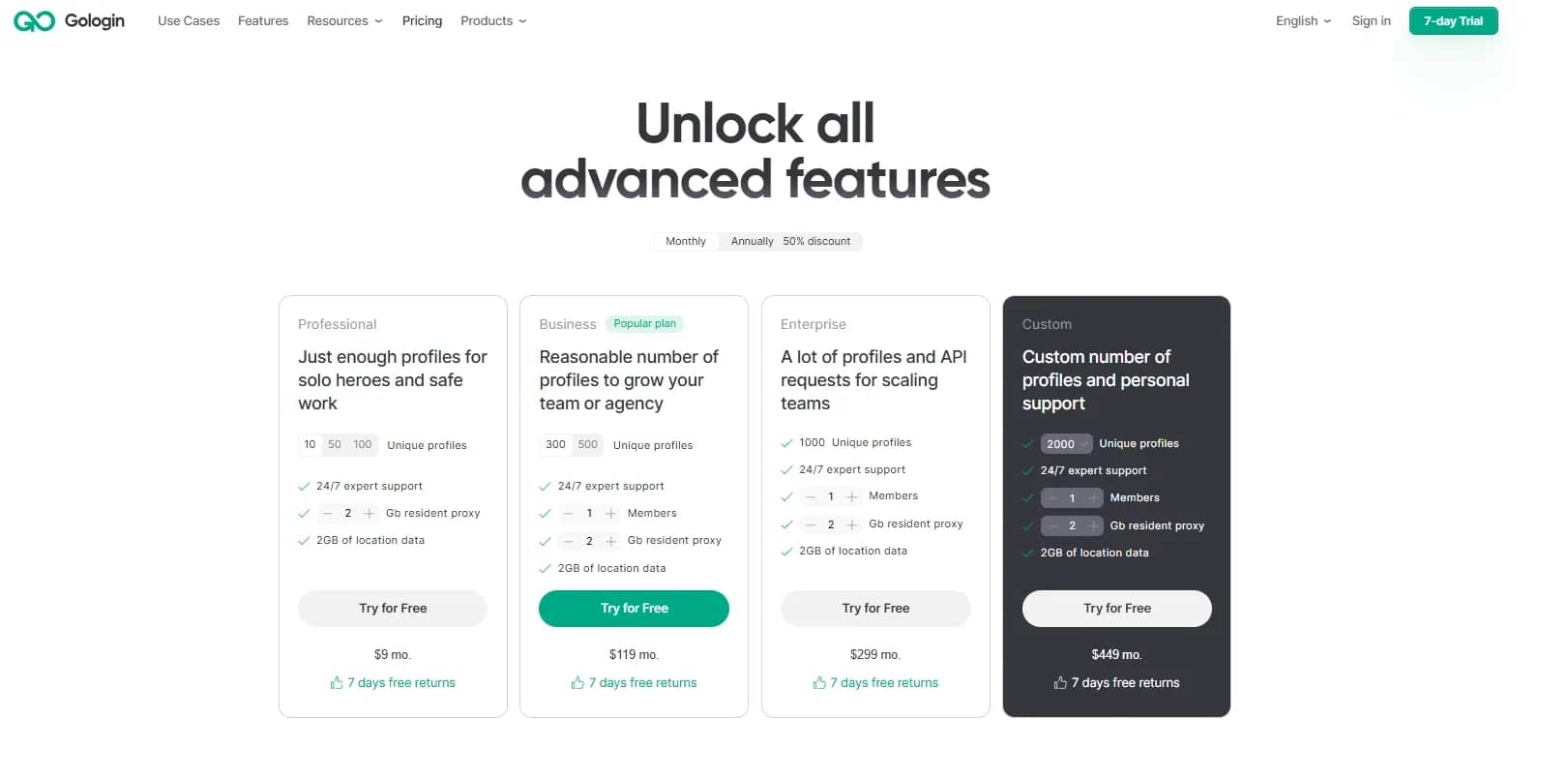
GoLogin is a multi-accounting tool based on its own Orbita engine. It supports cloud synchronization and work via an Android application. 7 days of full premium access is available for free upon registration. After that, the account is transferred to a permanent basic plan with a limit of 3 profiles.
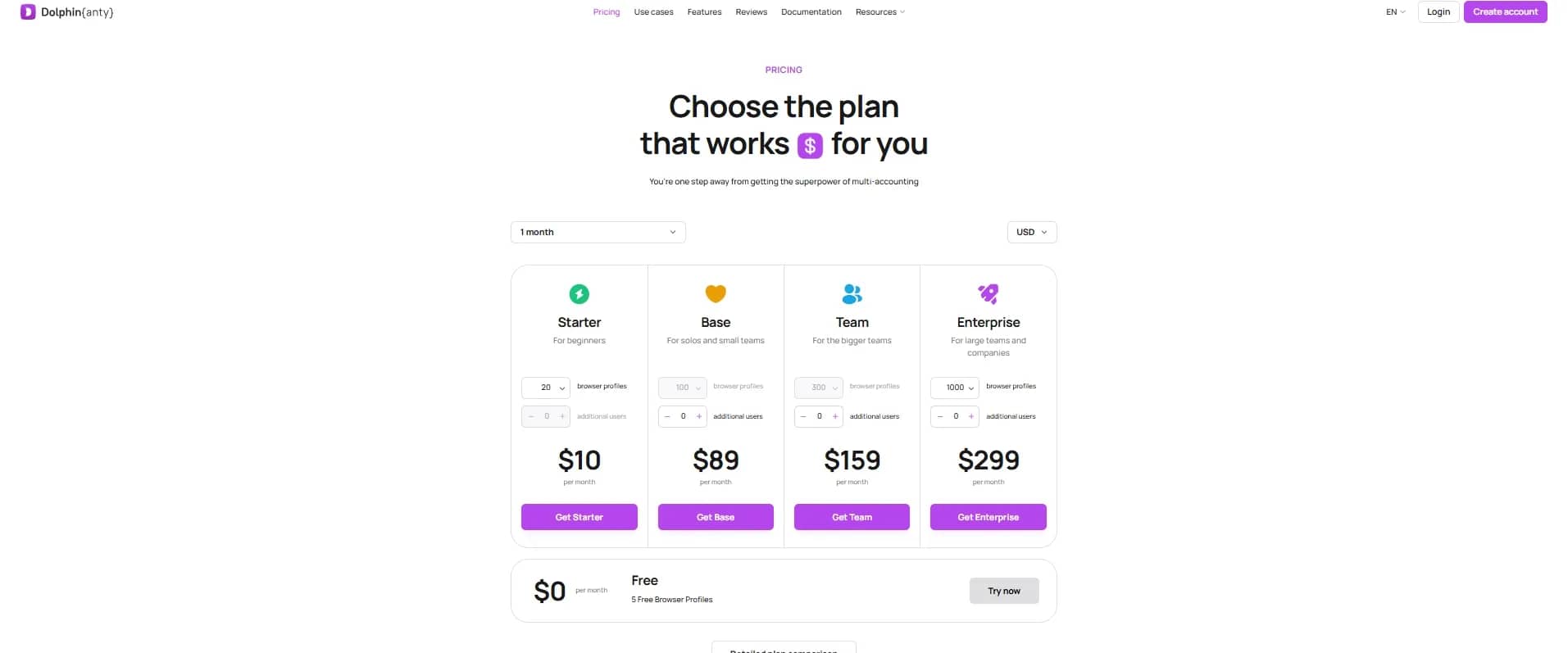
Dolphin{anty} is another popular anti-detect. They offer a basic plan for free with a limit of up to 5 profiles (the developers reduced the limit from ten profiles in the fall of 2025).
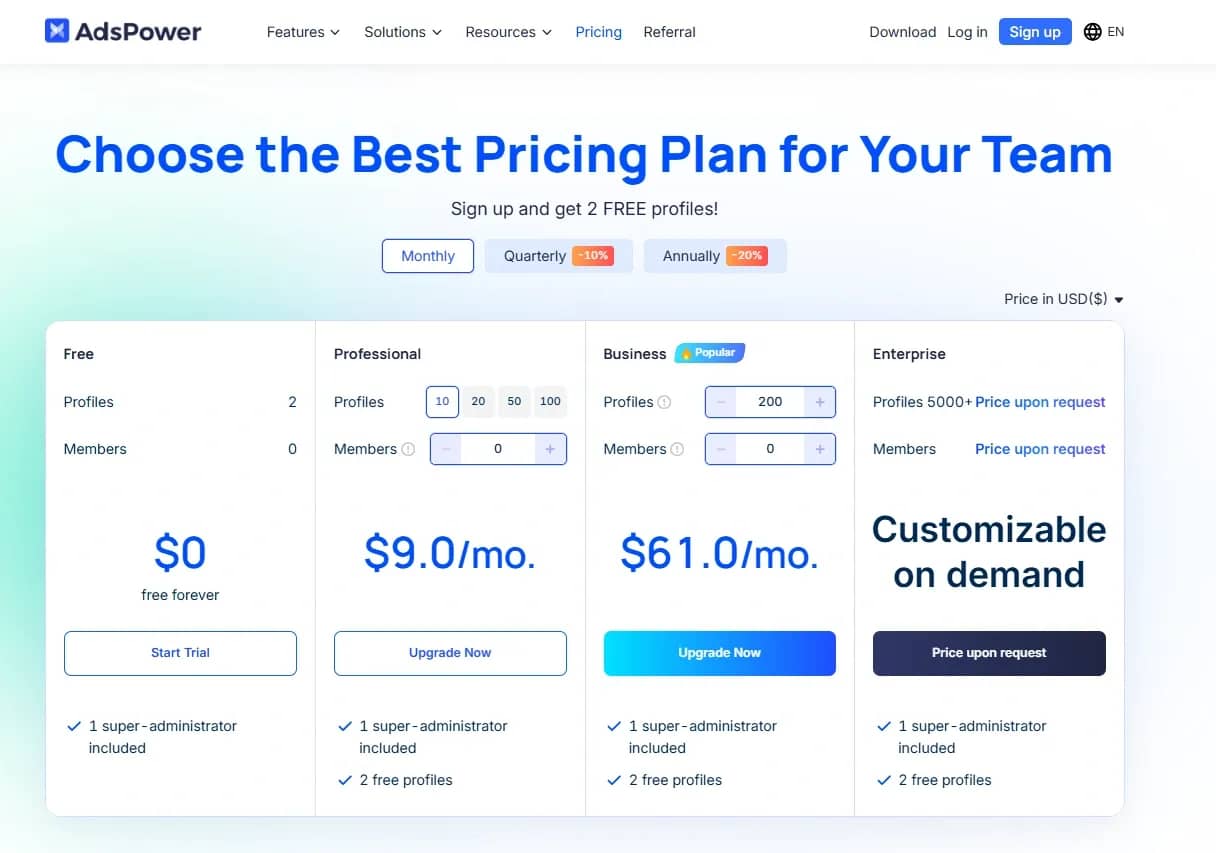
AdsPower is an anti-detect with a choice between Chromium and Firefox-based engines. There is a built-in RPA module for visual automation of browser actions without code. A plan for 2 profiles is available for free. New users are also offered an introductory trial of an advanced plan upon request.
Conclusion
Free anti-detect solutions almost always run into limitations, outdated technologies, and security risks, which causes accounts to quickly lose trust and get blocked. A working option at the start is to use trials or free plans of proven tools. This allows you to properly test setups and not lose money on consumables and bans right at the first stages.
Frequently asked questions
- There are currently no solutions on the market that are both free and provide full fingerprint spoofing without limits. Maintaining an up-to-date browser core requires constant costs, so reliable products operate on a paid model or introduce strict limits in free versions.
- No, this is not enough. A VPN and proxy substitute only the IP address. Security systems analyze dozens of other parameters: Canvas, WebGL, fonts, system language, and time zone. When logging into different accounts from a single device, even with an IP change, the hardware footprint will remain unchanged, which will lead to the blocking of the entire network.
- Cracked programs are cut off from official servers and do not receive updates. When new versions of Chromium are released, commercial products promptly update engines. Cracked software works on an old core, but at the same time tries to generate up-to-date User-Agents. Platform protection easily sees the mismatch between the claimed browser version and the actual behavior of the old engine.
- The program can be installed on a regular computer, but when running multiple profiles simultaneously, a large amount of RAM will be required, and the CPU load increases.

Why Google Blocks Accounts and What Your Antidetect Has to Do With It
Google has once again complicated the mechanisms of digital identification by deploying a new, more sophisticated layer of protection based on proprietary HTTP headers. This quiet change caught most of the market off guard, triggering a wave of rushed updates. While others hastily released superficial 'fixes', we realized that we were dealing not with a minor issue but with a fundamental shift that required deep and comprehensive analysis.

SOCKS vs HTTP Proxy: What’s the Real Difference and Which One to Choose?
There are times when you don’t want a website to link the request back to your device. That’s where a proxy comes in, it acts like a middle layer and sends the request for you. The site sees the proxy’s info instead of yours. It’s a go-to trick when you’re trying to see a page that’s not available in your region, pull content that’s restricted by location, or avoid hitting a wall when sending lots of requests.

The Best Alternative to OBS Studio
Working with a webcam on many online platforms can turn into a real challenge. A strict oval or rectangular frame appears on the screen, but your image doesn’t align perfectly with it. As a result, the system blocks further progress, demanding perfect alignment, and your workflow is disrupted before it even begins.