
What Is a DNS Proxy and Where Can You Get One? A Selection Guide
Updated: September 2026
A DNS proxy is an intermediary network node that intercepts domain name queries from your client devices, caches them, and forwards them to trusted upstream resolvers. This technology allows you to conceal your domain query history from your local ISP, reduce latency when loading web resources, and filter out unwanted content directly at the network level.
In an era of widespread implementation of deep traffic inspection systems, many users habitually view changing DNS as a panacea for all network restrictions. However, modern network infrastructure is far more complex, and misunderstanding the functional scope of different protocols often leads to personal data leaks and non-working websites.
In this article, we will break down exactly how DNS proxying operates, what tasks it is capable of solving in 2026, where to find verified server addresses, and in which scenarios a DNS alone is no longer enough.
What Is a DNS Proxy and How It Works
DNS, the Domain Name System, serves as the global phonebook of the internet. Computers and servers communicate with each other exclusively through numeric IP addresses, whereas humans find it much easier to remember text names like example.com. When you enter an address into your browser, the device sends a request to a resolver via a standard unencrypted protocol over UDP/TCP port 53 asking for the actual IP address of the desired server.
A DNS proxy sits between your client (a browser, an operating system, or a home router) and an external pool of resolvers. Instead of reaching out directly to your ISP's servers, the device sends the packet to a local or remote DNS proxy. The proxy checks whether a ready answer is available in the local cache, checks the domain against filtering lists, and, if no matches are found, requests the IP from upstream servers over a secure protocol.
The network model includes three types of nodes:
- An authoritative DNS server stores the official records of a specific domain added by its owner.
- A recursive resolver independently queries the full chain from root servers to the authoritative node to discover the exact IP address.
- A DNS proxy does not perform the entire lookup process from scratch; it merely accepts the client request, applies local operations (filtering, redirection), and forwards it to an existing recursive resolver.
The request chain works as follows: the client device generates a request and sends it to the DNS proxy; the proxy queries the selected upstream recursive resolver, receives the correct IP address, and delivers it back to the client.
Key technical characteristics:
- Traffic isolation — A DNS proxy handles strictly domain requests. The entire subsequent payload of the web page — text, images, streaming video — is transferred directly between your IP address and the destination server without any DNS involvement.
- Caching for acceleration — After saving the IP address into RAM upon the first visit to a site, the proxy delivers it instantly for all subsequent queries within the local network with an average latency of about 1 millisecond.
- The issue of default ISP servers — When connecting to the internet, your router automatically receives the DNS servers of your ISP. This allows the telecom provider to maintain a complete log of visited resources, redirect traffic to placeholder warning pages, and spoof responses when attempting to access restricted resources.
DNS Proxy vs. VPN vs. Classic Proxy vs. Smart DNS
Confusion between these terms arises from the similarity of user tasks, yet their underlying architecture is fundamentally distinct.
| Criterion | DNS Proxy | Smart DNS | Classic Proxy | VPN |
| What is redirected | Only DNS queries | DNS + traffic for selected domains | All traffic of the chosen application | All operating system traffic |
| Encryption | None (or DoH/DoT for DNS) | None | Depends on protocol (HTTP/SOCKS5) | Full encryption of the entire connection tunnel |
| Impact on speed | Virtually none | None | Moderate speed drop | Noticeable speed decrease and higher ping |
| Streaming unblocking | Limited | Yes, for supported platforms | Yes, depending on IP location | Yes, depending on IP location |
| Configuration complexity | Minimal | Minimal | Moderate | Minimal via a dedicated client |
A DNS proxy is by no means a replacement for a VPN, as it does not mask your real IP address or protect transferred data payloads. It is a narrowly specialized tool designed for domain name query routing and filtering.
Why You Need a DNS Proxy: 6 Practical Scenarios
Using third-party DNS proxies and secure resolvers addresses a wide array of everyday networking tasks:
- Bypassing restrictions at the DNS level. A basic censorship method used by ISPs consists of spoofing answers from their own DNS servers. When attempting to load a restricted domain, the user receives the IP address of an internal provider splash page with a warning. Configuring an independent DNS proxy returns the authentic IP address of the resource, bypassing provider spoofing.
- Access to geo-restricted streaming services. Specialized Smart DNS services intercept DNS queries to authorization servers of platforms like Netflix, BBC iPlayer, or Hulu. The response is modified so that the streaming service sees requests originating from an allowed region, while the heavy video stream itself flows directly at maximum connection speed without latency.
- Accelerating internet connectivity. Local ISP servers are often overloaded or physically distant, causing DNS response latency to reach 60–100 milliseconds. Switching to major global networks like Cloudflare and Google, combined with enabling local caching, reduces latency to 2–10 milliseconds, making websites loaded with third-party scripts open noticeably faster.
- Network-wide ad, counter, and tracker filtering. Network filters such as AdGuard DNS or a self-hosted Pi-hole server examine incoming queries against blocklists. If a device attempts to fetch an ad banner, a Google Analytics tracker, or an in-app mobile tracker, the proxy returns an empty response. Ads are eliminated across all browsers, smart TVs, and mobile apps without installing extensions.
- Parental controls and malicious resource protection. Family configurations of public resolvers check in real time against global databases of phishing sites, botnet command centers, and adult portals, instantly cutting off access for all connected household devices.
- Privacy and metadata protection. Using DNS-over-HTTPS (DoH) or DNS-over-TLS (DoT) protocols encapsulates requests inside an encrypted cryptographic tunnel, disguising them as standard HTTPS traffic on port 443. The ISP loses the ability to assemble an interest profile based on your requested domains.
However, it is crucial to recognize that internet censorship and network security methods are constantly advancing, which imposes definite technical limitations on DNS proxy technology.
A DNS proxy helps circumvent geolocation checks exclusively on services that analyze regional DNS without verifying the actual IP address of the requester. In 2026, major advertising networks like Google Ads and Meta, as well as marketplaces and payment gateways, match IP, DNS, and timezone data, making an antidetect browser paired with high-grade residential proxies the logical choice.
Bypassing ISP-level site blocks is similarly nuanced. If an ISP restricts access by spoofing IP responses, changing DNS will work. However, if the ISP deploys Deep Packet Inspection (DPI) or blocks target IP subnets directly, a DNS proxy is powerless. By contrast, an antidetect browser routes all traffic within an encrypted SOCKS5/HTTPS tunnel to the proxy server, circumventing any local ISP restrictions.
If your objective is to hide your actual IP address for torrenting, secure a session on an open public Wi-Fi network, or fully encrypt all outbound traffic against ISP analysis, a DNS proxy once again will not suffice. For those needs, a full-fledged VPN tunnel is required.
Where to Get a DNS Proxy: Overview of Sources
Selecting a platform depends on your balance between speed, privacy, and traffic filtering needs. Below are verified global resolvers:
| Service | IP Addresses | DoH/DoT Support | Built-in Filtering | Logging Policy |
| Cloudflare | 1.1.1.1 / 1.0.0.1 | Yes | Optional: 1.1.1.2 (malware), 1.1.1.3 (family) | Minimal anonymized logs |
| Google Public DNS | 8.8.8.8 / 8.8.4.4 | Yes | None | Anonymized retention for 24–48 hours |
| Quad9 | 9.9.9.9 / 149.112.112.112 | Yes | Malicious domain and phishing blocking | Strict No-Logs policy (Swiss jurisdiction) |
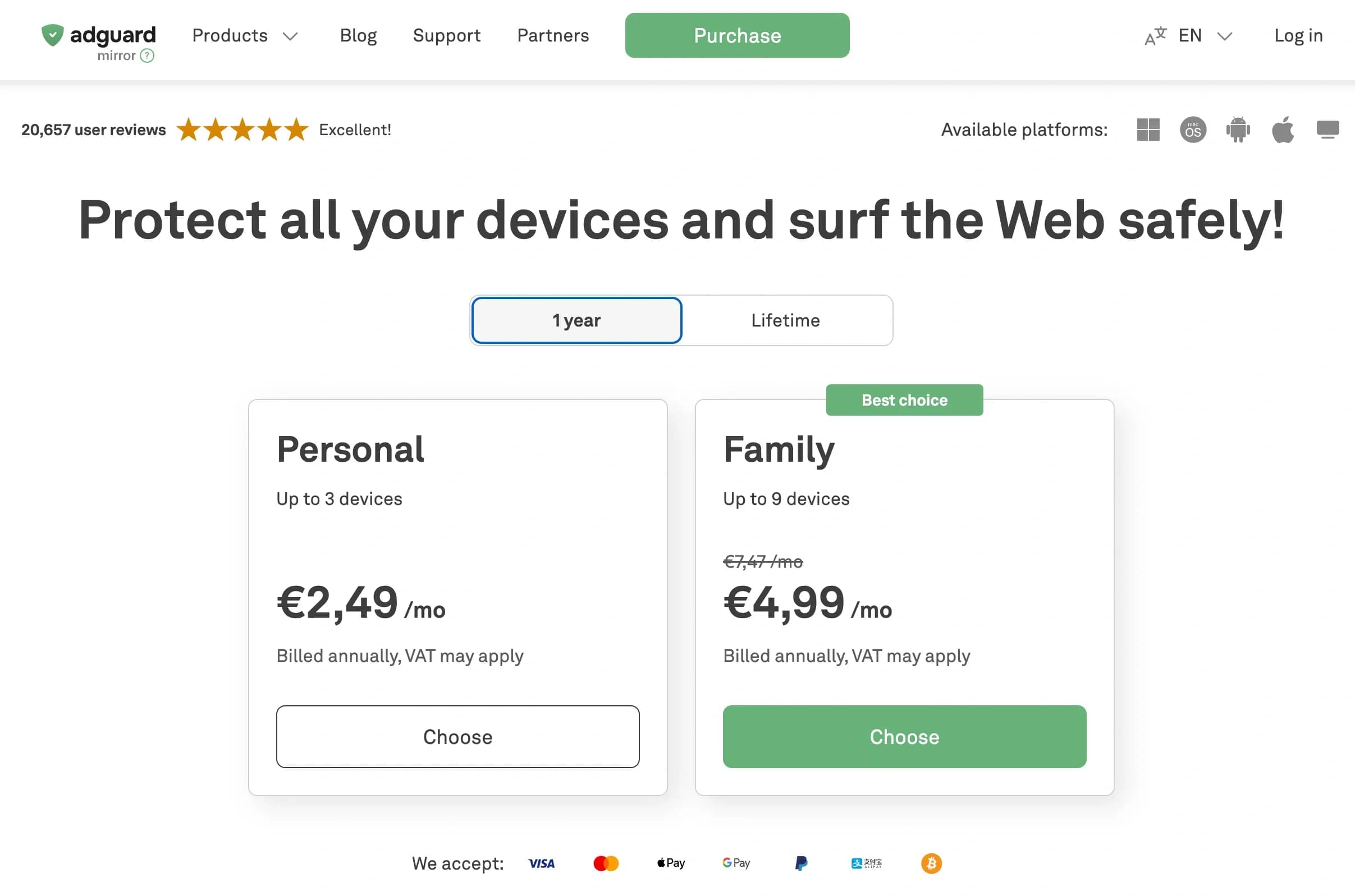
| AdGuard DNS | 94.140.14.14 / 94.140.15.15 | Yes | Ads, trackers, phishing, family mode | No logs kept |
| OpenDNS (Cisco) | 208.67.222.222 / 208.67.220.220 | Partial | Granular custom category filtering | Maintains account system logs |
Paid Smart DNS Services
If the primary goal is accessing international media libraries, commercial Smart DNS platforms (SmartDNSProxy, Unlocator) offer an optimal solution. They supply dedicated IP addresses that automatically route streaming service authentication requests through proprietary proxy nodes in the US, UK, or Japan. A paid subscription ensures ongoing pool updates in response to streaming platform countermeasures, along with 24/7 technical support.

Deploying a Custom DNS Proxy
For total control over network traffic, you can deploy a private server. On a rented VPS or a local home machine (Raspberry Pi, OpenWrt router, office NAS), you can install proven solutions:
- AdGuard Home / Pi-hole — Feature-rich web interfaces that enable connecting external blocklists, inspecting query statistics across each home device, and adjusting block rules in a single click.
- Unbound — A full recursive local resolver that queries internet root servers directly without intermediaries, eliminating the risk of third-party interception.
- Dnsmasq — An ultra-lightweight router solution that provides fast caching and address distribution across local area networks.
Mobile Apps with Built-in DNS Functions
On smartphones, configuring an encrypted channel can be automated via apps provided by resolver networks. The official 1.1.1.1 app from Cloudflare or AdGuard for Android and iOS creates a local pseudo-VPN profile, funneling all system DNS requests into an encrypted DoH tunnel without reducing overall connection throughput.
Conclusion
In 2026, a DNS proxy remains a vital baseline component for establishing a fast and secure internet setup. It effectively resolves problems associated with reducing latency, centrally filtering annoying advertisements, and bypassing rudimentary ISP spoofing. However, with the evolution of deep packet inspection technologies, simply swapping DNS numbers in your network adapter is no longer a universal fix. When the goal involves anti-tracking protection or bypassing strict regional geo-filters, an antidetect browser does not merely substitute for a DNS proxy — it greatly exceeds it in reliability thanks to remote DNS resolution and browser fingerprint spoofing.
Frequently asked questions
- It is an intermediary proxy server positioned between your device and the global address directory of the internet. It intercepts domain name lookups for websites, verifies them against safety lists, stores them in memory for fast retrieval, and forwards them to trusted upstream servers.
- A DNS proxy handles exclusively domain-to-IP resolution requests, leaving actual user data unencrypted and your real IP visible. A VPN constructs a fully encrypted tunnel, routing the entire network stream of the device through a remote server.
- The optimal choice depends on your objective: Cloudflare (1.1.1.1) provides the lowest latency and the fastest page load speeds, Quad9 (9.9.9.9) ensures premier phishing protection and Swiss privacy standards, while AdGuard DNS (94.140.14.14) is most efficient at cutting out ads and tracking scripts at the query stage.
- Changing your DNS restores website access only when the internet provider uses basic blocking by spoofing IP responses inside its proprietary resolver. If the operator implements DPI systems analyzing SNI or blocks destination IP ranges outright, changing DNS will not help — a VPN or a specialized proxy is required.
- Using servers operated by reputable international companies (Cloudflare, Google, Quad9) is safe. The danger stems from obscure public DNS servers found on web forums: their operators may intercept queries and route users to forged duplicates of popular services to harvest login credentials.
- DNS-over-HTTPS (DoH) disguises DNS queries as regular web traffic over port 443, making it nearly impossible to block or separate from standard internet flows. DNS-over-TLS (DoT) operates on dedicated port 853, simplifying administration and traffic monitoring within corporate networks, but leaving it vulnerable to targeted ISP filtering. For home environments and mobile devices, DoH is practically preferred.

Why Google Blocks Accounts and What Your Antidetect Has to Do With It
Google has once again complicated the mechanisms of digital identification by deploying a new, more sophisticated layer of protection based on proprietary HTTP headers. This quiet change caught most of the market off guard, triggering a wave of rushed updates. While others hastily released superficial 'fixes', we realized that we were dealing not with a minor issue but with a fundamental shift that required deep and comprehensive analysis.

SOCKS vs HTTP Proxy: What’s the Real Difference and Which One to Choose?
There are times when you don’t want a website to link the request back to your device. That’s where a proxy comes in, it acts like a middle layer and sends the request for you. The site sees the proxy’s info instead of yours. It’s a go-to trick when you’re trying to see a page that’s not available in your region, pull content that’s restricted by location, or avoid hitting a wall when sending lots of requests.

The Best Alternative to OBS Studio
Working with a webcam on many online platforms can turn into a real challenge. A strict oval or rectangular frame appears on the screen, but your image doesn’t align perfectly with it. As a result, the system blocks further progress, demanding perfect alignment, and your workflow is disrupted before it even begins.