How to choose a CAPTCHA recognition service
The era when a CAPTCHA was just a blurred picture with numbers is long gone. Modern anti-fraud systems use complex algorithms of behavioral analysis: they evaluate not only the correctness of the answer, but also who gives this answer and how.
Therefore, the choice of a platform that performs CAPTCHA recognition online directly affects the trust of your account. A cheap service for solving CAPTCHAs can return the correct token, but if it was obtained by a worker from a "dirty" IP address from another country, the anti-fraud system will instantly mark your profile as suspicious. A reliable anti-captcha for a browser must be able to proxify requests, maintain adequate response times, and not disrupt the session fingerprint. Otherwise, the costs of high-quality proxies and expensive accounts will go down the drain just to save a few cents.
Types of CAPTCHAs encountered by antidetect users
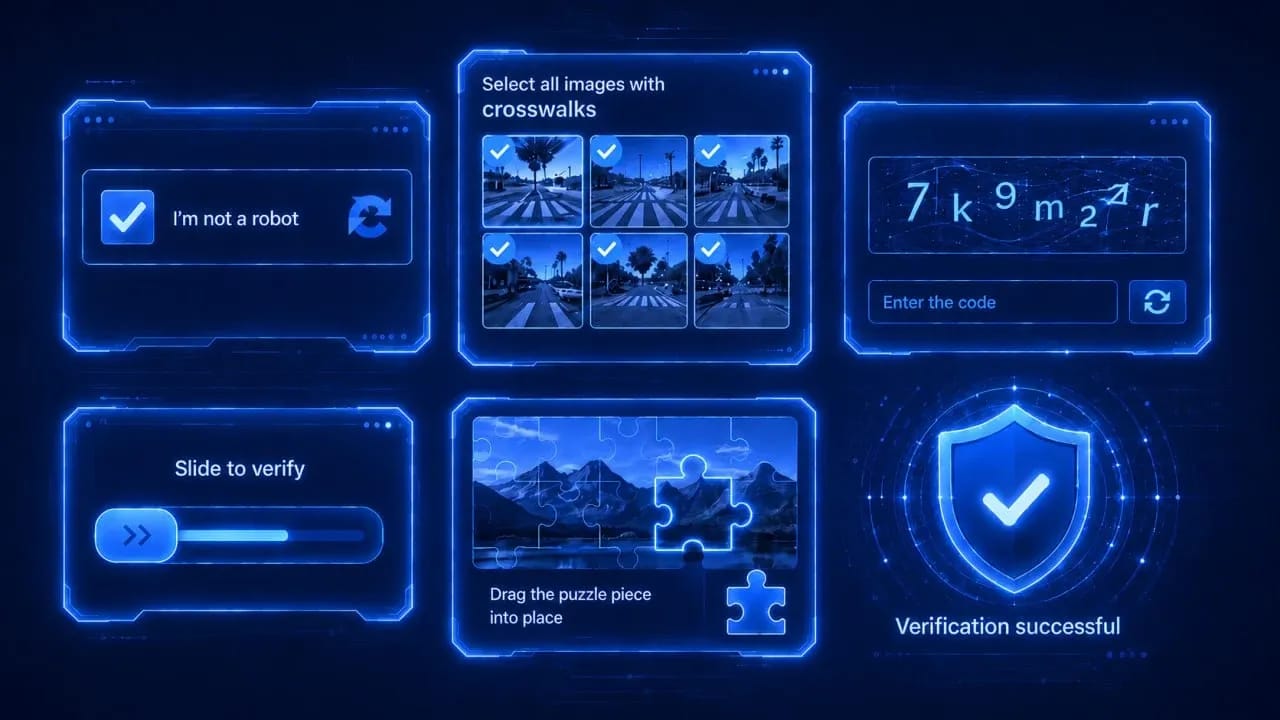
Today, there are dozens of CAPTCHA variations in the arsenal of site protection systems. We have compiled the main ones in the table:
| CAPTCHA type | Features | Risk to profile |
| Image-to-text | Simple text and digital characters against a noisy background | Low. Easily solved by neural networks in the background |
| ReCaptcha v2/v3 | v2 requires clicking on pictures or is set as invisible. v3 works in the background, evaluating trust | High. Based on Google session history and cookies |
| hCaptcha | A popular alternative to ReCaptcha, often found on crypto exchanges and Discord. Harder to automate | Medium-high. Requires accurate browser emulation |
| Cloudflare Turnstile | Managed Challenge / Interactive. Evaluates the browser environment, presence of WebGL, Canvas, and device parameters | Very high. Inextricably linked with the browser fingerprint |
| GeeTest / FunCaptcha | Puzzles, rotating 3D objects. Often use AWS WAF | Medium. Require passing the site-key and special tokens |
| Behavior-based / 3D | Hidden checks of mouse movement, speed, and rhythm of typing | Highest. Correct emulation of JS events is mandatory |
Each type of protection closely interacts with your browser fingerprint. For example, ReCaptcha v3 does not ask you to press buttons at all — it returns a score from 0.1 to 0.9 to the site. If you bought a ready-made account, but the behavior and fingerprints of your profile in the antidetect are unnatural, you will still catch the attention of the anti-bot system.
Service selection criteria: checklist
You need to focus not on beautiful landing pages, but on the technical parameters of the platforms. To choose a suitable CAPTCHA recognition service, check it according to the following parameters:
- Speed of response. For mass tasks like scraping and auto-registration, it is not just the average speed that matters, but the p95/p99 metrics — the time it takes to solve 95-99% of CAPTCHAs. If the average speed is 5 seconds, but during peak hours 5% of the pool is solved in 40 seconds, then your scripts will crash due to session timeouts.
- Accuracy and type of solution. What is "under the hood": cheap labor from India or modern ML models? AI algorithms work faster and are better suited for Turnstile and v3, while for complex visual puzzles or non-standard FunCaptcha, people are still needed. CAPTCHA recognition accuracy directly depends on the chosen method. A professional's arsenal should include the best anti-captcha service combining both approaches.
- API, integrations, and SDKs. Convenient interaction libraries are important for scaling processes. A good standard is the presence of a REST API for the CAPTCHA service, as well as official SDKs for Python, Node.js, Go. Proper CAPTCHA integration into a script, for example, via modules for Puppeteer or Playwright, saves weeks of developer work.
- Compatibility with automation. The service should work seamlessly with headless modes and antidetect browsers. The solver must take into account your profile parameters — spoofing of WebGL, Canvas, User-Agent.
- Pricing model and limits. Evaluate the price per 1000 successful solutions specifically for your CAPTCHA. For example, v2 usually costs $1-3. Pay attention to hidden fees, withholding of funds for disputed solutions, and the minimum deposit. For stable loads, subscription limit plans are more profitable, for spike loads — classic pay-as-you-go.
- Security and anonymity. Do they transfer your work logs to third parties? Some services send cookies and session tokens to the side of workers, which creates risks of account data interception.
Comparison of top CAPTCHA recognition services
| Service | Average speed | Price for 1K ReCaptcha v2 | AI module | SDK (Py/JS) |
| CapSolver | 1–3 sec | ~$0.80 | Yes (Main focus) | Yes |
| 2Captcha | 10–15 sec | ~$1.00 - 2.99 | Mixed | Yes |
| Anti-Captcha | 10–20 sec | ~$2.00 | Mixed | Yes |
| NextCaptcha | 2–5 sec | ~$0.80 | Yes | Yes |
| DeathByCaptcha | 12–18 sec | ~$1.39 | No (Mostly humans) | Yes |
What to choose?
- CapSolver / NextCaptcha are optimal for mass farming and creating dozens of threads. Thanks to the AI engine, they provide the maximum solution speed, making them suitable for scripts with short timeouts, and strictly pass Cloudflare Turnstile.
- 2Captcha / Anti-Captcha are the best fallback option. If a custom or heavily "mutated" hCaptcha appears on the target website, the live workers of these platforms will cope with it better than any neural network. A good choice for valuable, single profiles.
How to integrate a CAPTCHA recognition service into an antidetect browser
Let's look at the basic automation scheme using the example of getting a token. The architecture is based on sequential interaction: the antidetect profile communicates with an automation script (for example, based on Playwright), then, when a CAPTCHA appears on the target site, the script initiates a call to the CAPTCHA service API, after which the received response token is injected directly into the DOM tree of the page.
The recognition automation algorithm looks as follows:
- The script connects to the antidetect browser profile to save all accumulated session fingerprints and navigates to the desired resource. Upon detecting a protective barrier, the program collects the CAPTCHA identifier — sitekey — along with the URL of the current page and forms a request to the solver service API. At this same stage, if the settings provide for it, your proxy data is sent along with the task.
- The script starts a waiting loop, periodically polling the platform for the readiness of the solution. As soon as the task status changes to successful, the generated token is extracted from the response.
- At the final stage, injection occurs — the script directly inserts the received token into the hidden utility field textarea inside the code of the target site page. If the site's architecture requires it, an appropriate callback function is additionally called.
Always add random delays imitating human behavior between insertion and clicking form submission. Instant submission is a clear bot marker.
Typical mistakes when choosing and using services
- Choosing only by price. Besides the cost, it is worth evaluating the stability of the service before full-scale use.
- Strict timeouts in scripts. Programmers often forget about p95 delays. It is worth anticipating the correct CAPTCHA solving timeouts in your scenarios in advance.
- Solving out of context. CAPTCHA recognition services always provide detailed documentation, specifying exactly what data they need to receive for solving and how to subsequently apply the response from the service on the page to successfully pass the CAPTCHA. Before integration, it is necessary to study the materials on the service website.
Conclusion
The ideal CAPTCHA recognition service for working with an antidetect is a tool that combines a balance of high speed, geo-flexibility, and anonymity. Do not chase the lowest price: a dollar saved on CAPTCHAs can cost you dozens of blocked accounts.
To minimize risks and take your processes to a professional level, try the Linken Sphere antidetect browser. In it, you will find not only a perfect mechanism for spoofing fingerprints for any tasks but also ease of integration with leading automation and CAPTCHA solving services. Your code, reliable proxies, and a profile in Linken Sphere are a combination with which any anti-fraud protections become a mere formality.
Frequently asked questions
- Yes, the API key is independent of your profiles. Its task is simply to authorize the balance in the anti-captcha service. The main thing is to make sure you do not hit the thread limits of your tariff in the service.
- Solutions for most modern systems live for about 120 seconds from the moment they are generated on the service side. If your script waits 30-40 seconds for an answer, this is absolutely normal and safe. Problems begin if the service is overloaded and issues a solution longer than 1.5–2 minutes: the site may simply reject the entered answer.
- If, after the correct solution, your script clicks the Submit button in 1 millisecond, does not move the mouse before it, or sends a POST request with a User-Agent that differs from the antidetect's own User-Agent, the anti-fraud system will block you for unnatural behavior, despite passing the CAPTCHA.

Why Google Blocks Accounts and What Your Antidetect Has to Do With It
Google has once again complicated the mechanisms of digital identification by deploying a new, more sophisticated layer of protection based on proprietary HTTP headers. This quiet change caught most of the market off guard, triggering a wave of rushed updates. While others hastily released superficial 'fixes', we realized that we were dealing not with a minor issue but with a fundamental shift that required deep and comprehensive analysis.

SOCKS vs HTTP Proxy: What’s the Real Difference and Which One to Choose?
There are times when you don’t want a website to link the request back to your device. That’s where a proxy comes in, it acts like a middle layer and sends the request for you. The site sees the proxy’s info instead of yours. It’s a go-to trick when you’re trying to see a page that’s not available in your region, pull content that’s restricted by location, or avoid hitting a wall when sending lots of requests.

The Best Alternative to OBS Studio
Working with a webcam on many online platforms can turn into a real challenge. A strict oval or rectangular frame appears on the screen, but your image doesn’t align perfectly with it. As a result, the system blocks further progress, demanding perfect alignment, and your workflow is disrupted before it even begins.