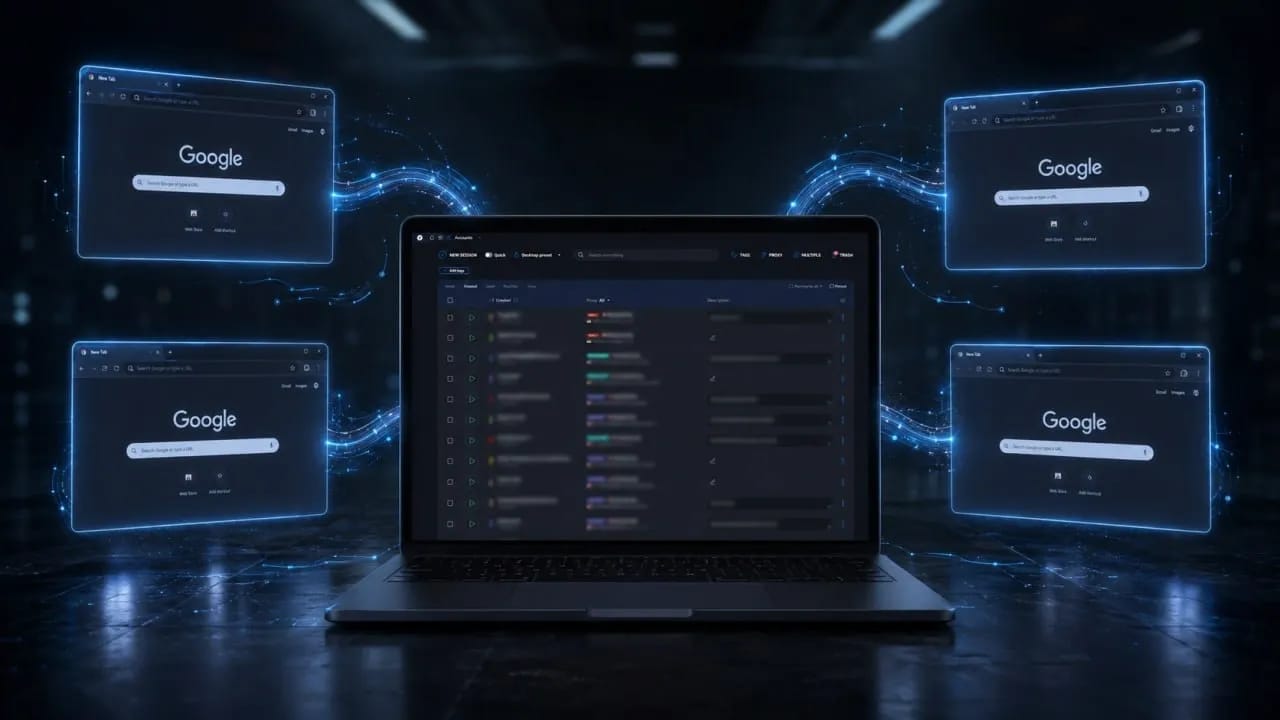
Quick Automation in Linken Sphere with One-Time Sessions
In large-scale automation scenarios, speed and resource optimization are everything. Previously, working with temporary profiles required sending a chain of requests: create, start, stop, and delete. At the same time, you had to monitor the limits of available sessions on the account.
This meant unnecessary logic and wasted time both during development and in the daily use of automation.
Meet Run One Time — a new API method for creating and launching one-time sessions in a single request.
How it works
The Run One Time method is available on Premium plans and combines the creation and launch of sessions. The settings for new profiles are automatically taken from the active preset, which can be changed on the fly using the Set Active Provider method.
To get started, simply ensure that the API Port is set in the global program settings. From there, everything happens in two steps:
- Send a Run One Time request. In the response, you will instantly receive a list of launched sessions and connection ports so you can immediately start working with your script.
- Send a Stop Session request with the UUIDs of the required sessions after completing your target actions. The profiles will stop and be automatically deleted without a trace.
Advantages of one-time sessions
One-time session data is not saved locally and is not synchronized with the server. You no longer waste time uploading and downloading profiles to the cloud, achieving maximum operating speed.
Sessions created using this method are not counted in the account's profile counter. You can launch the required number of sessions without worrying about available slots. The number of simultaneously running sessions depends solely on the resources and power of your computer.
The Linken Sphere API architecture still does not limit the number of threads or the frequency of requests (there are no RPH/RPM limits). You can scale and automate projects without artificial barriers.
Conclusion
Instead of three requests — two. Instead of monitoring the number of profiles and manual cleanup — complete freedom of action and automatic data deletion. This is time and lines of code that you no longer spend on infrastructure maintenance. Accelerate your automation without compromise.
Frequently asked questions
- It is a Linken Sphere API method that creates and launches one-time sessions in a single request. The response returns the launched sessions and connection ports.
- The parameters for new sessions are taken from the active preset, which can be pre-configured in the program interface. You can change the active preset using the Set Active Provider method.
- After a Stop Session request with the UUID of the desired session, the profile is stopped and automatically deleted. Its data is not saved locally and is not synchronized with the server.
- No. Sessions created via Run One Time do not take up profile slots on the account. The number of simultaneously running sessions is limited only by the computer's resources.
- No, the Linken Sphere API does not set RPH/RPM limits and does not restrict the number of threads. The Run One Time method is available on Premium plans.

Why Google Blocks Accounts and What Your Antidetect Has to Do With It
Google has once again complicated the mechanisms of digital identification by deploying a new, more sophisticated layer of protection based on proprietary HTTP headers. This quiet change caught most of the market off guard, triggering a wave of rushed updates. While others hastily released superficial 'fixes', we realized that we were dealing not with a minor issue but with a fundamental shift that required deep and comprehensive analysis.

SOCKS vs HTTP Proxy: What’s the Real Difference and Which One to Choose?
There are times when you don’t want a website to link the request back to your device. That’s where a proxy comes in, it acts like a middle layer and sends the request for you. The site sees the proxy’s info instead of yours. It’s a go-to trick when you’re trying to see a page that’s not available in your region, pull content that’s restricted by location, or avoid hitting a wall when sending lots of requests.

The Best Alternative to OBS Studio
Working with a webcam on many online platforms can turn into a real challenge. A strict oval or rectangular frame appears on the screen, but your image doesn’t align perfectly with it. As a result, the system blocks further progress, demanding perfect alignment, and your workflow is disrupted before it even begins.