
Random IP Generator: How It Works, What It Does, and Online Services
IP addresses are often needed not for connecting to the internet, but for technical tasks. Selecting such values manually is inconvenient, which is why random IP generators are used. They create addresses according to IPv4 or IPv6 rules and help to quickly assemble the required dataset.
In this article, we will explain how to get a list of random IPs for testing, what limitations these tools have, and why real address changes require proxies, VPNs, or antidetect browsers.
What is a Random IP Generator and How It Works
A random IP generator is an online service, a script, or a built-in function in software for generating IP addresses according to specified rules. On output, the user receives a string in IPv4 or IPv6 format: for example, 185.143.223.41 for IPv4 or a longer entry with colons for IPv6.
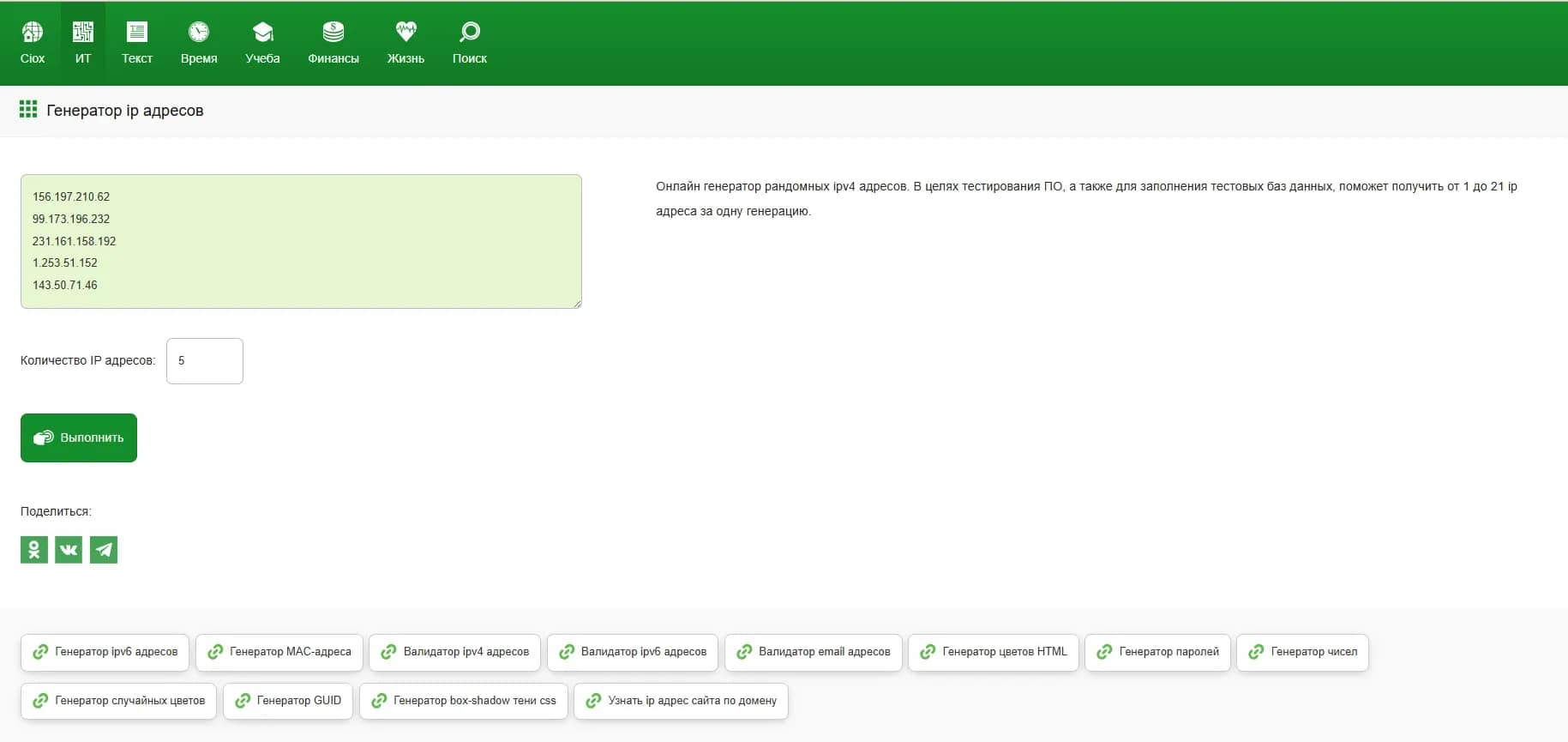
Important! An IP generator does not change the actual address of the device on the internet. It only creates a text value that looks like an IP address and complies with the rules of the selected protocol. Such addresses are used in test data, logs, demo interfaces, filter settings, educational examples, analytics, and technical documentation. The actual IP is changed via network tools: VPN, proxy, or rotation.
For IPv4, the generator works with a 32-bit address space. In standard notation, IPv4 consists of four numerical blocks separated by dots. Each block is called an octet and can take a value from 0 to 255. Therefore, a simple generator first selects four random numbers in this range, then combines them with dots to get an address like 34.117.59.81.
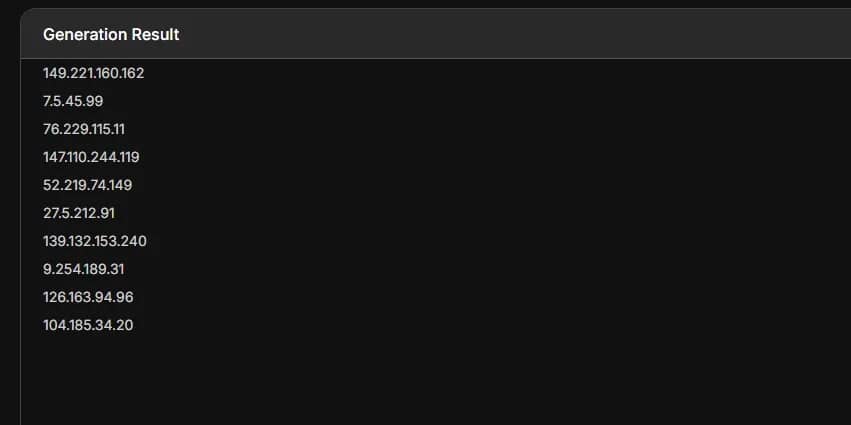
A high-quality generator must not output just any random combination of numbers: in IPv4, there are ranges that are pre-allocated for internal networks, system diagnostics, educational examples, and other technical tasks. Such addresses are typically not used as regular public IPs on the internet.
For example, the ranges 10.0.0.0/8, 172.16.0.0/12, and 192.168.0.0/16 are used in internal networks. Addresses from the 127.0.0.0/8 range are used by the device itself to loop back to itself. The ranges 192.0.2.0/24, 198.51.100.0/24, and 203.0.113.0/24 are reserved for documentation and examples. Therefore, a proper generator should exclude such addresses from the output if the user needs IPs that look like public addresses on the internet.
Additionally, the generator can filter out addresses unsuitable for routing — service, reserved, and not yet allocated ranges. This means it compares the result with lists of special ranges and removes unsuitable options. This way, the user gets a plausible public IP address.
For IPv6, the principle is similar, but the address space is much larger. IPv6 uses 128-bit addresses, which are written as groups of hexadecimal characters separated by colons. Due to the size, random IPv6 generation requires more complex logic: it is necessary to consider the notation format, valid abbreviations using ::, address types, and special ranges.
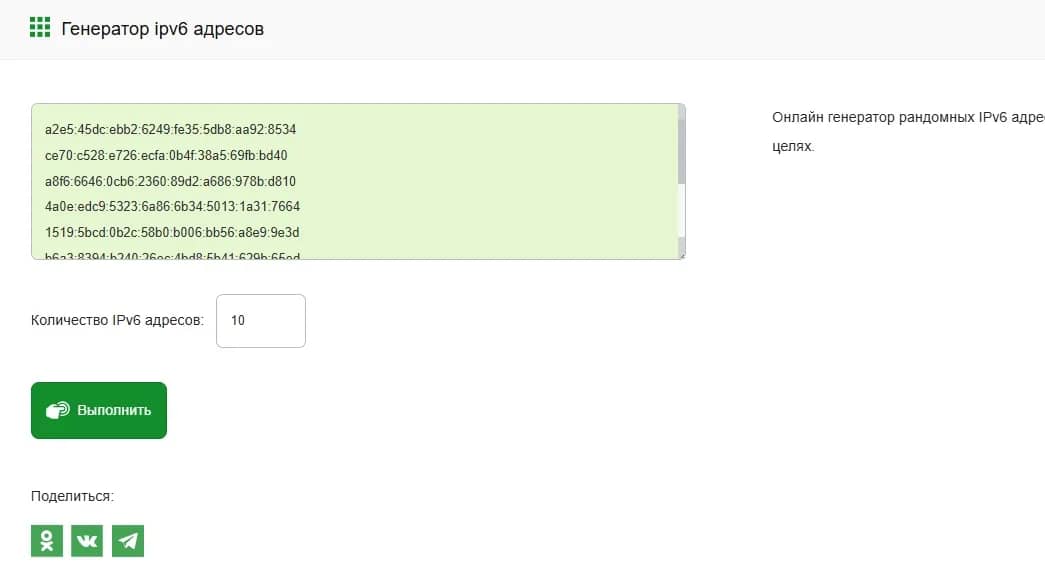
After generation, the service usually performs several checks: whether the string matches the IPv4 or IPv6 format, whether the address falls into a reserved range, whether it can be considered public, and whether it needs to be linked to a specific country or ASN.
The concept is simple: a random IP generator creates valid address strings according to IPv4 or IPv6 rules. Its task is to prepare correct test or demonstration values. To actually change an IP address, you do not need a generator, but a network tool that actually changes the connection route.
Why IP Address Generators are Needed
A random IP generator is needed where a specialist must quickly get many addresses in the correct format. Most often, this concerns preparing test data: logs, demo records, tables, filtering rules, check scripts, and load tests. Such a tool helps check how a system works with different addresses, ranges, countries, and limitations.
QA engineers and testers use random IPs when checking web applications, APIs, and client portals. For instance, they need to make sure that the service correctly writes the IP to the log, displays it in the admin panel, applies request limits, handles different countries, and does not break when dealing with a large number of unique addresses. During tests, such IPs can be inserted into pre-prepared data or into special headers.
Developers turn to IP generators when they need to prepare test data for a database or an application. For example, a system might store visit logs, login attempts, or user events. Random IPs help populate these records with various addresses and check how the application performs with a large dataset.
Analysts use random IPs in anonymized examples and demo reports. For example, when demonstrating a log structure, an example of traffic distribution by country, or a dashboard operation, but real user addresses cannot be disclosed. In such cases, the generator helps quickly replace real data with generated data.
Information security specialists use generated IPs in educational scenarios. For example, they use them to check filtering rules, whitelists and blacklists of addresses, system responses to frequent requests, or suspicious activity from different ranges. Such checks are conducted in a controlled environment: on their own servers or as part of an agreed audit.
System administrators and DevOps engineers need random IPs when configuring logging, proxies, load balancers, and access rules. For example, they need to verify how the server saves a client's address or how an application reads the IP from headers.
Anti-fraud and anti-spam system developers use IP generators to check internal rules in a test environment. Random addresses help assemble various behavior scenarios and see how the algorithm reacts to repetitive actions, suspicious activity, and requests from different regions. This allows the team to find weak spots in the filtering logic before launching on real traffic.
Authors of documentation and training materials use IP generators for examples. Guides, instructions, screenshots, and educational tasks often require addresses that look plausible but do not reveal real data. For such cases, it is better to use specially allocated ranges for documentation or synthetic addresses to avoid accidentally showing the actual IP of a client, server, or employee.
IPv4 vs IPv6: Which Addresses Generators Can Create
Modern IP generators are capable of creating addresses of the two main standards of the internet:
| Characteristic | IPv4 | IPv6 |
| Format | 4 blocks of numbers separated by dots (e.g., 192.0.2.146) | 8 blocks of hexadecimal numbers separated by colons (e.g., 2001:0db8:85a3:0000:0000:8a2e:0370:7334) |
| Bit width | 32 bits | 128 bits |
| Number of addresses | ~4.3 billion (addresses in the real world are almost exhausted) | Huge number (3.4 × 10³⁸) |
| Support in generators | Supported everywhere | Supported by advanced services |
A Selection of Online IP Address Generators
All tools work on the same principle: simply select the parameters, run the generation, and get a list of addresses.
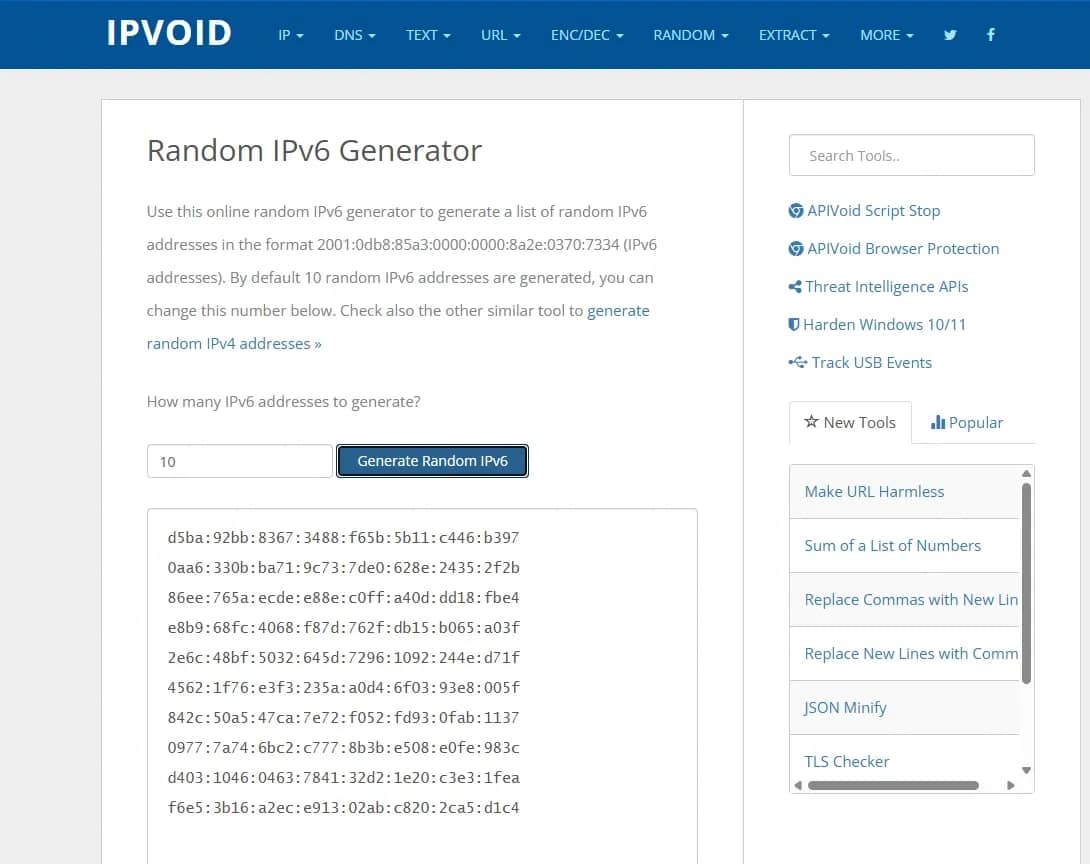
IPVoid — a set of online tools for working with IP addresses and network data. The service has separate IPv4 and IPv6 generators. In the IPv4 generator, you can specify the required number of addresses and get a list in the 123.123.123.123 format. For IPv6, there is a separate page where 10 addresses are created by default, and the number can be changed manually.
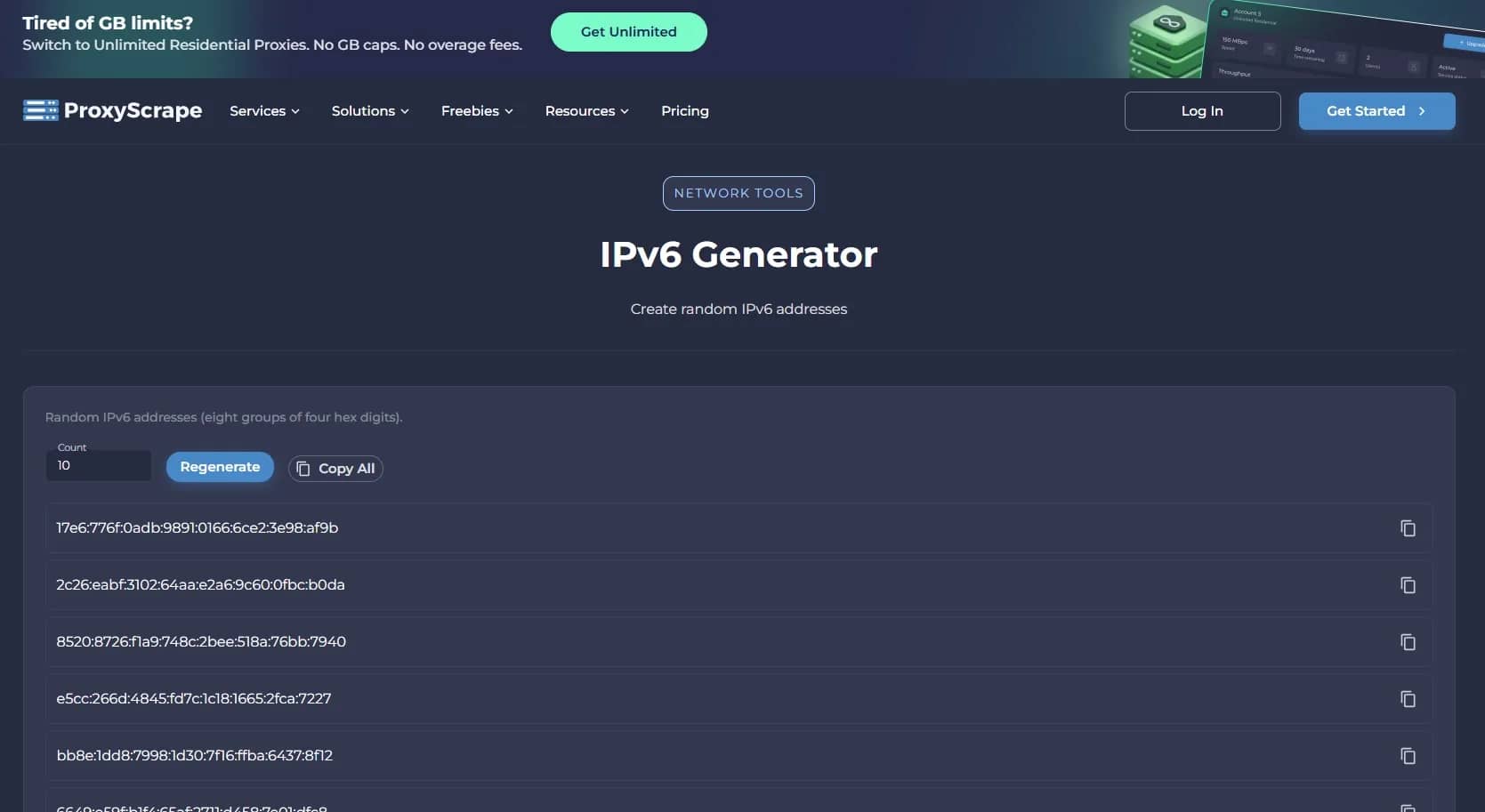
ProxyScrape IPv6 Generator — an online IPv6 generator. The service creates random IP addresses in the standard format of eight groups of characters and allows you to specify the required number of addresses.
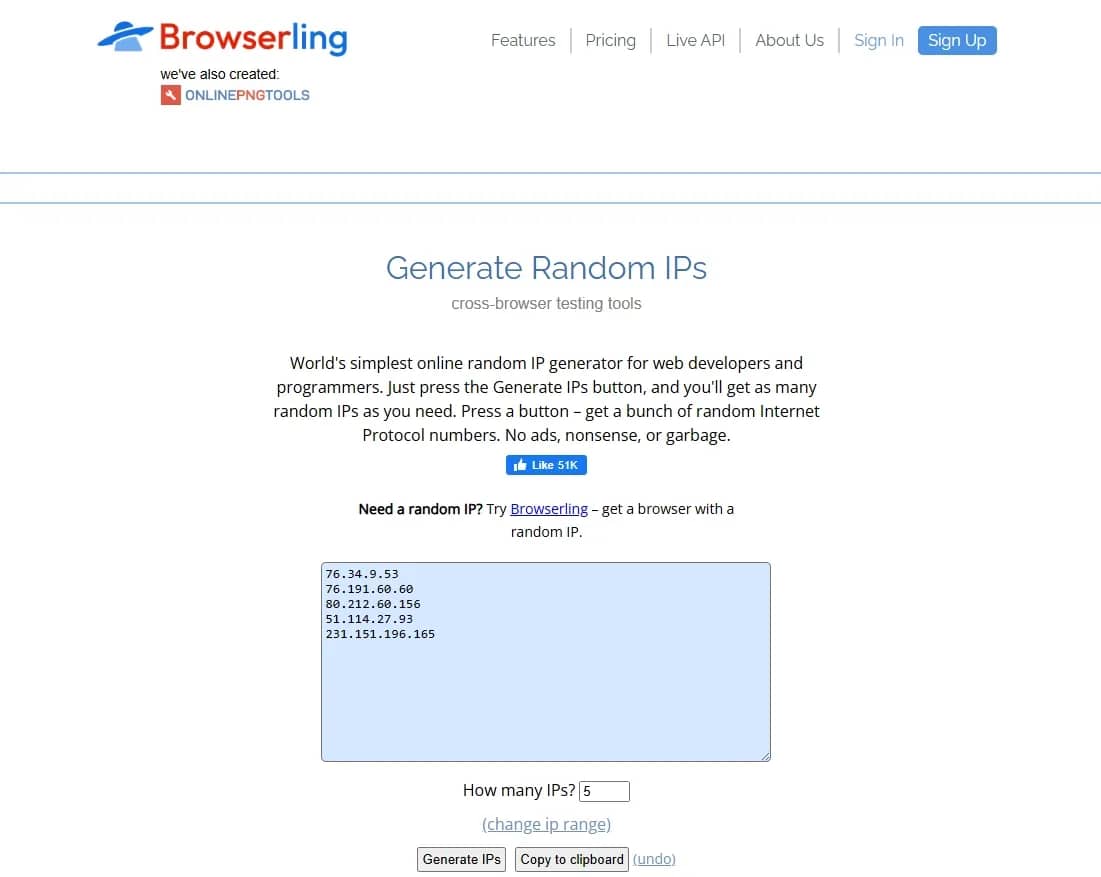
Browserling Random IP Generator — a simple tool from Browserling. The generator works on the "click button — get IP list" principle. It is suitable for quick tasks: checking scripts, test lists, access rules, and demos. In the interface, you can specify the number of addresses and, if necessary, set your own range.
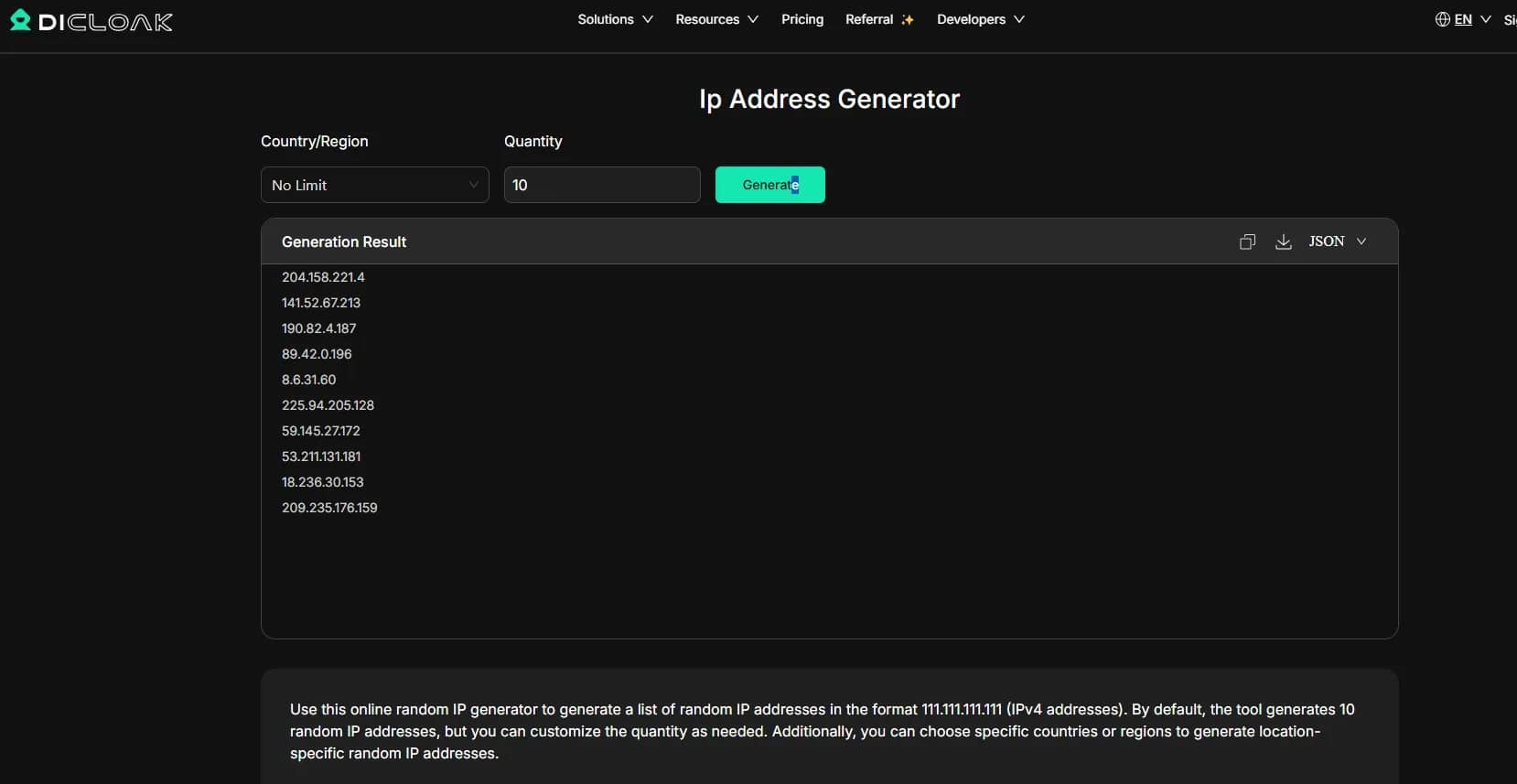
DICloak Random IP Generator — a random IPv4 address generator with additional settings. The service allows you to select a country, region, or specific IP range, as well as generate up to 500 addresses at a time. This format is convenient when addresses tied to a specific geography are needed for a test.
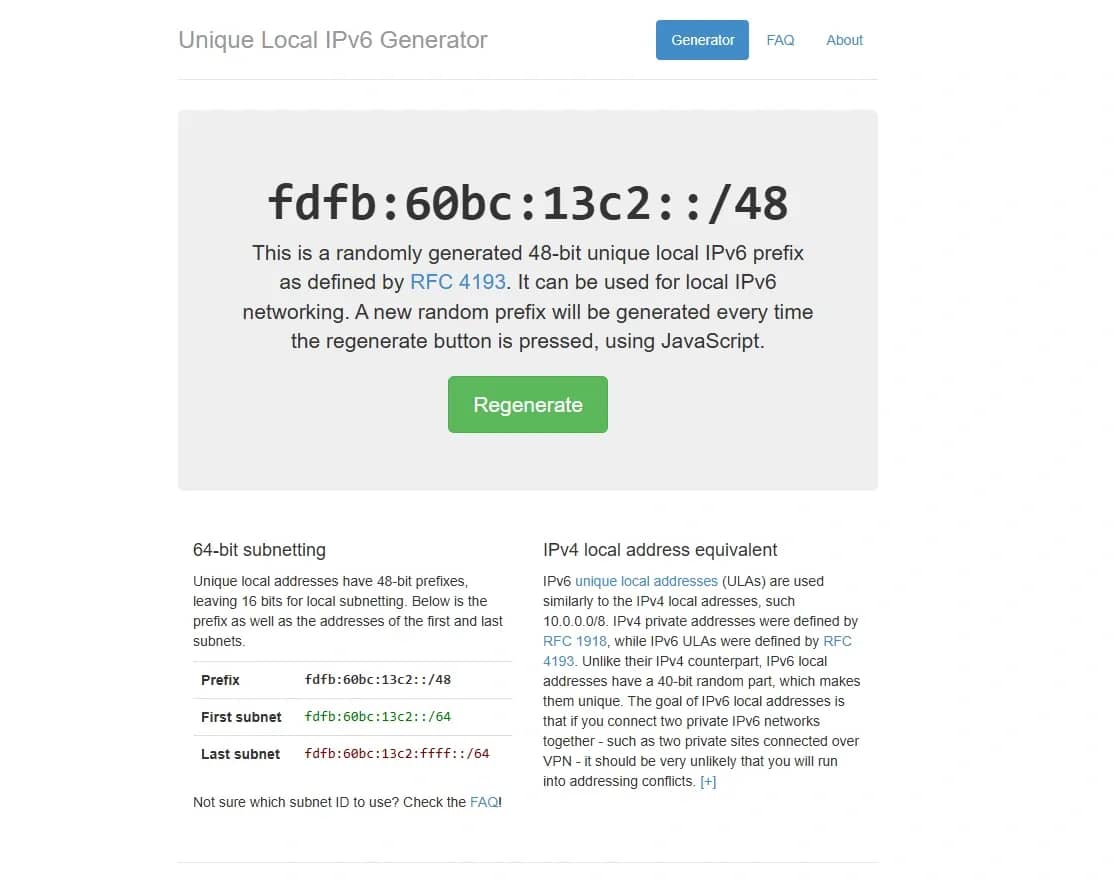
Unique Local IPv6 Generator — a tool for generating a local /48 IPv6 prefix according to RFC 4193. This option is needed not for public IPs, but for internal IPv6 networks, testbeds, and local configurations.
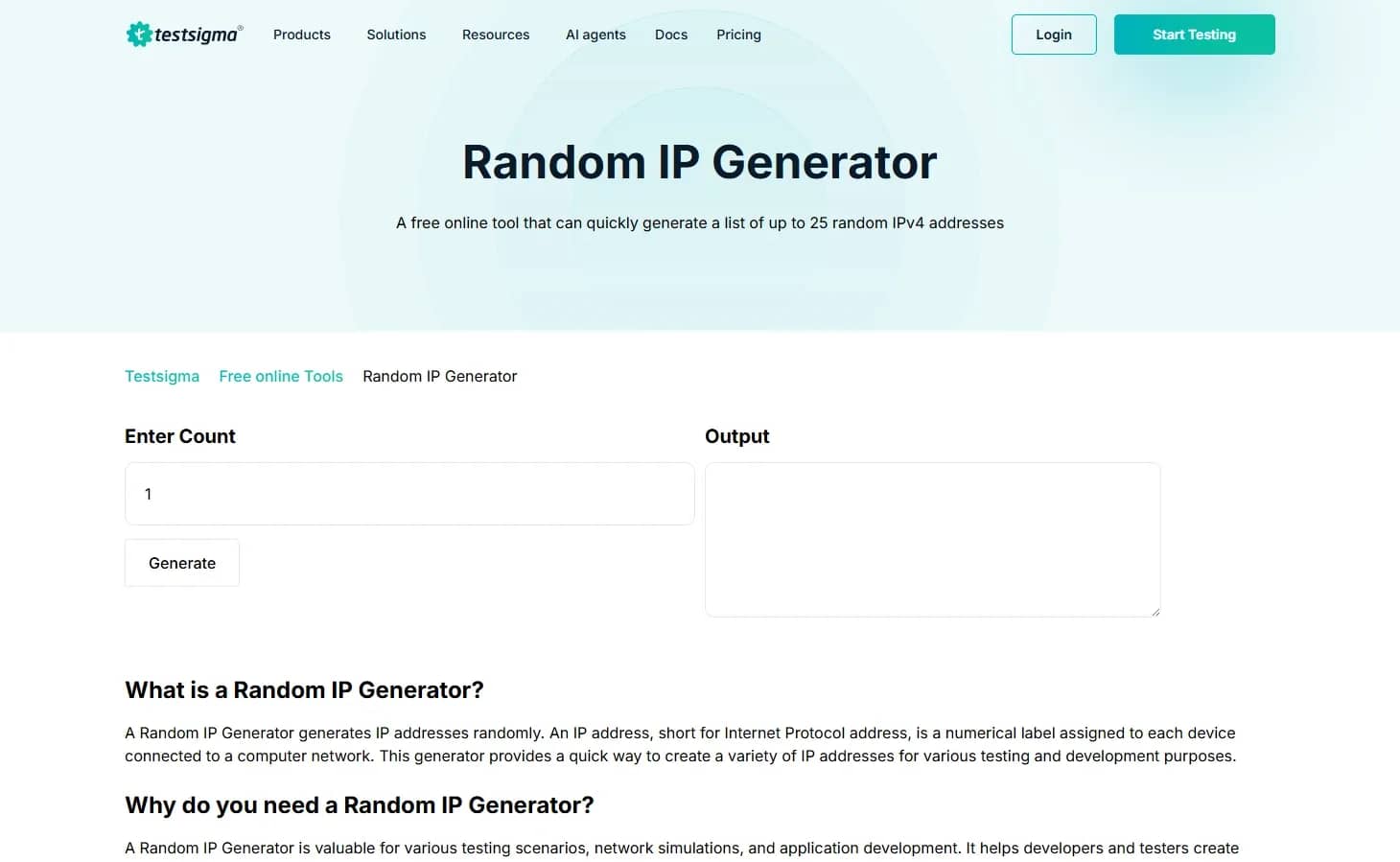
Testsigma Random IP Generator and TestingBot Random IP Generator — tools from the ecosystems of testing services. They are suitable for manual and automated checks when an application needs to be passed an IP address as a test value.
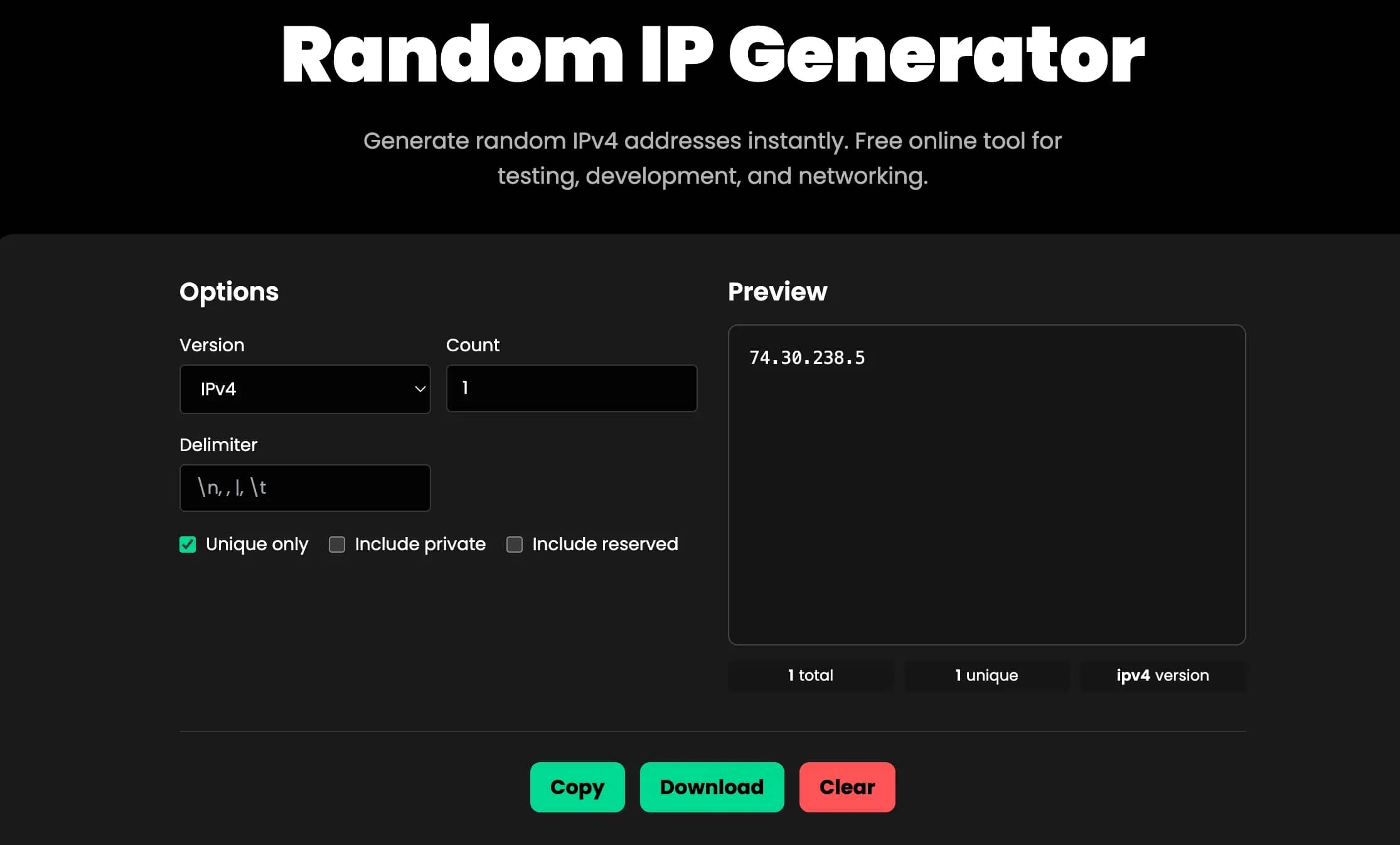
BetterBugs Random IPv4 Generator — a free generator of different types of addresses for testing, development, and network tasks. The service is suitable for quickly populating test logs, mock data, tables, or demonstration interfaces where random IPs are needed.
Conclusion
An IP generator is suitable for tests, logs, and demonstration data. To actually change an address, other tools are needed: proxies, VPNs, mobile proxies, or antidetect browsers like Linken Sphere. They work with real network connections and browser environments, making them suitable for tasks where you need to manage not only the IP but also the parameters of the user session.

Why Google Blocks Accounts and What Your Antidetect Has to Do With It
Google has once again complicated the mechanisms of digital identification by deploying a new, more sophisticated layer of protection based on proprietary HTTP headers. This quiet change caught most of the market off guard, triggering a wave of rushed updates. While others hastily released superficial 'fixes', we realized that we were dealing not with a minor issue but with a fundamental shift that required deep and comprehensive analysis.

SOCKS vs HTTP Proxy: What’s the Real Difference and Which One to Choose?
There are times when you don’t want a website to link the request back to your device. That’s where a proxy comes in, it acts like a middle layer and sends the request for you. The site sees the proxy’s info instead of yours. It’s a go-to trick when you’re trying to see a page that’s not available in your region, pull content that’s restricted by location, or avoid hitting a wall when sending lots of requests.

The Best Alternative to OBS Studio
Working with a webcam on many online platforms can turn into a real challenge. A strict oval or rectangular frame appears on the screen, but your image doesn’t align perfectly with it. As a result, the system blocks further progress, demanding perfect alignment, and your workflow is disrupted before it even begins.