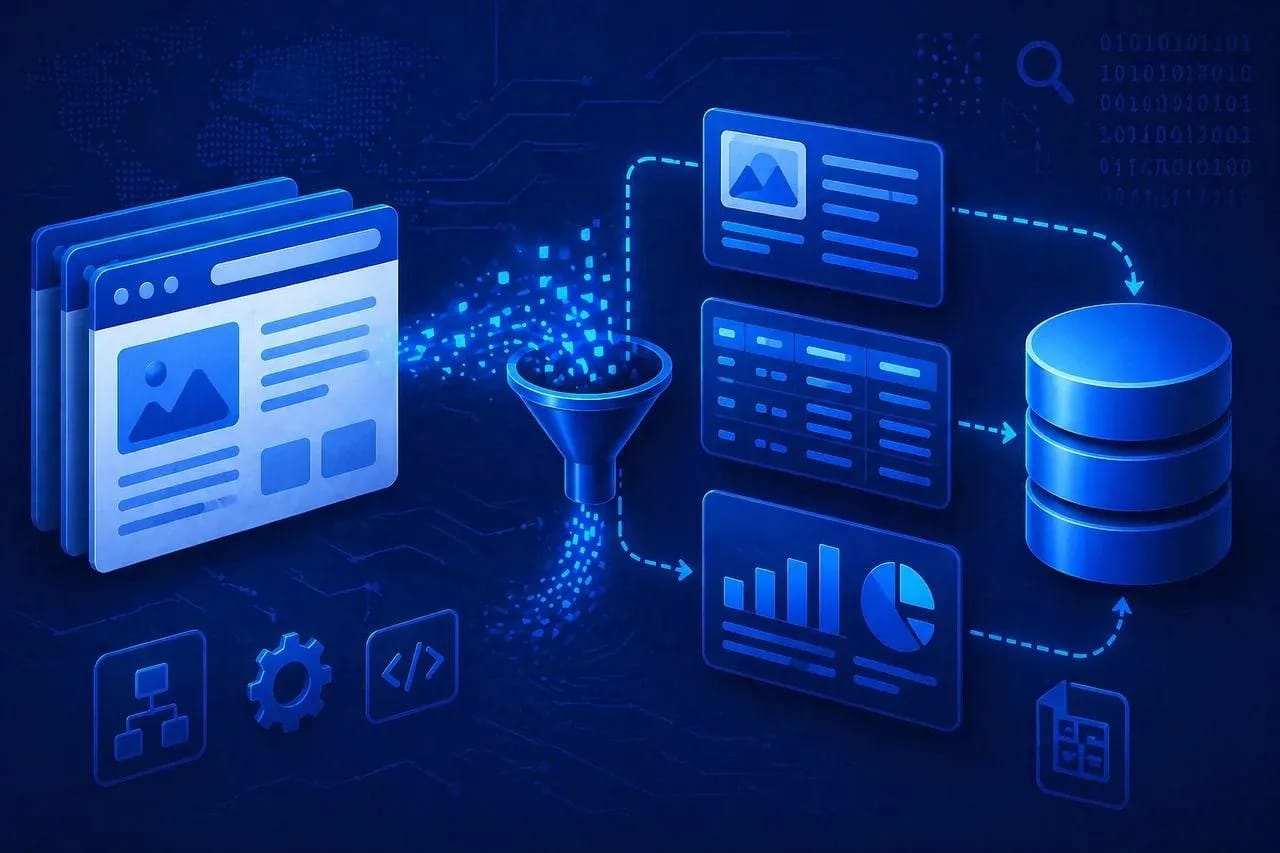
Website Scraping: A Step-by-Step Guide
Whoever collects and processes data faster makes decisions and takes the profit faster. Online stores need up-to-date competitor prices, media buyers need working setups from spy services, AI developers need clean datasets. At the same time, extracting such arrays from protected platforms is becoming increasingly difficult.
In this article, we will analyze the principles of how scraping works and explain step-by-step how to correctly collect information from websites.
What is web scraping and how it works
Scraping is the automatic collection of data from websites using a script. Target information is extracted from the page code: prices, contacts, product characteristics, or text. Then the data is translated into a convenient format — tables, JSON, or databases, so that it can be worked with further.
Modern websites build the page via JavaScript, so the required data is often simply not present in the original HTML. Because of this, scraping is usually built on two scenarios.
- Analysis of API requests. The script monitors the page's network traffic, finds internal endpoints, and takes the data directly in raw form, without unnecessary markup.
- Headless browsers. A browser without an interface is used, for example, Playwright. The script simulates user behavior: executes JavaScript scenarios, scrolls the page, loads content, and collects the already rendered data.
Automating data collection removes the routine when working with large arrays of information. Scraping is used in various industries:
- E-commerce. Online stores constantly scrape competitor prices and update their price lists for the market. The same tools are used to quickly pull supplier catalogs and upload them to the store's storefront without manual work.
- Collecting datasets for IT. AI developers massively download articles, public code, and discussions from forums. Then the data is cleaned, brought to a uniform format, and used to train language models and neural networks.
- Work of aggregators. Services for searching for tickets, real estate, or vacancies do not store information locally. They work as dispatchers, continuously scraping the websites of airlines, agencies, and HR portals.
- Marketing and SEO. Automated collection of search engine results, analysis of competitor website structures, keyword density, and meta tags to adjust the promotion strategy.
- Financial analytics. Algorithmic trading systems use scrapers to collect news, press releases, and reports in real time. Then the texts are run through sentiment analysis, and based on this, bots evaluate where quotes might go.
Tools for scraping: from scripts to enterprise development
The choice of technology stack for data collection depends on three factors: required volumes, the level of protection of the donor site, and the skills of the team. The industry offers solutions from simple extensions to complex systems.
Python libraries: an engineering approach
Custom development in Python is the most flexible option. You completely control the logic, do not depend on third-party services and their limitations. In return, there are costs for developing, supporting, and updating the code.
BeautifulSoup (in conjunction with the Requests library) is a basic tool for working with static HTML.
- How it works. Sends a network request and parses the received HTML code of the page.
- Application. Collecting data from simple websites, blogs, forums, and catalogs without complex protection.
- Disadvantage. Does not execute JavaScript: with dynamic data loading, it can get an empty page.
Scrapy is a full-fledged asynchronous framework for deep website crawling.
- How it works. Follows links within the website, manages multithreading, collects data and can immediately save it to databases (PostgreSQL, MongoDB), supports proxy rotation.
- Application. Suitable for complex tasks where tens of thousands of pages need to be processed per hour, for example, scraping a complete marketplace catalog.
Selenium and Playwright are browser environment emulators.
- How it works. Launches a full-fledged browser core (Chrome, Firefox) without an interface, executes scripts, can click, fill out forms and scroll the page.
- Application. Suitable for React and Vue websites, tasks with authorization, bypassing basic checks and collecting data that appears after JavaScript execution. Playwright is often used as a faster and more convenient tool.
Visual scrapers (No-code tools)
Tools like Octoparse, WebHarvy, and ParseHub allow running scraping without knowing code. Inside, a browser opens where you select the desired page elements and set actions: collect text, navigate through pages, or extract links. Then the program itself forms a scenario and starts uploading the data.
Limitations also exist: almost always these are paid solutions, at large volumes the load on the system is noticeable, and on protected sites such scenarios often fail due to captcha services like Cloudflare Turnstile.
Cloud services and API providers
These are services that cover the entire scraping process on their side. You send a link via API, then the system itself does all the work: selects a proxy, processes the page, executes JavaScript scenarios, and returns the finished HTML. Examples are Scraper API, Zyte, and Bright Data.
This approach eliminates configuring and maintaining infrastructure. But the cost is higher: payment is usually per request or volume of received data.
Browser extensions
Tools for local and one-time data collection that run right in the browser. Extensions like Web Scraper and Data Miner are installed as plugins and configured via an interface on the page itself: you select the needed elements and immediately get the result.
This option is used when you need to quickly collect data, for example, to pull a table of contacts or a list of links from a single page. Extensions work slower than scripts or server solutions, use your IP, which makes blocks possible, and are not suitable for scheduled runs.
Security infrastructure: proxies and anti-detect
As volumes grow, any scraper begins to attract the attention of site protection. A series of similar requests is quickly identified as automated activity, after which access is restricted or completely blocked.
For high-volume work, the script is reinforced: requests are distributed, the source is hidden, and behavior repeatability is reduced.
The first level is proxies with rotation. Regular datacenter proxies almost don't work now: their ranges have long been known and are often blocked at the platform level. Residential or mobile proxies are usually used. In the first case, these are IPs of real home providers, in the second — addresses from mobile operator networks. Such sources look like regular users to the website. Rotation changes the IP on each request or after a set interval. Requests are distributed across different addresses, the load is not concentrated in one point.
The second level is masking the browser itself. Platforms like Amazon, Google, and Cloudflare check the digital footprint: how graphics are rendered, what fonts are installed, what browser parameters are present.
A regular headless browser launched without an interface with default settings, for example, Playwright, is quickly exposed in such a scenario — it has typical, repeated parameters. As a result, access can be blocked even with a normal proxy.
Anti-detect browsers (for example, Linken Sphere) are used to hide the browser fingerprint. The script does not launch a regular headless directly. It connects to a profile inside the anti-detect via API or a local port.
First, a profile with the required parameters and proxy is created. After that, the script connects to it and controls the page via Playwright or Selenium. In this case, the website sees a full-fledged user with a normal set of parameters: IP, language, timezone, Canvas, WebGL, and other characteristics.
Step-by-step guide to web scraping
Automatic data collection must be built clearly and consistently. An error at the structure analysis stage — and the scraper starts collecting garbage or breaks with any website update.
Step 1. Task setting and dataset design. Before starting development, you need to clearly define what data will be collected. A list of fields is formed: SKU, H1 heading, price, description, link to the image, and other parameters.
In parallel, the export format is set: CSV for loading into a CMS, JSON for working via API, or writing directly to PostgreSQL. The data update logic is also determined: a one-time export of the entire database or regular collection with the updating of new items.
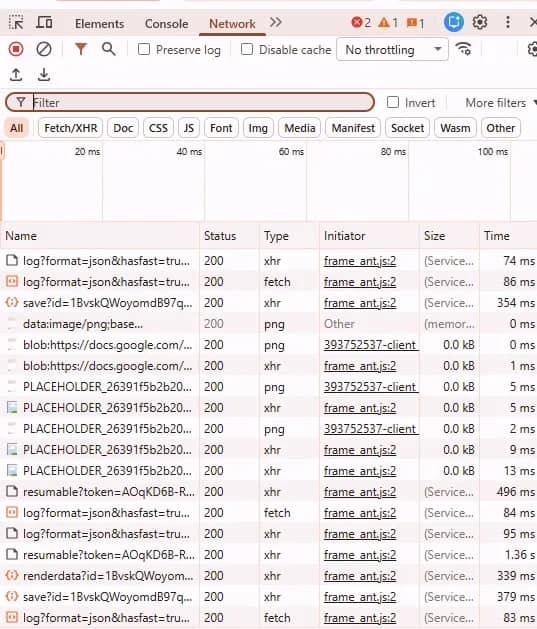
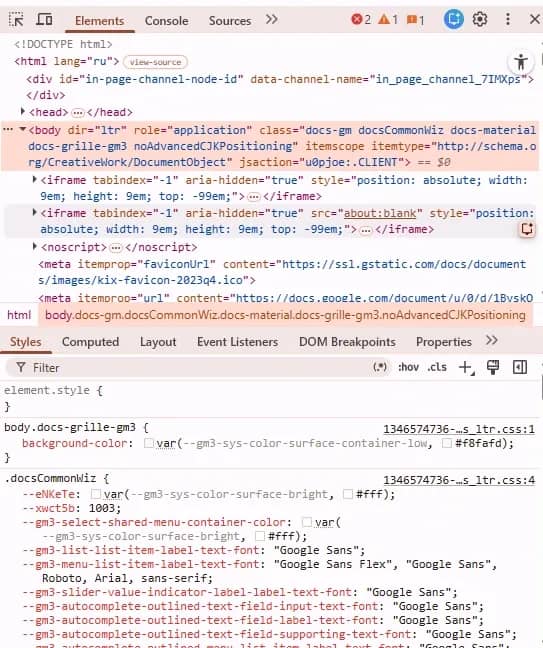
Step 2. Analysis of the website structure and network requests. Open the developer panel in the browser. At this stage, you need to understand exactly how the donor server provides information.
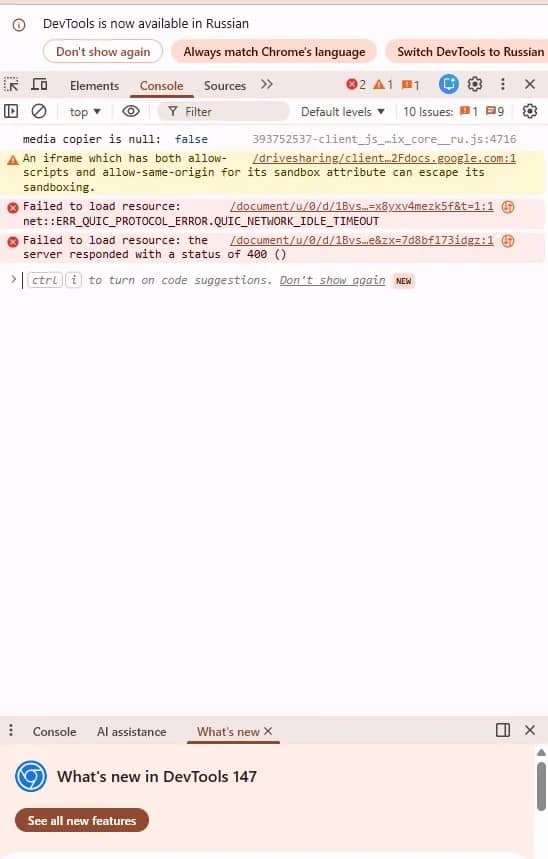
- API Analysis (Network tab). Filter requests by Fetch/XHR type and reload the page. Look for hidden endpoints that return clean JSON. If the site loads products or lists dynamically, intercepting a direct query to the database will save hours of work and computing resources.
- DOM tree exploration (Elements tab). If there is no direct access to the API, examine the HTML code. Find tags containing the required text. Avoid hard binding to dynamic CSS classes (like class="text-bold-xz29"), which change with every site rebuild by developers. Use stable locators: data-attributes (e.g., data-testid="product-price") or reliable XPath paths.
Step 3. Setting up the technical environment and anonymity. Prepare the infrastructure to avoid script blocking by security systems:
- Create a virtual environment and install the necessary libraries: browser management frameworks (Playwright, Scrapy) or text markup parsers (BeautifulSoup).
- Connect a pool of residential or mobile proxies and configure rotation. Each new session must go from a separate IP.
- For websites with enhanced protection, connect the scraper to the anti-detect browser via API. The script works through a profile with set parameters, and the website sees a regular device with a valid fingerprint.
Step 4. Writing logic and navigation scenarios. At this stage, the crawling and collection algorithm itself is written. The script must be able to correctly interact with the donor's interface.
The scraper needs to be given the logic of crawling the site: how it navigates between pages, waits for the necessary elements, and reacts to non-standard situations. First, page navigation is configured: the script clicks "Next" or simply scrolls down if new elements are loaded.
In waits, the script focuses on the appearance of elements on the page. It waits for the necessary block and continues working without fixed pauses. Error handling is also added. If the required field is not on the page, for example, the old price, the scraper substitutes an empty value and continues working.
Step 5. Test run. Never run the written script immediately on the entire target volume. Make a test run on 10–20 pages or one small category.
Check the scraping result: Cyrillic must be preserved without distortion in UTF-8, links to images — should come complete, and not cropped relative paths.
Analyze the reaction of the anti-fraud system: does a hidden captcha pop up, does the connection drop after a dozen requests. If necessary, increase the randomization of delays between script clicks.
Step 6. Final stage. After debugging, the full data collection begins. The scraper uploads the information into a draft database, and then the dataset is sorted out:
- Removal of hidden special characters, extra spaces, line breaks, and remnants of garbage HTML tags.
- Data is brought to a single format convenient for processing: prices are cleared of text and converted to numbers (for example, "1 500 rub." → 1500), dates are written in the same format so that they can be worked with without errors.
- Deduplication is carried out: duplicate records are deleted by a unique identifier, for example, a product SKU or a link to a profile.
Conclusion
Basic scripts and no-code solutions are suitable only for one-time information collection. With regular scraping, platforms cut off bots through hidden captchas and fingerprint verification. Stable work is provided by script masking. Integrating code with anti-detect browser profiles allows transmitting authentic device fingerprints to the target server, eliminating blocks at the hardware level.

Why Google Blocks Accounts and What Your Antidetect Has to Do With It
Google has once again complicated the mechanisms of digital identification by deploying a new, more sophisticated layer of protection based on proprietary HTTP headers. This quiet change caught most of the market off guard, triggering a wave of rushed updates. While others hastily released superficial 'fixes', we realized that we were dealing not with a minor issue but with a fundamental shift that required deep and comprehensive analysis.

SOCKS vs HTTP Proxy: What’s the Real Difference and Which One to Choose?
There are times when you don’t want a website to link the request back to your device. That’s where a proxy comes in, it acts like a middle layer and sends the request for you. The site sees the proxy’s info instead of yours. It’s a go-to trick when you’re trying to see a page that’s not available in your region, pull content that’s restricted by location, or avoid hitting a wall when sending lots of requests.

The Best Alternative to OBS Studio
Working with a webcam on many online platforms can turn into a real challenge. A strict oval or rectangular frame appears on the screen, but your image doesn’t align perfectly with it. As a result, the system blocks further progress, demanding perfect alignment, and your workflow is disrupted before it even begins.