Loading (importing) cookies
You can manually add a cookie file to any session. This is useful if you want to continue working with previously saved cookies or transfer data from another system.
How to import cookies into a session:
Click on the three dots in the right corner of the session.

Select Import Cookies.

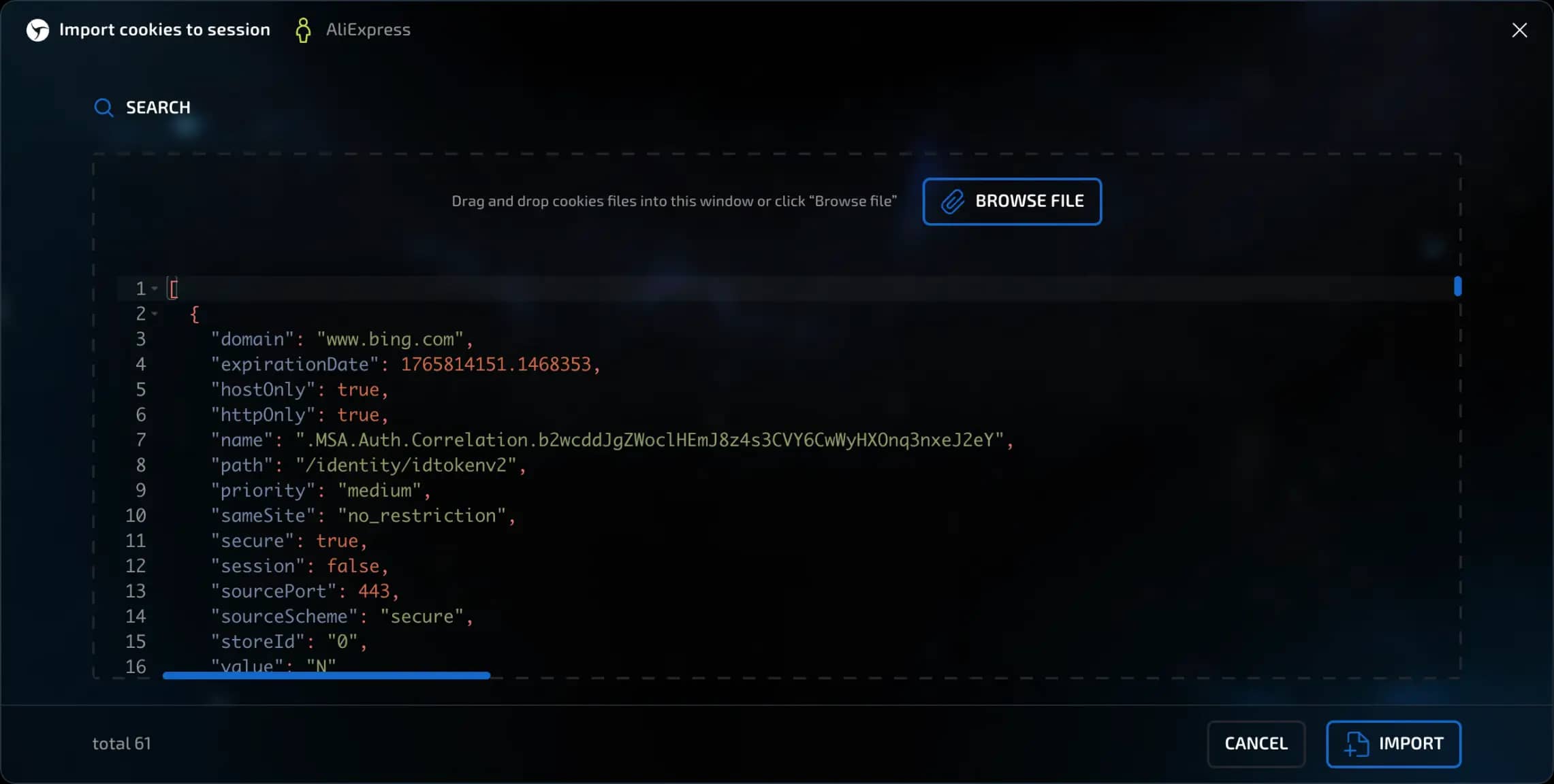
In the window that opens, click the button to select a file.
Select the cookie file on your device (for example, in .json, .txt, etc. format) or paste the cookies directly into the window from the clipboard.
After selecting the file, click the Import button.
That's it — the cookies will be automatically added to the current session.
invisible text for space
Make sure that the cookie file contains up-to-date data, otherwise some cookies may be deleted during validation.
Linken Sphere also has a feature for mass creation of sessions based on cookie files. For more details, see this link.
Previous page
Next page