Account information
If you want to view or change your account details, here's how to do it.
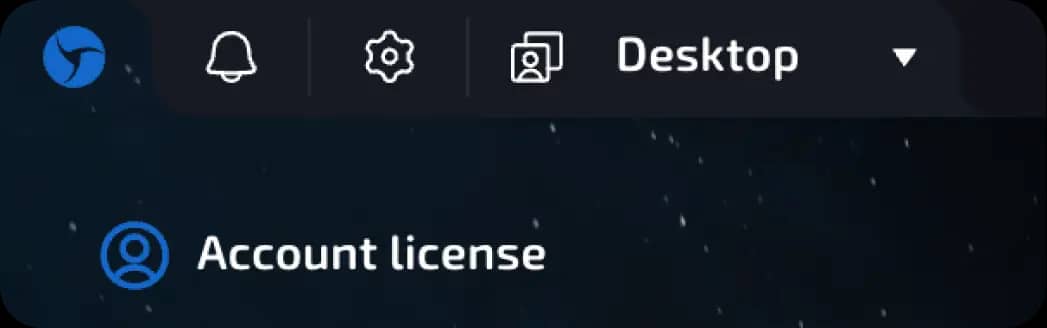
Click on the “Sphere” logo in the upper left corner of the interface.
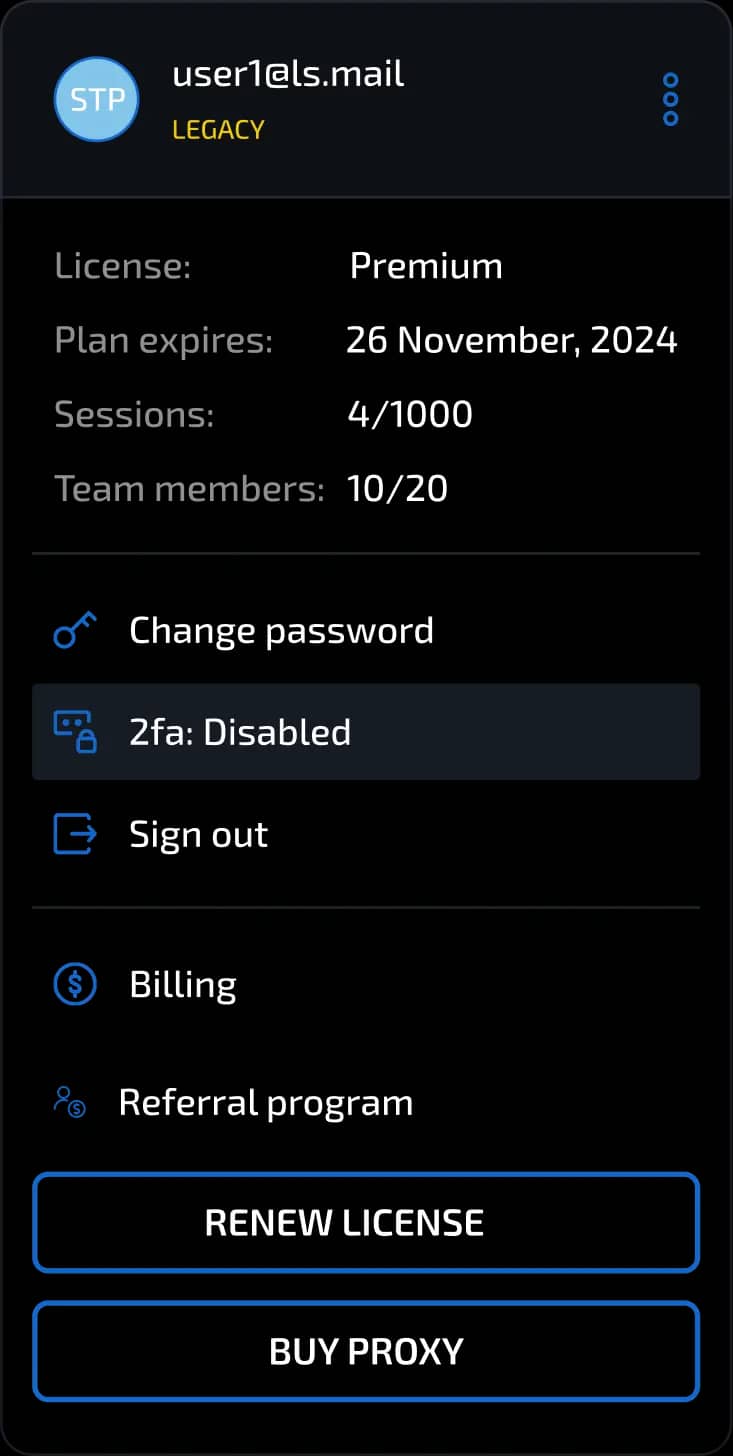
Here you will see:
Your account email address
Your license type, e.g., Free, Pure, Pro, etc.
License expiration date.
Number of sessions created, including those included in your plan.
Number of team members, if you work in a team.
Information about the purchased Sphere proxy (if you have purchased it)
In this section, you can also:
Change your password
Enable or disable two-factor authentication (2FA)
Log out of your account
Delete your account (by clicking on the three dots next to your email)
Just below is the “Payments” section:
Using the button with the dollar icon on the left in the menu, you can view information about created payment invoices, including their details, the amount to be paid, and the payment status.
To create payments (purchase a browser license or Sphere Proxy), use a different section. This can be done using the buttons located at the end of the license management block: - BUY/RENEW LICENSE - BUY PROXY
Notifications
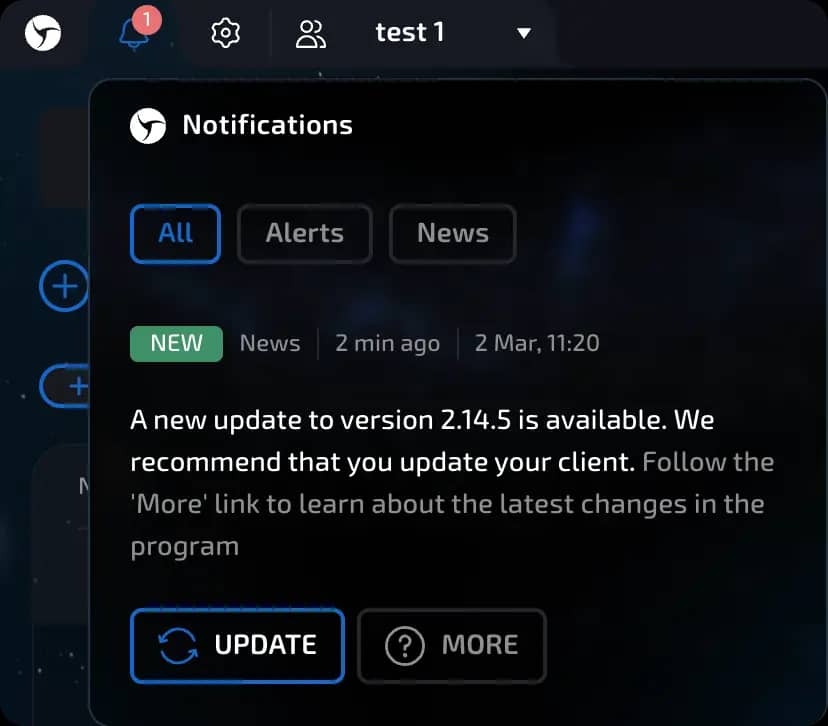
Click on the bell icon in the top bar to view:
Browser updates
News about new features
Marketing notifications and promotions
Previous page
Next page